# Custom tutorial with Makecode Tools
**URL:** https://forum.makecode.com/t/custom-tutorial-with-makecode-tools/28321
**Category:** Educators' Lounge
**Created:** [April 19, 2024, 4:49pm UTC](https://forum.makecode.com/t/custom-tutorial-with-makecode-tools/28321 "2024-04-19T16:49:10Z")
**Posts on this page:** 19
**Page:** 1
### Author:  [@sbergeroncp](https://forum.makecode.com/u/sbergeroncp)
#### Post date: [April 19, 2024, 4:49pm UTC](https://forum.makecode.com/t/custom-tutorial-with-makecode-tools/28321/1 "2024-04-19T16:49:11Z")
Hi there. (1st post / french speaker / writter)
When I load the tutorial I get an error message, “Please check your internet connection and check the tutorial is valid”
See here: [mon\_espace/ at master · sbergeroncp/mon\_espace (github.com)](https://github.com/sbergeroncp/mon_espace/tree/master)
[raw.githubusercontent.com/sbergeroncp/mon\_espace/master/tuto\_1.md](https://raw.githubusercontent.com/sbergeroncp/mon_espace/master/tuto_1.md)
> **[Microsoft MakeCode Arcade](https://arcade.makecode.com/#tutorial:github:sbergeroncp/mon_espace/tuto_1)**
>
> Develop your programming skills by quickly creating and modding retro arcade games with Blocks and JavaScript in the MakeCode editor
Not sure what I am doing wrong.
Is anyone else having this issue?
Please help! 🙂
---
### Author:  [@richard](https://forum.makecode.com/u/richard)
#### Post date: [April 19, 2024, 4:50pm UTC](https://forum.makecode.com/t/custom-tutorial-with-makecode-tools/28321/2 "2024-04-19T16:50:15Z")
@sbergeroncp we have a limit on the maximum file size for tutorials and looks like tuto\_6.md is too big. Make sure all files are under 128k
---
### Author:  [@sbergeroncp](https://forum.makecode.com/u/sbergeroncp)
#### Post date: [April 19, 2024, 9:43pm UTC](https://forum.makecode.com/t/custom-tutorial-with-makecode-tools/28321/3 "2024-04-19T21:43:05Z")
@richard ok fine !
How can I reduce the file size for my tutorials ?
I saw a map with steps. Is there any chance you got a solid tutorial to learn ?
Really appreciate your help !
---
### Author:  [@richard](https://forum.makecode.com/u/richard)
#### Post date: [April 19, 2024, 10:16pm UTC](https://forum.makecode.com/t/custom-tutorial-with-makecode-tools/28321/4 "2024-04-19T22:16:49Z")
@sbergeroncp well the easiest way is just to remove the background image you have in all of your code snippets; that’s what’s causing the large file.
If you don’t want to remove it, you can instead move the image into an asset pack.
Here are instructions for creating an asset pack:
1. Create a new project. The name of this project will end up being the namespace of the asset pack you create, so make sure to rename it to a valid javascript variable name (no spaces, only letters, underscores, and numbers). For example, my\_asset\_pack
2. Switch to the assets tab
3. Create a new image asset and paste in the background image from your instructions
4. Give the asset a name in the bottom right of the image editor. This name will be the name you reference in your code, so make sure it’s a valid javascript variable name. For example, background1
5. Close the image editor and switch to the javascript tab
6. On the left, in the file explorer underneath the simulator, open up pxt.json
7. Click “Edit settings as text”,
8. Underneath the line that says “description”, paste this line:
```auto
"assetPack": true,
```
1. In the file explorer, switch back to main.ts
2. Turn this project into a GitHub repo using the GitHub button in the bottom toolbar (for example, my\_github\_username/my\_asset\_pack)
Now that you have an asset pack, you can add it to your tutorial just like you would an extension. Add an annotation like this to the bottom of your markdown file:
````markdown
```package
my_asset_pack=github:my_github_username/my_asset_pack
```
````
**Important: Make sure that the name on the left hand side of the `=` matches the name of your extension from step 1**
Now, instead of including the background image in your code snippets, you can reference it like so:
````markdown
```blocks
scene.setBackgroundImage(my_asset_pack.background1)
```
````
If you have other images you want to include, you can include them in the same manner!
---
### Author:  [@sbergeroncp](https://forum.makecode.com/u/sbergeroncp)
#### Post date: [April 20, 2024, 5:50am UTC](https://forum.makecode.com/t/custom-tutorial-with-makecode-tools/28321/5 "2024-04-20T05:50:50Z")
> [@richard](#):
>
> `"assetPack": true,`
Not going to lie. Have you any video tutorial ? Would be helpful.
---
### Author:  [@sbergeroncp](https://forum.makecode.com/u/sbergeroncp)
#### Post date: [April 22, 2024, 4:52am UTC](https://forum.makecode.com/t/custom-tutorial-with-makecode-tools/28321/6 "2024-04-22T04:52:51Z")
Hi there. Really appreciate your help.
I tried this.
I create a new project named : myasset

I created a sprite named : vaisseau.

I wrote the line under description, but it always goes down to preferredEditor.

And it does’nt work.
---
### Author:  [@AlexK](https://forum.makecode.com/u/AlexK)
#### Post date: [April 22, 2024, 5:22am UTC](https://forum.makecode.com/t/custom-tutorial-with-makecode-tools/28321/7 "2024-04-22T05:22:45Z")
Bonjour @sbergeroncp et bienvenue !
Vous êtes invités à écrire en français ici. Nous pouvons traduire assez facilement, surtout si cela ne vous dérange pas de notre mauvaise grammaire ! 😆
Dans le fichier `pxt.json`, l’ordre des attributs n’a pas d’importance. L’éditeur les place dans l’ordre qu’il veut, mais le sens ne change pas.
Avez-vous essayé d’ajouter la nouvelle ressource à votre didacticiel ? Recevez-vous le même message d’erreur, « Please check your internet connection and check the tutorial is valid » ?
J’essaierai d’y travailler lundi pour vous et de vous donner un exemple concret. Merci de votre patience !
* * *
_Hello, sbergeroncp and welcome!_
_You are welcome to write in French here. We can translate rather easily, especially if you do not mind our poor grammar!_ 😆
_In the file `pxt.json`, the order of the attributes does not matter. The editor puts them in an order that it likes, but the meaning does not change._
_Have you tried adding the asset to your tutorial? Do you get the same error, “Please check your internet connection and check the tutorial is valid?”_
_I’ll try to spend some time on this on Monday for you and get you a working example. Thank you for your patience!_
---
### Author:  [@sbergeroncp](https://forum.makecode.com/u/sbergeroncp)
#### Post date: [April 22, 2024, 3:20pm UTC](https://forum.makecode.com/t/custom-tutorial-with-makecode-tools/28321/8 "2024-04-22T15:20:40Z")
Merci énormément de prendre du temps pour répondre à nombreuses questions. J’ai créé plusieurs tutoriels pour les micro:bit.
[Micro:bit (padlet.com)](https://padlet.com/srimcssbf/micro-bit-hr3k6iiyi6oh9tk2)
Just take a look ! 🙂
Est-ce possible pour toi de créer un petit tutoriel avec des captures d’écran? (screenshots) Il y a quelque chose que je ne comprends pas. Merci encore une fois !
---
### Author:  [@AlexK](https://forum.makecode.com/u/AlexK)
#### Post date: [April 23, 2024, 1:23am UTC](https://forum.makecode.com/t/custom-tutorial-with-makecode-tools/28321/9 "2024-04-23T01:23:40Z")
Salut, @sbergeroncp !
Voici mon tutoriel complet.
> **[Microsoft MakeCode Arcade](https://arcade.makecode.com/#tutorial:https://github.com/alex-kulcsar/mon_espace/tuto_1)**
>
> Develop your programming skills by quickly creating and modding retro arcade games with Blocks and JavaScript in the MakeCode editor
J’ai vu vos tutoriels pour les micro:bit. Ils sont tellement incroyables ! Brillant ! Beau travail !
Attendez s.v.p. pendant que j’écris des instructions pour vous. Alors, vous pouvez certainement regarder le code source à GitHub avant que je finis le document pour vous.
> **[GitHub - alex-kulcsar/mon\_espace: mon premier tutoriel en français](https://github.com/alex-kulcsar/mon_espace)**
>
> mon premier tutoriel en français. Contribute to alex-kulcsar/mon\_espace development by creating an account on GitHub.
* * *
_Hi, sbergeroncp!_
_Here is my completed tutorial._
_I looked at your tutorials for micro:bit. They’re really incredible! Excellent! Great work!_
_Please wait while I write instructions for you. Anyway, you certainly can look at the source code on GitHub before I finish the document for you._
---
### Author:  [@sbergeroncp](https://forum.makecode.com/u/sbergeroncp)
#### Post date: [April 25, 2024, 5:05pm UTC](https://forum.makecode.com/t/custom-tutorial-with-makecode-tools/28321/10 "2024-04-25T17:05:46Z")
Hi there !
Where is located the package ? in which file ?
```auto
mes_atouts=github:alex-kulcsar/mes_atouts
```
---
### Author:  [@sbergeroncp](https://forum.makecode.com/u/sbergeroncp)
#### Post date: [April 25, 2024, 5:05pm UTC](https://forum.makecode.com/t/custom-tutorial-with-makecode-tools/28321/11 "2024-04-25T17:05:49Z")
Any screenshots ? That will be helpful for my students class.
---
### Author:  [@richard](https://forum.makecode.com/u/richard)
#### Post date: [April 25, 2024, 6:52pm UTC](https://forum.makecode.com/t/custom-tutorial-with-makecode-tools/28321/12 "2024-04-25T18:52:29Z")
@sbergeroncp i’ll record a video for you when I have a sec
---
### Author:  [@richard](https://forum.makecode.com/u/richard)
#### Post date: [April 25, 2024, 9:46pm UTC](https://forum.makecode.com/t/custom-tutorial-with-makecode-tools/28321/13 "2024-04-25T21:46:27Z")
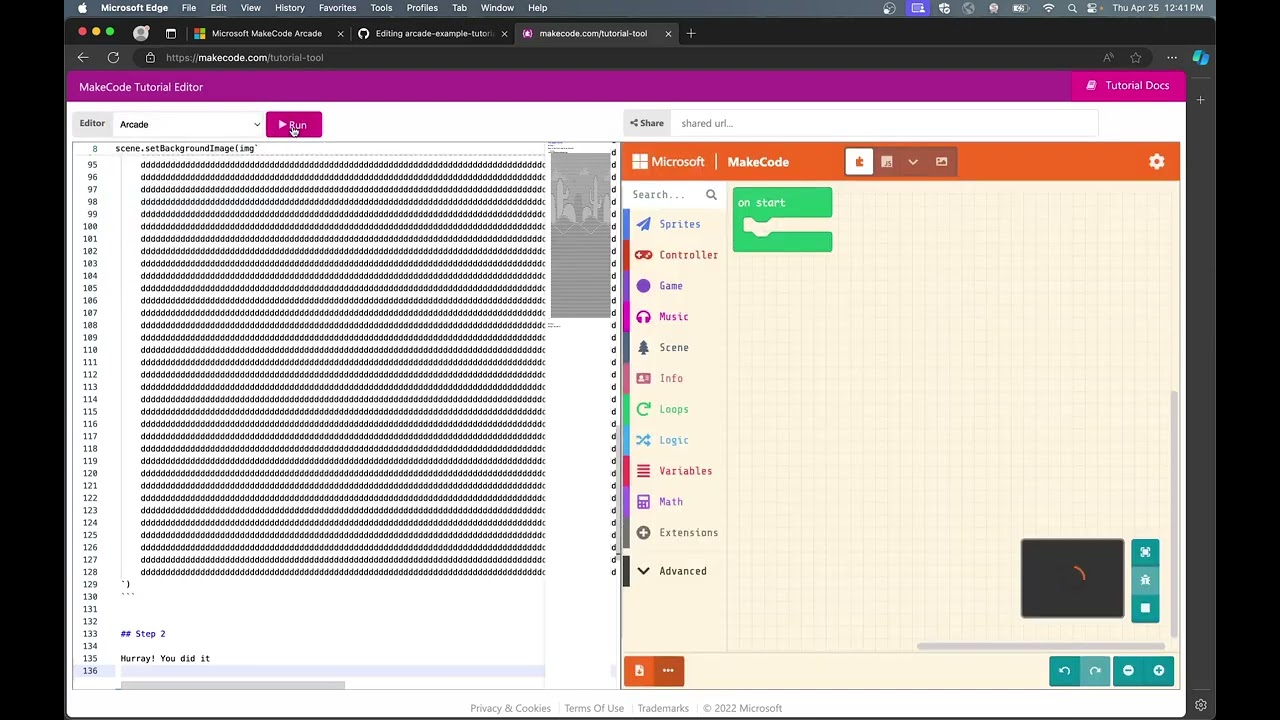
@sbergeroncp here you go!
[ ](https://www.youtube.com/watch?v=ikz15E24F2k)
---
### Author:  [@AlexK](https://forum.makecode.com/u/AlexK)
#### Post date: [April 26, 2024, 5:11pm UTC](https://forum.makecode.com/t/custom-tutorial-with-makecode-tools/28321/14 "2024-04-26T17:11:05Z")
Allô @sbergeroncp !
J’ai commencé un nouveau site Web où je rassemble certaines de mes pensées et instructions qui n’apparaissent pas encore dans la documentation officielle de MakeCode. La première page développe les conseils que j’ai écrits pour aider @rymc88 avec ses tutoriels.[1] Je vais commencer à écrire un tutoriel sur la création de skillmaps, de tutoriels et de packs de ressources ( « asset packs » ) cet après-midi.
> **[MakeCode instructions and ramblings](https://robo-technical-group.github.io/pxt-instructions-lab/)**
>
> MakeCode Instructions and Ramblings Laboratory
Si vous souhaitez m’aider en relisant mes documents en français, faites-le moi savoir et je serai heureux de vous ajouter au référentiel GitHub en tant que contributeur.
De plus, si l’un d’entre vous parle couramment l’espagnol (ou d’autres langues !) et souhaite m’aider avec la traduction, faites-le moi savoir !
* * *
[1] [Tutorial Creators - #41 by AlexK](https://forum.makecode.com/t/tutorial-creators/19464/41)
_Hi, sbergeroncp!_
_I’ve started a new website where I am collecting some of my thoughts and instructions that do not yet appear in the official MakeCode documentation. The first page expands on the tips that I wrote to help rymc88 with his tutorials.[1] I will start writing a tutorial on creating skillmaps, tutorials, and asset packs this afternoon._
[https://robo-technical-group.github.io/pxt-instructions-lab/](https://robo-technical-group.github.io/pxt-instructions-lab/)
_If you would like to help me by proofreading my French documents, then just let me know and I will be happy to add you to the GitHub repo as a contributor._
_Also, if any of you are fluent in Spanish (or other languages!) and would like to help me with translation, then let me know!_
---
### Author:  [@sbergeroncp](https://forum.makecode.com/u/sbergeroncp)
#### Post date: [April 26, 2024, 5:46pm UTC](https://forum.makecode.com/t/custom-tutorial-with-makecode-tools/28321/15 "2024-04-26T17:46:08Z")
Sure ! Hope we can collaborate soon !
---
### Author:  [@sbergeroncp](https://forum.makecode.com/u/sbergeroncp)
#### Post date: [April 26, 2024, 5:46pm UTC](https://forum.makecode.com/t/custom-tutorial-with-makecode-tools/28321/16 "2024-04-26T17:46:11Z")
@richard thanks a lot !
Very helpful !
I figured out how to use asset for the Sprite.
```blocks
scene.setBackgroundImage(tutorial_asset_exemple.background_1)
let mySprite = sprites.create(tutorial_asset_exemple.spaceship_1, SpriteKind.Player)
```
```package
tutorial_asset_exemple=github:sbergeroncp/tutorial_asset_exemple
```
---
### Author:  [@sbergeroncp](https://forum.makecode.com/u/sbergeroncp)
#### Post date: [June 5, 2024, 5:12pm UTC](https://forum.makecode.com/t/custom-tutorial-with-makecode-tools/28321/17 "2024-06-05T17:12:00Z")
Still need help. -\_\_-
I want to use my own asset for a projectile.

What is wrong ?
---
### Author:  [@AlexK](https://forum.makecode.com/u/AlexK)
#### Post date: [June 6, 2024, 2:03am UTC](https://forum.makecode.com/t/custom-tutorial-with-makecode-tools/28321/18 "2024-06-06T02:03:23Z")
Hi, @sbergeroncp !
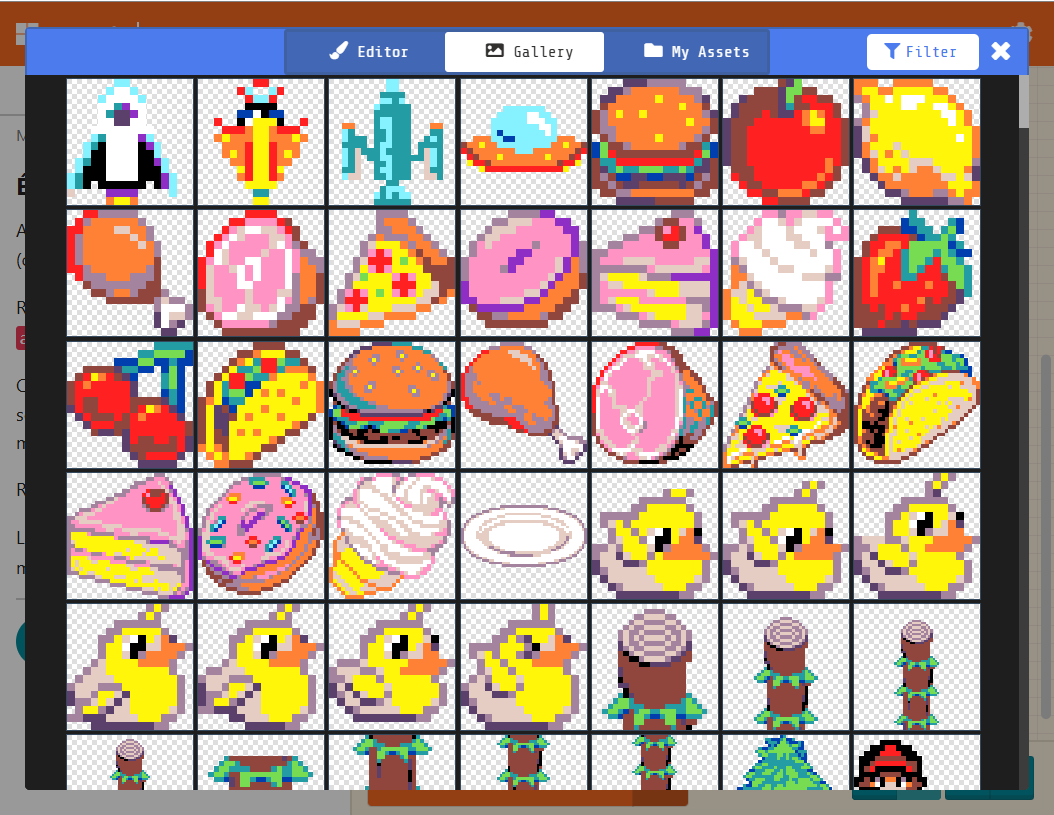
Remove the last two parameters from the `sprites.create()` call. The version with the extra parameters cannot be translated into blocks.
````markdown
```blocks
let alpha: Sprite = null
game.onUpdateInterval(1000, function () {
alpha = sprites.create(tutorial_asset_exemple.ennemi_1, SpriteKind.Player)
})
```
````

---
### Author:  [@sbergeroncp](https://forum.makecode.com/u/sbergeroncp)
#### Post date: [June 6, 2024, 4:56pm UTC](https://forum.makecode.com/t/custom-tutorial-with-makecode-tools/28321/19 "2024-06-06T16:56:20Z")
Thx for the answer. Any alternative ? Students wont get it if the block is not the same.