To create the variables:
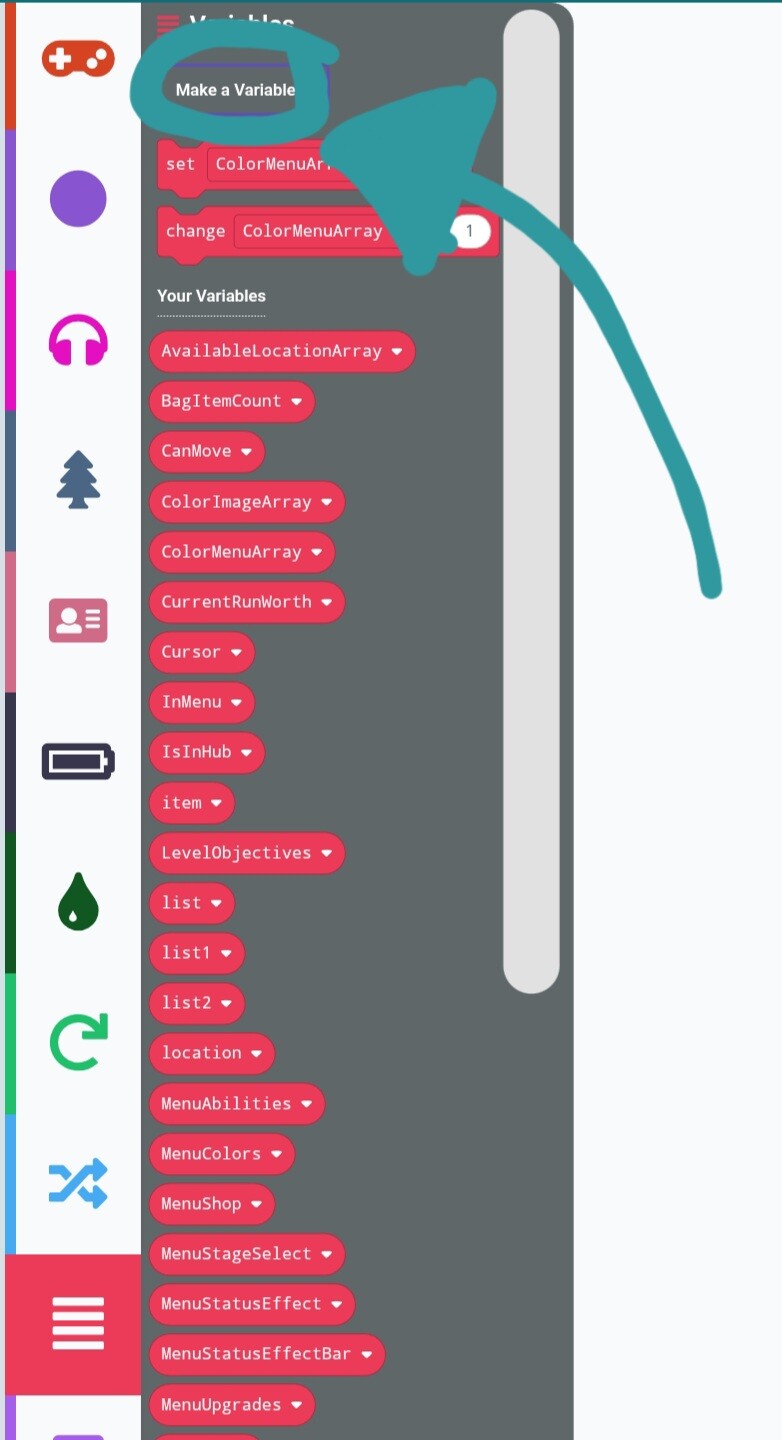
This button allows you to create and name variables.
To give values to a variable:
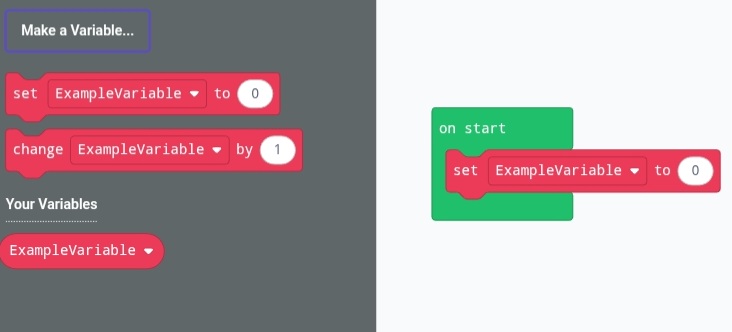
Drag the “Set Variable to” block and put it inside a loop.
To randomize the value:
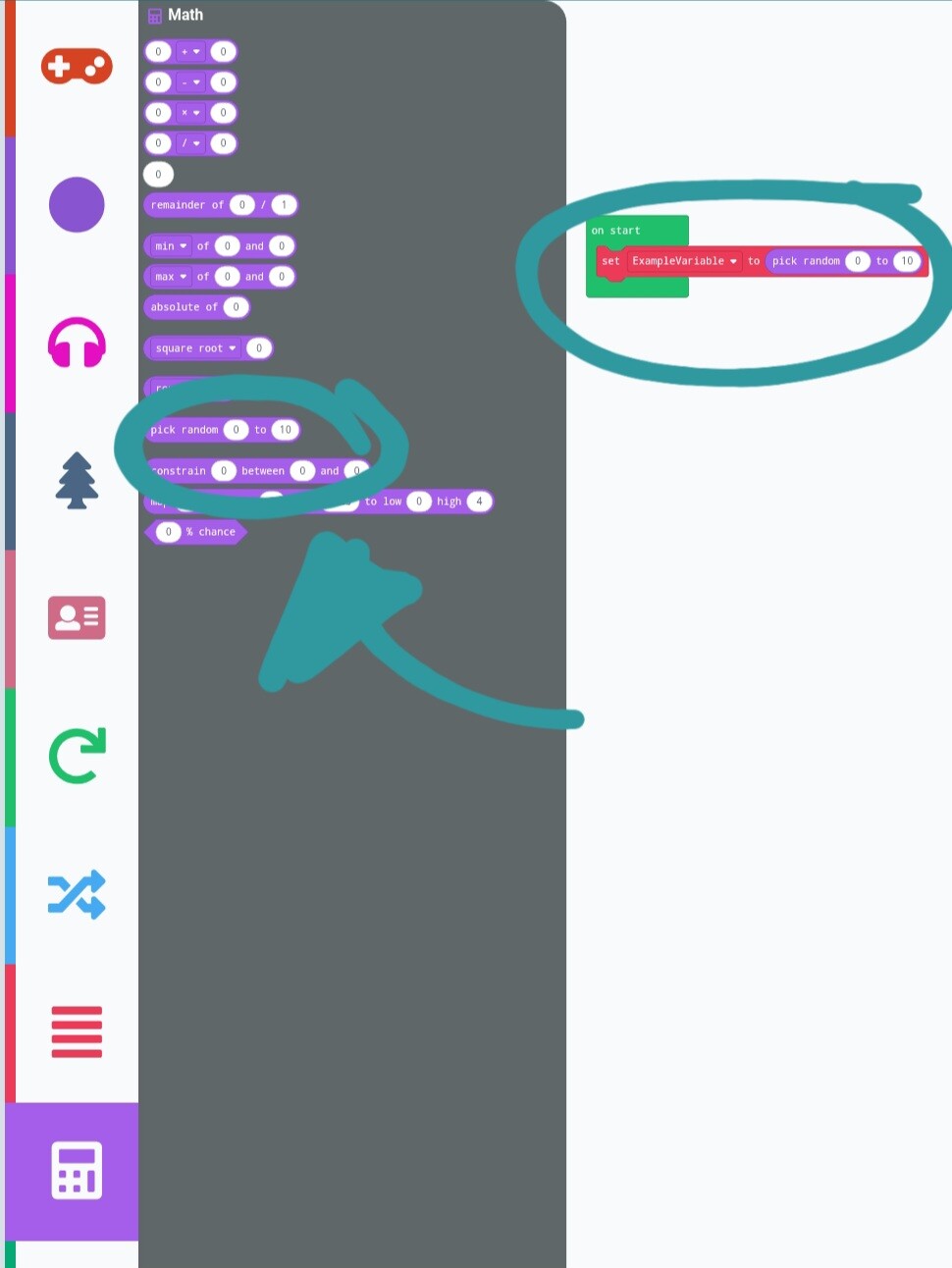
From the math section, use the “pick random x to y” block and drag it into the “0” in the varibale block. You can change the range of the numbers by clicking on them inside the block.
To check if the value of variables and logic:
Use these blocks in the logic category:

You can change the method of comparizon (equals, higher than, lower than, higher or equal, lower or equal, different to) by clicking the dropdown in the block.
Use the “if then, else” block to run something only when the conditions are met, and run something else when they aren’t. If i explained poorly let me know lol