Hello! This is a drawing game where you can draw anything! But unlike other ones made, this one is actually quality with reliable controls. Just click and move your mouse! I hope you guys enjoy, This will hopefully be expanded on with more features and options!
Please do not misuse this game to make innapropriate drawings/art or anything bad in general!!! I strictly ask EVERYONE to follow this!!! If anyone has any questions, suggestions or bug reports, please don’t hesitate to reply to this topic and @ me!
There is a bit of a glitch when you have your mouse go to the edge of the screen. It does dots of gray and whatever color I was using. Dont know if thats intentional or not?
Wow this game/app is so cool, there is 1 thing that i would like to have in this game/app is that you would make it so that even if you draw or hold left mouse and drag very fast it still makes a normal line instead of a few pixels just there @Log
I plan to try and do that at a later date, right now I’m focusing on trying to get saving art and loading art to function. I’ve looked at every existing extension on the forums and none of them do what I need sadly.
This is very cool, I didn’t know that it’s possible to make this kind of app in Arcade.
Sadly I don’t think that’s possible because the game simulator runs at a low framerate and gameupdates don’t happen often enough for that to happen
To do that, you need to save the last cursor position, check how much the cursor moved between the last update and now, and draw the intermediate positions manually. Something like this:
let lastCursorX = -1
let lastCursorY = -1
game.onUpdate(function () {
    if (Promptactive == 0) {
        if (mouse_helddown == 1) {
            if (lastCursorX >= 0) {
                let deltaX = cursor.x - lastCursorX
                let deltaY = cursor.y - lastCursorY
                let max = Math.max(Math.abs(deltaX), Math.abs(deltaY))
                let currX = cursor.x
                let currY = cursor.y

                for (let i = 0; i < max; ++i) {
                    cursor.x = lastCursorX + deltaX * i / max
                    cursor.y = lastCursorY + deltaY * i / max
                    spriteFx.stampToBackground(cursor)
                }

                cursor.x = currX
                cursor.y = currY
            }
            spriteFx.stampToBackground(cursor)
            lastCursorX = cursor.x
            lastCursorY = cursor.y
        } else {
            lastCursorX = -1
            lastCursorY = -1
        }
    } else {
    	lastCursorX = -1
        lastCursorY = -1
    }
})
Setting the lastCursorX position to -1 means the last position is invalid and it shouldn’t try to draw a connecting line. It would probably need to be set in additional places also, this was just a quick test.
Thank you for contributing to this project, since I had my day cut short I slapped your code on, made some changes and fixed bugs. I appreciate your help!!!
wowww this is so cool!! i love how precise everything is. I would love to see custom palettes involved, maybe you can type in a hex code or smthing and choose from presets
other really useful tools that i would love to see
UNDO and redo
Circular brush
Left and Right click using 2 different colours (like makecode editor)
Sorry, the snippet I posting was drawing the first point twice, but I’m getting skipped points in your latest version when drawing fast lines. Try changing the loop to for (let i = 1; i < max; i++) instead.
i==0 isn’t necessary since it’s the previously drawn point, and i==max will get drawn after the loop, but using <= max-1 as the limit can cause issues due to rounding errors. For example if max is 1.999, looping to <= max-1 won’t draw any points.
I just checked by adding a debug log, the incoming mouse data has floating point values:
I got nerdsniped into making the palette editable:
let editedComponent = 0
let startingPalette: Buffer = hex`000000FFFFFFFF2121FF93C4FF8135FFF609249CA378DC52003FAD87F2FF8E2EC4A1A1A15C406CE5CDC491463D000000`
let palBuf: Buffer = Buffer.create(48)
for (let i = 0; i < 48; ++i) {
    palBuf.setUint8(i, startingPalette.getUint8(i))
}
function changeColor(col: number, dy: number) {
    let val = palBuf.getUint8(col * 3 + editedComponent)
    if (dy < 0) val = Math.max(0, val - 17)
    if (dy > 0) val = Math.min(255, val + 17)
    palBuf.setUint8(col * 3 + editedComponent, val)
    image.setPalette(palBuf)
}
browserEvents.onWheel(function(dx: number, dy: number, dz: number) {
    if (cursor.overlapsWith(erase)) {
        // Un-editable to avoid messing up the UI?
        // changeColor(1, dy)
    }
    if (cursor.overlapsWith(red)) {
        changeColor(2, dy)
    }
    // [... see the app link for the full list ...]
    if (cursor.overlapsWith(black)) {
        changeColor(15, dy)
    }
})
browserEvents.MouseRight.onEvent(browserEvents.MouseButtonEvent.Pressed, function(x, y) {
    editedComponent = (editedComponent + 1) % 3
})
The startingPalette hex string contains the original custom color palette (see https://arcade.makecode.com/developer/images). It makes a writable copy of it, and then modifies that in the mouse event handlers.
@Log, feel free to use any of that in case you’re interested. Let me know if you have questions about it.
thats so cool! however, for artists its far more intuitive to use the HSV colour format as picking colours on RGB balance is tricky. Mixing light is not something we really do compared to mixing pigments.
Ive tried using that before but I couldn’t seem to figure out how to get it to work as I was getting a stream of errors lol. I’ve taken the past couple days off of development but I plan to continue working on it soon!
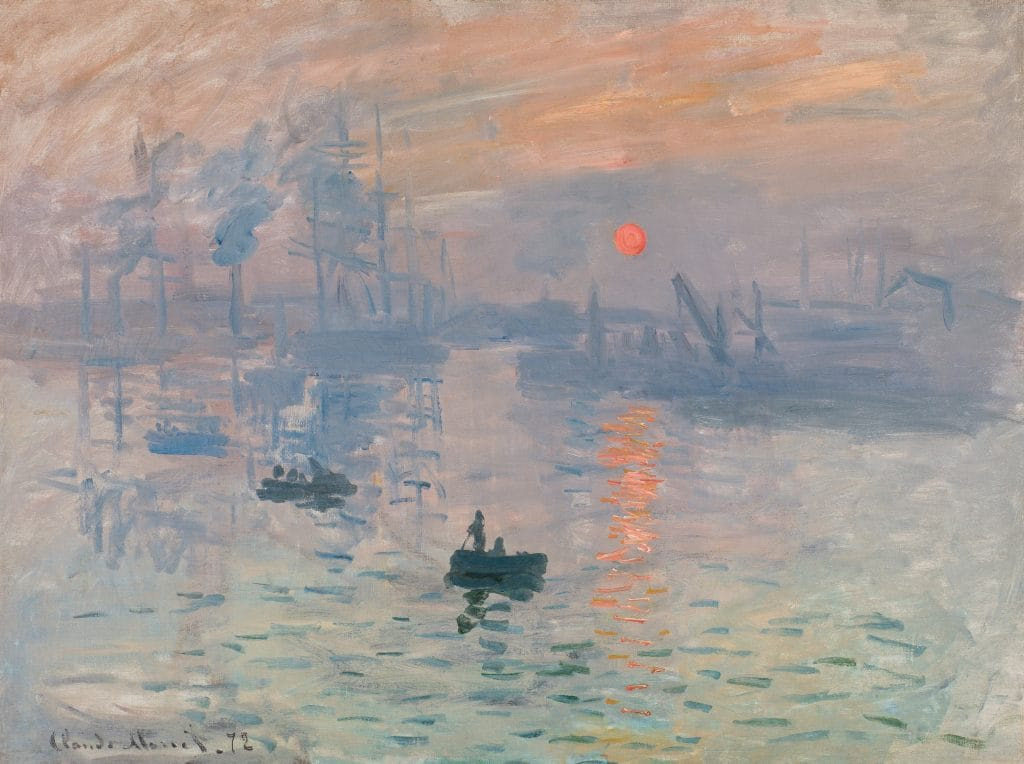
Thats actually insane artwork!!! I’m not sure how I would be able to implement Hex code into this project but I’ll see if I can modify the mod that @kwx made. Sadly I’m using a school chromebook for this so I don’t exactly have a scroll wheel but I will try to add your suggestion to the best of my ability!