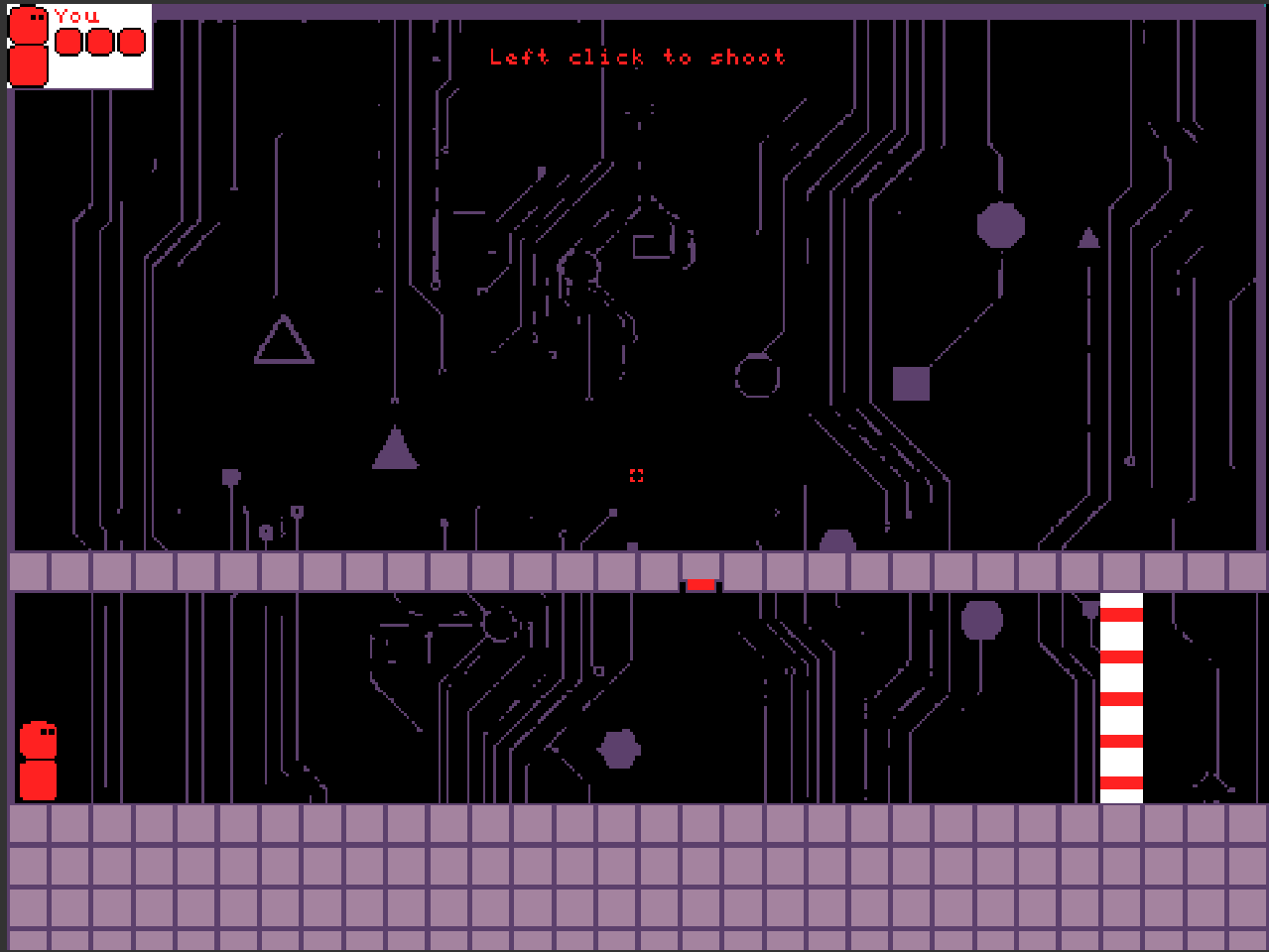
BlastOut by LazerTag studios.
I hope you enjoy.
BlastOut by LazerTag studios.
I hope you enjoy.
nice @LazerTag2 !
It’s honestly a really cool game!
More coming… suggestion taken
Fun! Shotting enemy bullets with your own is a nice touch, I also enjoy the variety in bullet types. I would love to see a more obvious hit indicator when the the enemies loose HP. eg. enemy emits a particle. Since the player regains their Hp every level, there is no reason not to have level saving system as having to do the entire game again is pretty unintuitive.
My favorite mechanic is the Blue Box, it allows for some good puzzles. Moving the box is a little finicky however, it can be easily put inside a wall soft locking the game. instead of setting the cube’s position to the cursor, use the “follow” command and disable gravity. This will allow for wall collisions to still be active when carrying the cube. It also builds some puzzle potential because the cube would no longer be able to go through locked doors.
This is great! I tried to use the follow the mouse command, but it used to go flying around. Would mind helping me because of Survival’s Bias. And this is just the DEMO, I will definitely add a saving system, music, and even title screen (obviously).
You probably forgot to disable your gravity (Ay = 0) Here is a working version:
The max velocity a sprite can have is 250, given your huge screen size, doesn’t look very fast. This causes the cube to drag behind the cursor. I recommend downgrading your screen size because I’m sure you will want faster projectiles later. If you do this, you will have to rework all the existing bullet velocities and tilemaps, but it is probably worth it. A smaller screen resolution also makes it way easier to make quality art. For reference, Survivor’s Bias has a screen resolution of 320x240 and a tilemap that fully fits the screen is 20x15.
This is what I did, but the block is slower than moving the mouse.
Significantly, due to your large screen size
Actually, @Bifrosty, I am changing the block movement to what you said. Does anyone else have more mechanism I could make, or does anybody want to make levels that will be hard?
True, but now I made it a bit faster, and it should work. Just adding the B button…
Anything else you would like to add, anybody?
Alrighty, made the new version. I made a saving system (levels 9 - 13 can’t save properly for some reason). I added the button B, which can be used to see invisible spikes. And also, the top link works for this.
I got levels 9 - 13 working!
Wow this is an amazing game! This is honestly really fun and I love the mouse controls! It’d be cool if you could make the moveable platform stop bullets or something or somehow allow collisions 
this game has some good potential (I got to the third level and got sniped while moving the platform) also I love the physics it feels fluid and even though I have a skill issue this game is immensely fun
Actually, that was my first plan, but then I realized it was too overpowered, so I changed my mind.
What updates you do guys want to see?
This looks sick!!! If only my games could look cool like that…