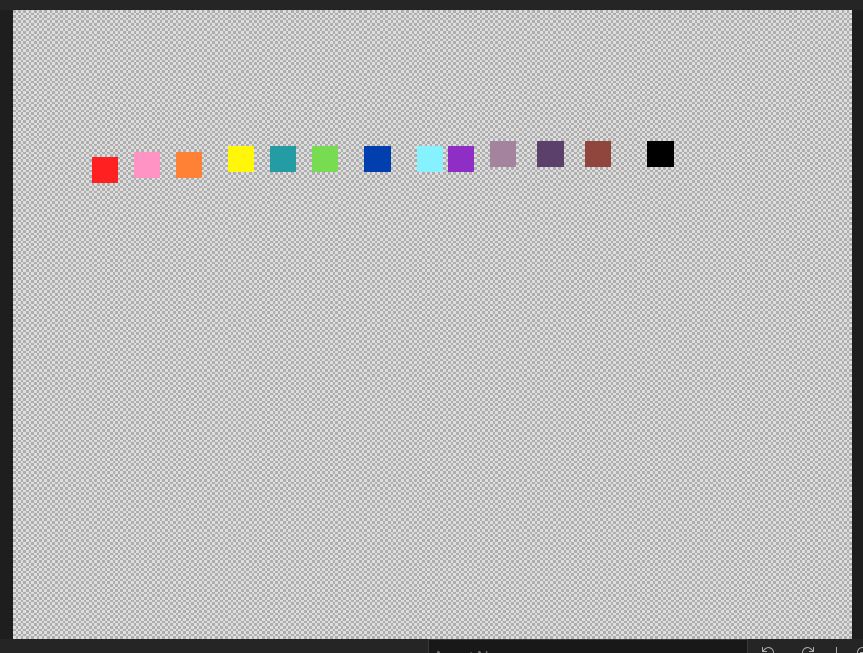
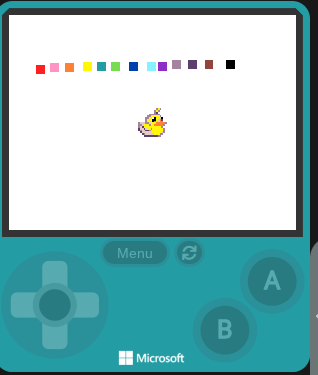
I used the color extension, and found out you can change color 0 using it. Unlocked 1 extra color!
Like how though?
Also the color extension has a lot of features for Javascript mode.
color.setPalette(color.createBuffer([color.rgb(255,255,255)], color.ColorBufferLayout.RGB), 0,1)
also
color.setPalette(color.gradient(color.hsv(0, 255, 255), color.hsv(128, 255, 255), 16))
This might be useful?
2 Likes
The existence of a transparent color is still neccesary.
4 Likes
yeah, but sometimes not really, because sprites render fine i think. they dont have any weird white bg or anything. it probably only set pixel if the color is more than 0, so the only place you can use it is bg.
I believe it just changes the color of the background (that black color that shows when nothing is on the screen)
Sprites work fine because they just don’t render “color 0” to the screen, which means if you tried to use this “extra color” on a sprite it wouldn’t work and would just be see-through. Basically you couldn’t really take advantage of this extra color in a meaningful way unless you just used it in like a background image or something, which would still be cool! Just like you can use “transparency” in a background image to draw the color black, even if you change the default black color to something else!
1 Like
I was going to use this in my Isocraft project, so you could set time of day. I would try using color extension’s gradient function like:
black-yellow-blue-skyblue-blue-pink-orange-red-navy-black
like the thing precomputes this gradient first.