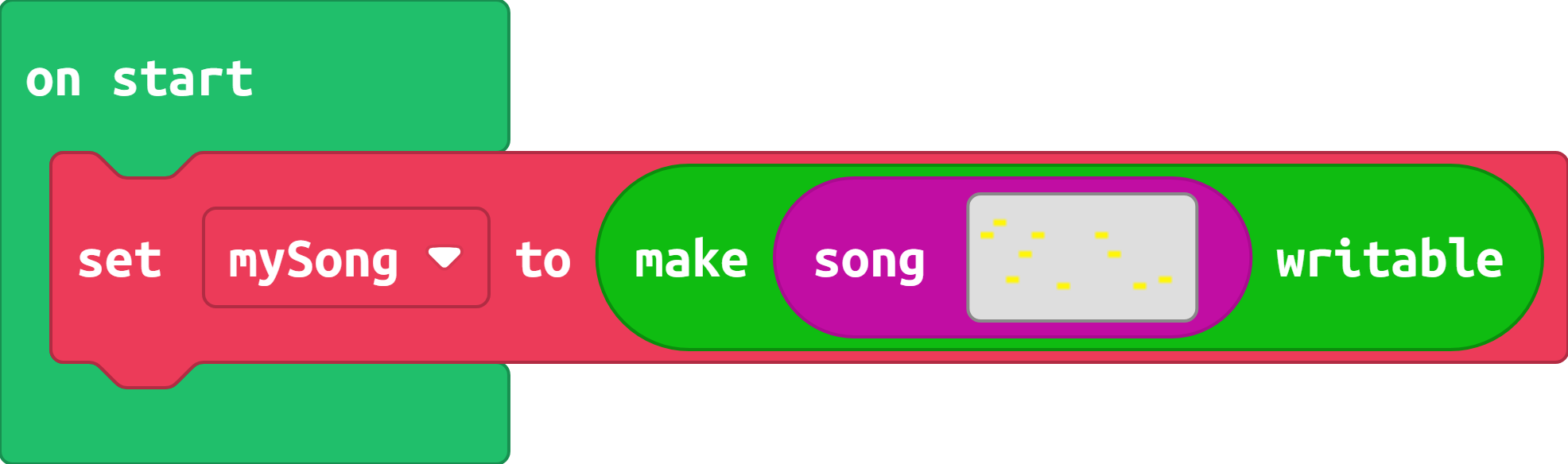
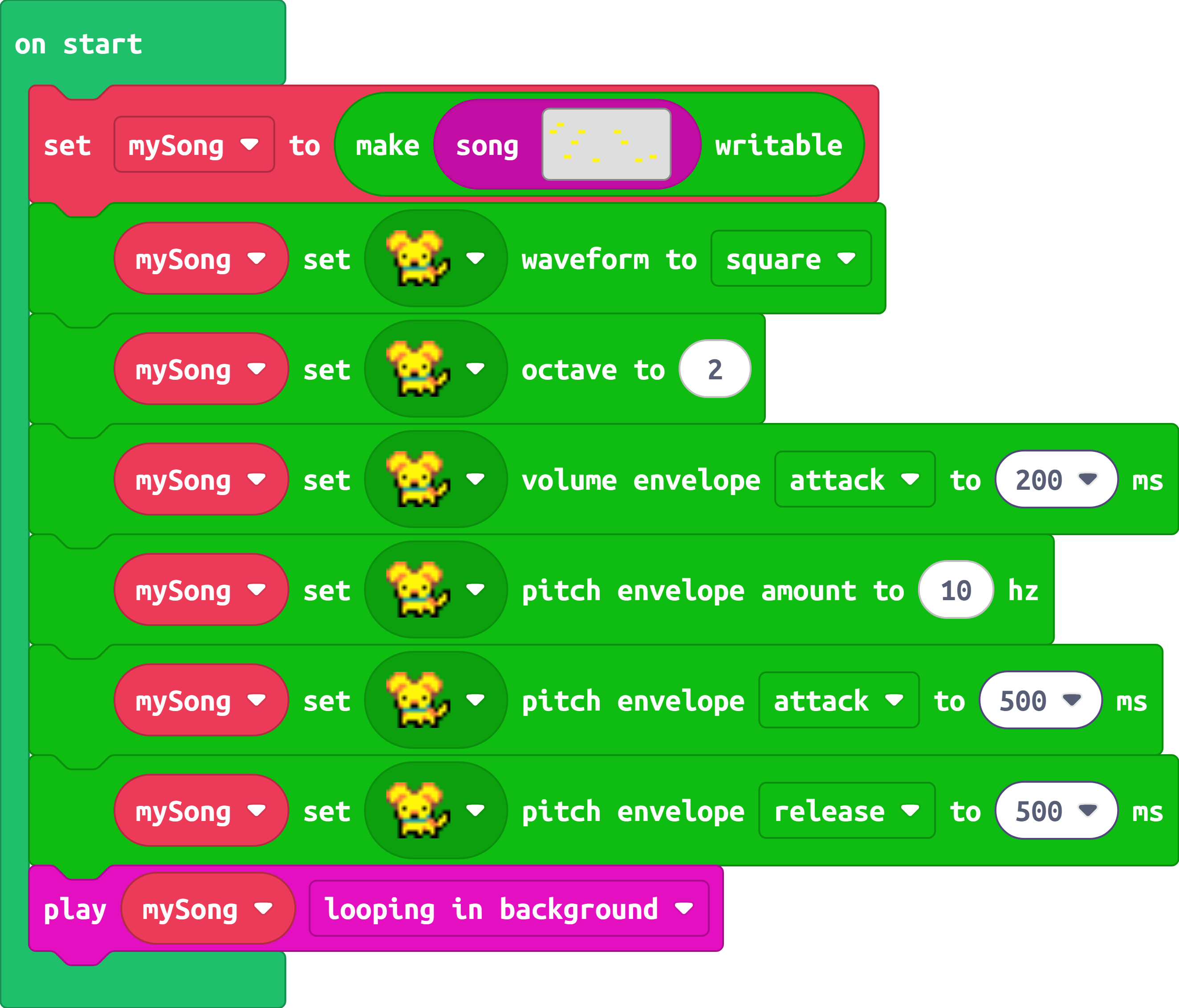
Today’s extension comes courtesy of a request by @not_a_lemon!
This extension allows you to change the builtin instruments from the music editor in a song! You can customize any of the melodic instruments in the music editor. That includes the dog, duck, cat, fish, car, computer, burger, cherries, or lemon! Drums cannot be customized (maybe one day)
Tremolo and vibrato currently do not work as expected. This is due to a bug in MakeCode, which I’ve already made a bug fix for. Once that fix is released, they’ll work as expected!
Hey @richard can you please add a volume control for the drums instrument, too? it’s really weird to have the drums at volume 100 and the rest of the song at 25.
@not_a_lemon the song format allows for positive values only!
the reason it goes high is because the value that’s assigned is treated as an unsigned integer. -1 reads as a very high number when converted to an unsigned number (see two’s complement)