So… I know it has been a while, I need some help though. If you look in the top left of the screen, the dice face isn’t appearing underneath the “Attack” text. For context I am doing some really painful stuff with arrays, colour, images, and functions.
I suspect the problem is that you’re thinking that temp dice image list is a duplicate of dice image list reference. It is not. It’s the same array – meaning the exact same variable. When you manipulate temp dice image list, you also are changing dice image list reference, too.
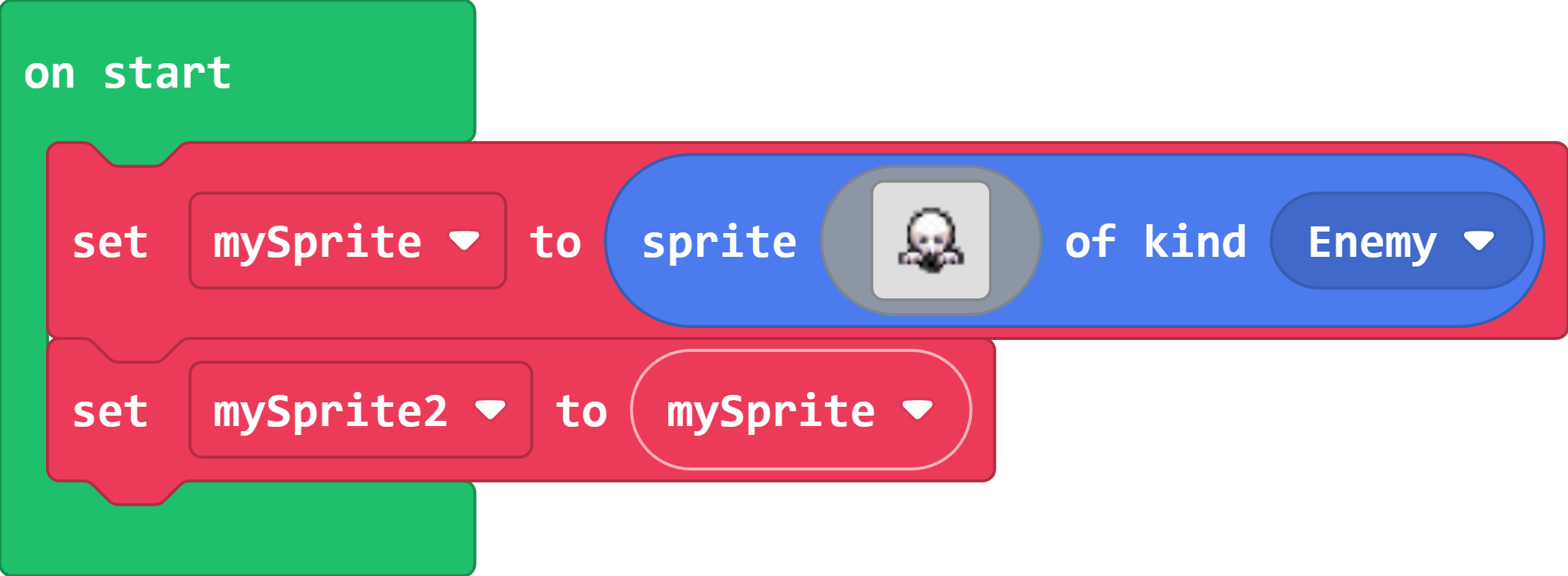
The two variables point to the same sprite. Changing the sprite with one of the variables will change it for the other, since they both reference the same place in memory.
Sprites, images, arrays, and other complex variables (they’re technically known as objects or instances) reference specific places in memory. If two variables point to the same place in memory, then changing one variable will affect the other.