is there like an extension that switches custom color palettes in game. pls help 
4 Likes
Is there a chart showing the ranges of RGB along with it’s values? I was wondering if random colour palettes could be made but with it’s ramps intact
2 Likes
I mean a custom color palette if you try to use the color you can’t switch between custom palette’s
@richard help pls
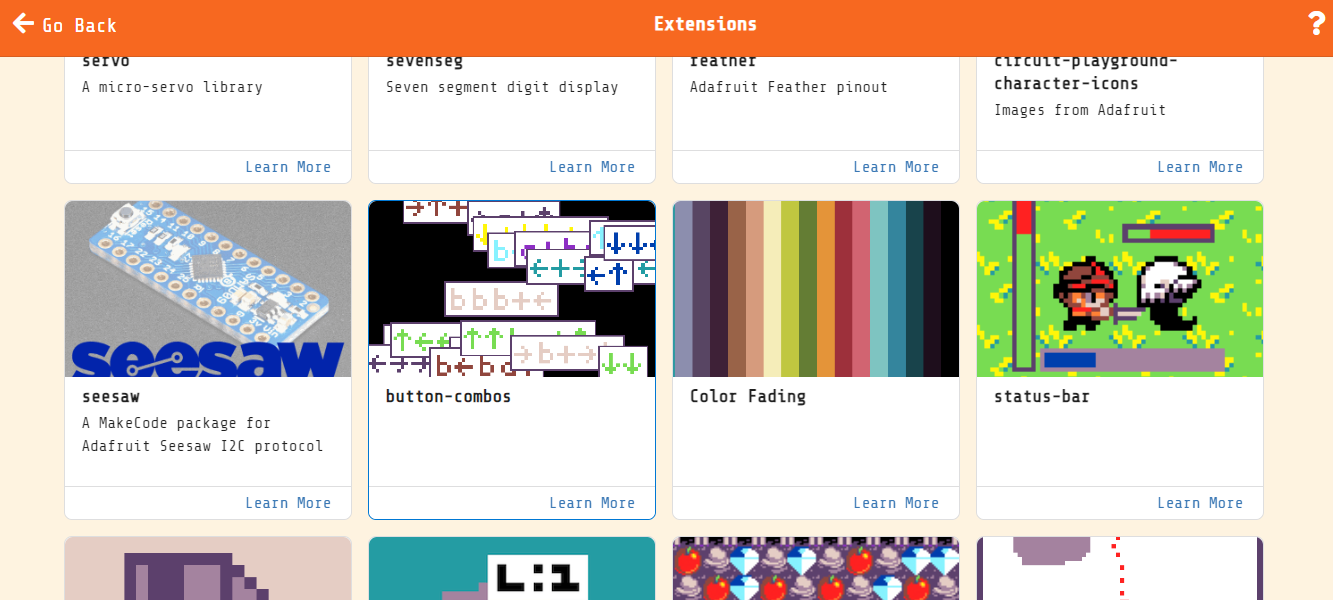
like @Blobbey mentioned, the color fading extension is what you’re looking for @Gideon_loves_cats
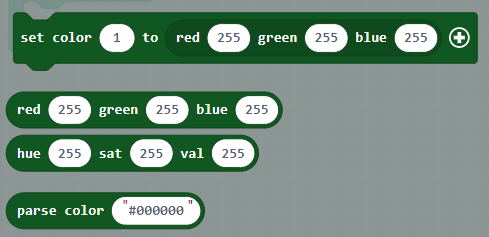
the “set color 1 to RGB” will switch color 1 in the palette to a new color.
we should really have a block that takes the #RRGGBB format though, I’ll add one now.
6 Likes
done!
7 Likes
Can you add blocks like “change hue/brightness/saturation of colour x hue by y”
2 Likes
Thank you Richard
1 Like
Yeessss!!!
3 Likes
I didn’t want to make a new topic for this question, but is there a way I could switch between palettes that I have created?
For instance, if I have a custom palette but make two other palettes with it as day and night versions of the first palette, is there an easy way to switch between them?
3 Likes
You could probably do something with arrays
3 Likes
btw you could use the color namespace and use something like this this will add a custom palette with the Name and since your defo better than me in makecode typescript I think you can do whatever changes to this as you want
namespace color {

//% fixedInstance whenUsed block="Name"

export const Untitled = bufferToPalette(hex`

00000000
00000000
00000000
00000000
00000000
00000000
00000000
00000000
00000000
00000000
00000000
00000000
00000000
00000000
00000000
00000000

`);

}
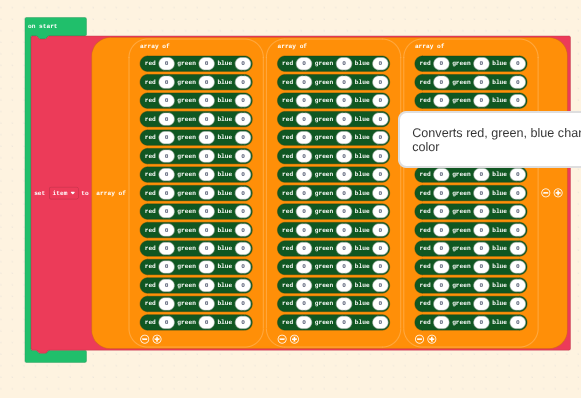
you also could make an nested array and for rgb values arrays and just sub them in when you want them like this
4 Likes
ok thank you guys! just wanted to make sure if might’ve been an easier way.
Happy new Year!
1 Like