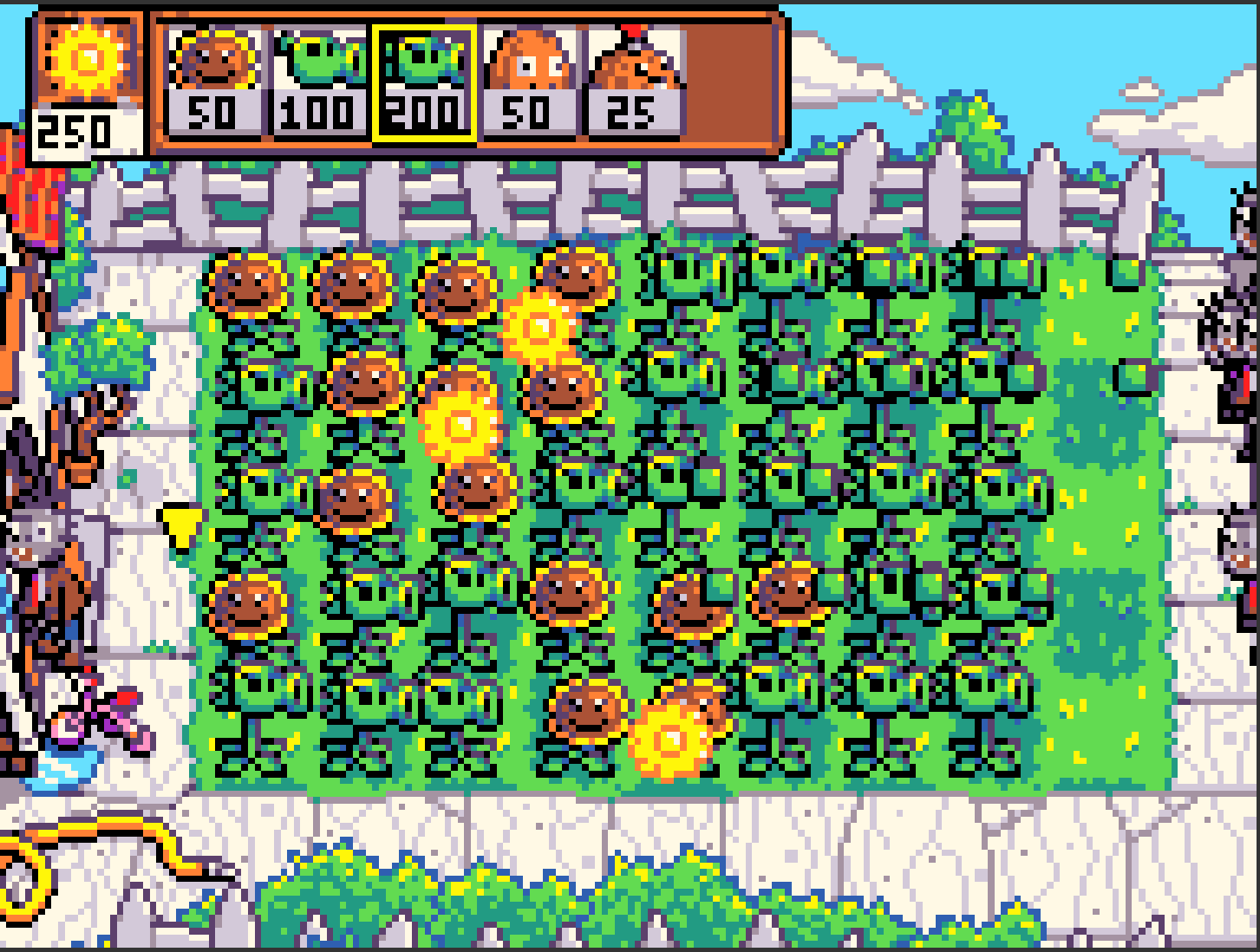
In my PVZ, after I play for a long time, the game crashes, but it’s not a problem with the code for some reason.
game:
Crash screenshot:
In my PVZ, after I play for a long time, the game crashes, but it’s not a problem with the code for some reason.
game:
Crash screenshot:
i think it’s because the zombies dont auto destroy at the end, and the build up of the causes the game to lag and then eventually crash
I think it may be the mass production of zombies which leads to the game crash due to so many sprites being present.
so uh u might know me from ur post about this game where i had the picture of the wave of purple zombies, i had my game freeze itself forever. ps (pls add nighttime or wave counter for next update 
maybe try putting zombies on auto destroy
Yep wave counter and multiple levels will be the next update. I think I’ll do the main menu (I already have the music) after that, then finish all the daytime levels and plants. Night should be pretty easy after that
likely a big game (happens with large games) but @richard
also how long around? does it happen if you do nothing? more info is needed
@richard , could you help me with this? Apparently this happened cause I ran out of memory and it’s a problem with the editor
After roughly 10-15 minutes of playing normally (I didn’t measure the time so that’s just a guess) The thing is, it doesn’t even lag whatsoever, so IDK why it happens
Yeah this happens with almost all my games after 30 minutes to an hour of playtime. I think it is a problem on makecode’s end.
So I added some code to the On A Button Pressed block:
So… @WoofWoof found out why it crashed, in my currentSun array, when a sun is deleted, I FORGOT TO REMOVE IT FROM THE ARRAY. So that meant that after thousands of empty sprites amassed in the array, the editor just kills itself
im still confused what happened to mine
Well you said the game froze, so thats probably the hundreds of sprites lagging it out