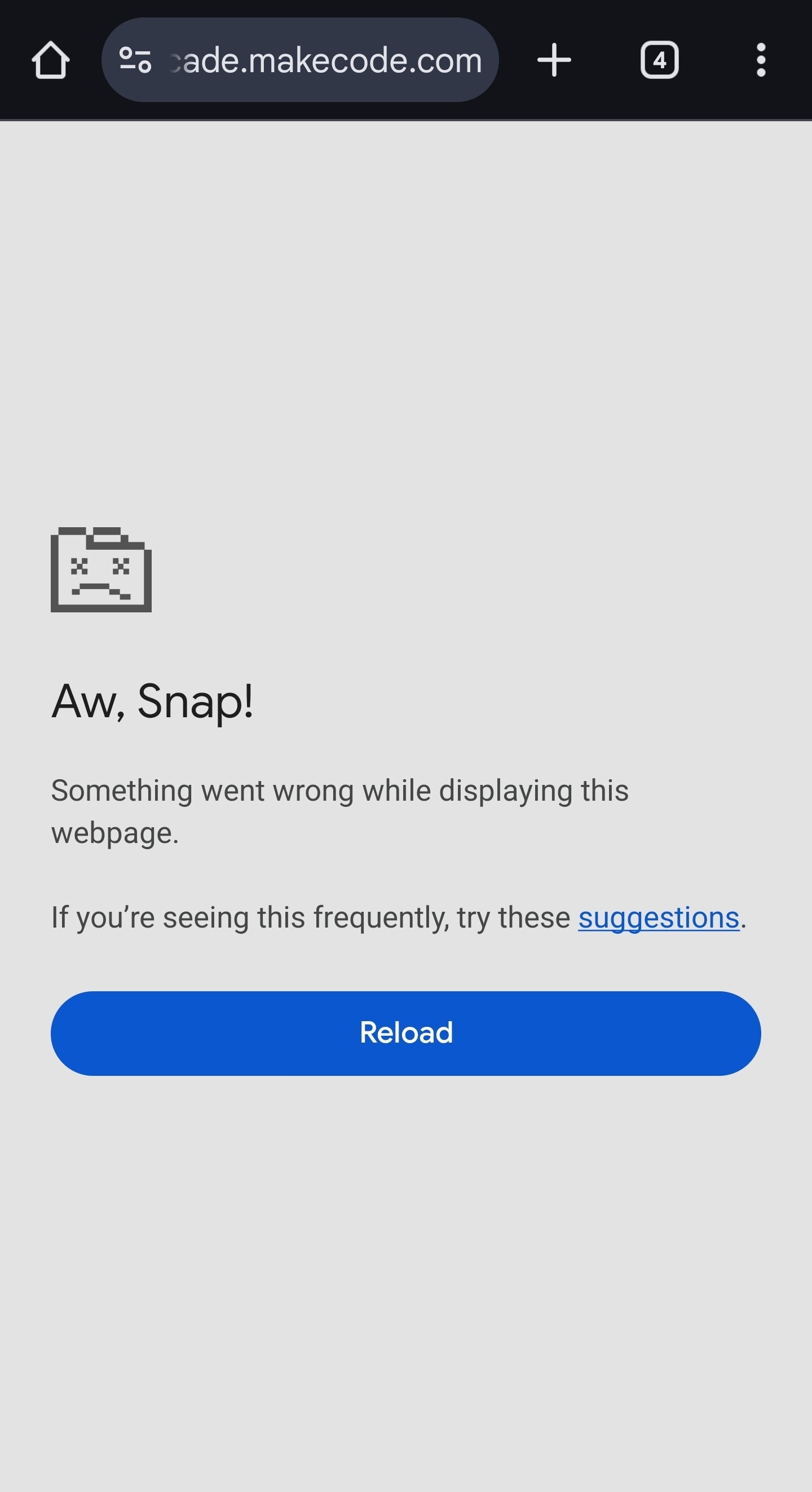
So recently, (literally earlier today at lunch hours for the US) my project–Sonic STRATOS–was functioning perfectly fine when just now as i type, after what i can only assume is a new version released of MakeCode Arcade, my project no longer opens. It pretty quickly shows the google chrome “Aw Snap!” Page. This has already been an issue as far as larger Arcade projects go but somehow this problem has become even more sensitive or something?
I’m unable to test if it works on computer/PC as i’m current on mobile using google chrome with access to it. I doubt this will help much but here’s the screen shown about 11 seconds (i counted on average) after attempting to open said project:
Like i said, good old dead file icon. It’s definitely a size issue as small projects work. If any more info needs to be gained i’d of course be open to sharing. Thanks in advanced
Does your game open on a computer? If you’re having the same problem somewhere where you can access the logs, that would be super helpful. Also, do you have a link to the game?
I’ll be able to check on my computer later, and i’m sure i’ll be able to access the logs through there. As far as using the dev-tool kit on mobile, i’m pretty sure it can’t be done (at least without adding smth to chrome). I do have a link although i’d prefer not to share it since i’m kinda planning a release date however I’m sure i could find a game of mind of similar size. I’ll be sure to write a post with all this soon. And BTW, i just want yall to know that this new update is still amazing
If the other large game also runs into this problem, that would be very helpful, thank you. Are you still running into the issue on mobile with your sonic game? Glad to hear that you’re enjoying the release otherwise!
Ok, so recently the game had started working again and now (starting a few days ago) the game ceased working again. I have no idea what’s wrong with the project, I can’t download it or open it on my computer. I should’ve downloaded it while it worked but I didn’t have time. Any suggestions?
Surprisingly I can even do that. It just pauses for a few seconds and then nothing happens. I wonder if there’s some type of connection issue with the local cloud and the project ID or something. Because even when I used the open in another tab icon it loaded for a second and I tried to download it from there as well but it had even loaded in any data before I got the “Aw snap” screen, if that makes sense.