hello!
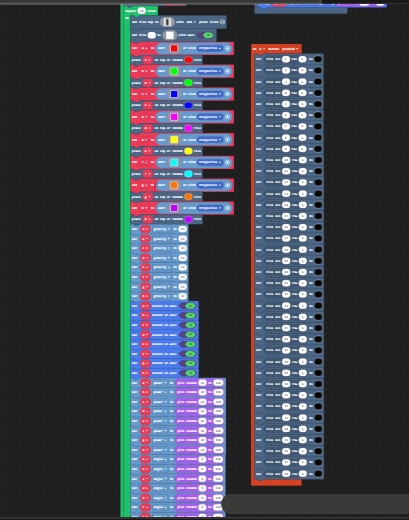
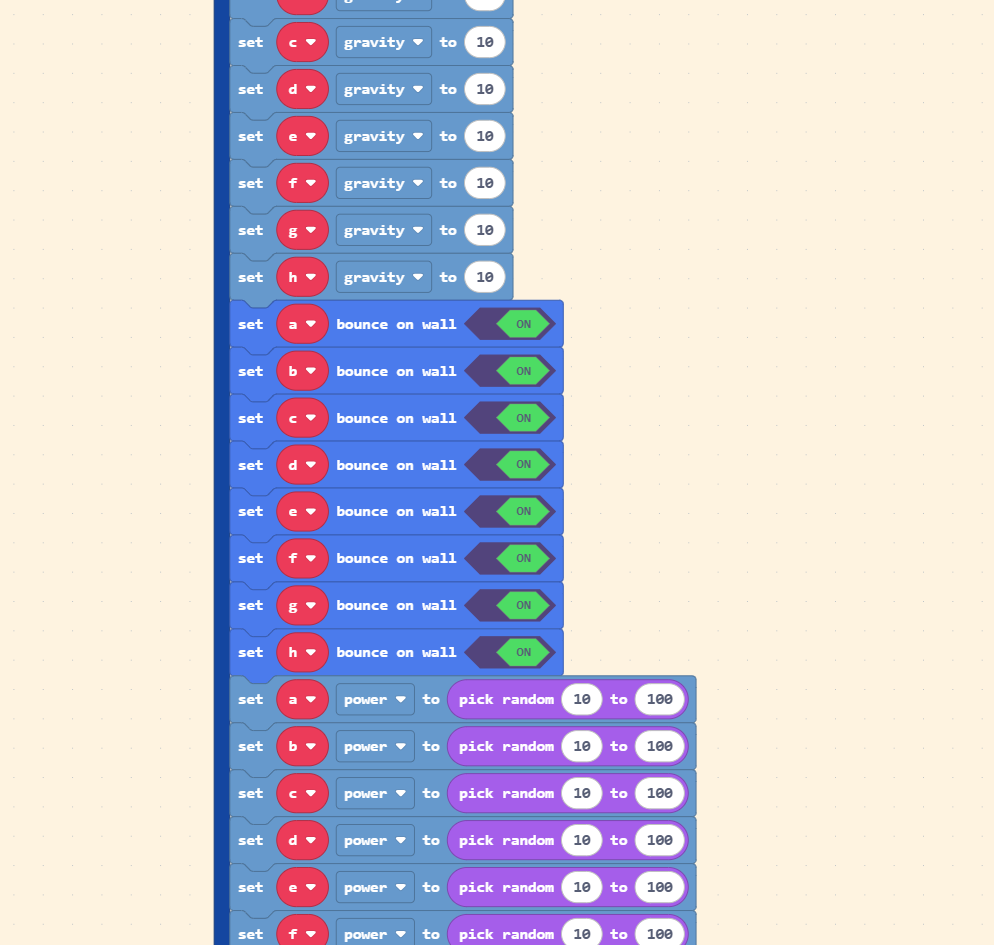
i need help figuring out a way to “Group” sprites together and apply the same properties to all of them. Copying and Pasting over and over is mighty inconvinient, and very ugly to look at:
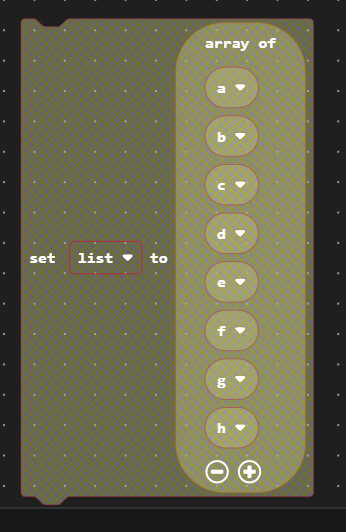
Use an array for colors and instead of multiple images use the image recolor function to easily recolor from the same image. Also use a for element block.
theres many things you can optimise with functions and looping code
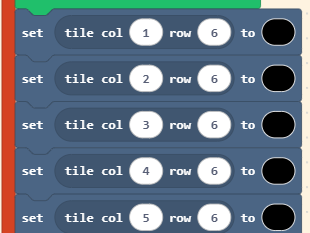
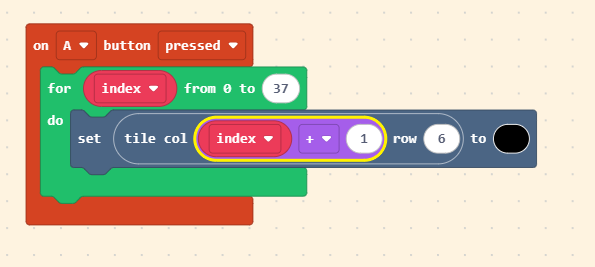
firstly, instead of a huge list changing each tile individually, you can just loop a section of code and change the x pos by 1 each time. Because the loop has no delay it all happens instantanously
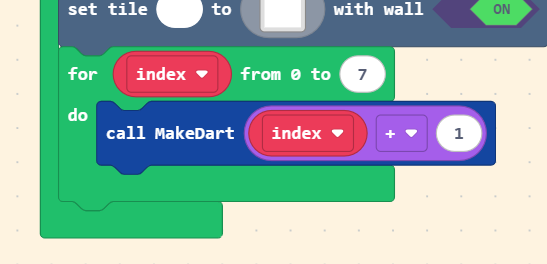
(note that I add +1 because the index value starts at 0)
Something many beginners struggle with is using sprites effectively, I always see many different sprite variables being used when it could all be one variable.
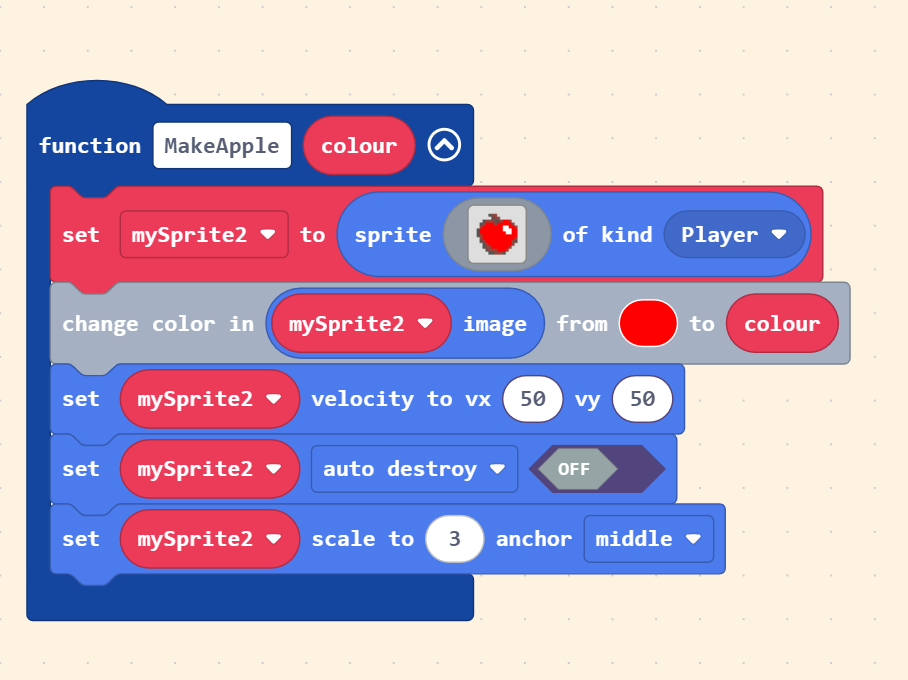
To remove the huge list we can use a function. Functions are a way to loop a custom section of code. But the magic is that we can add parameters to adjust them.
For example:
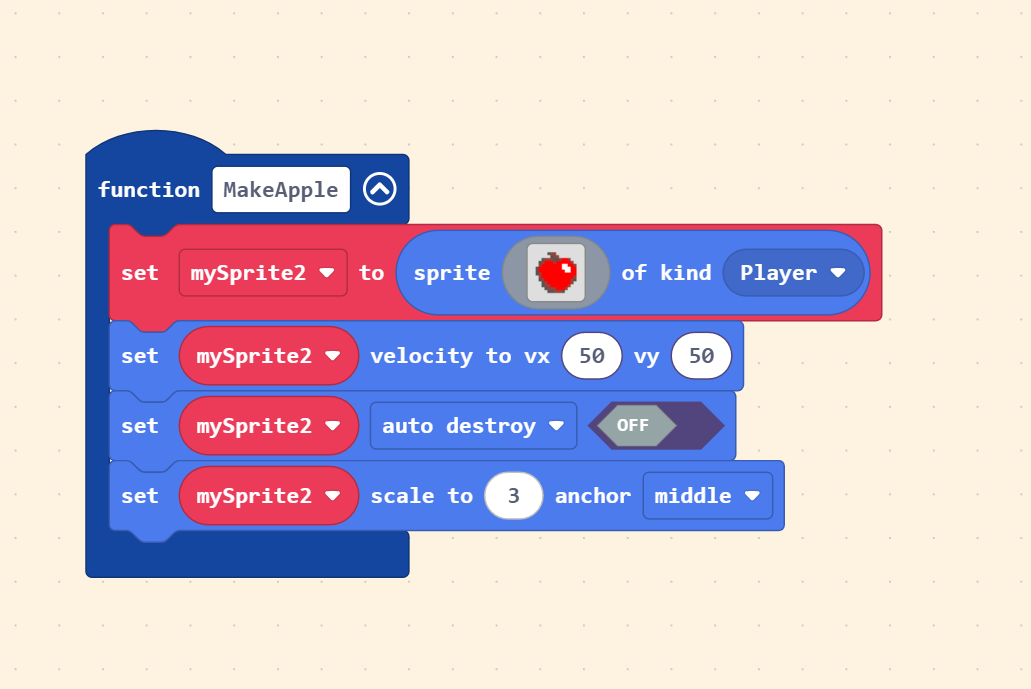
Say we made a function to make a red apple. Without adding a parameter, the function can only make red apples. But if we wanted green apples as well, we could just add a parameter controlling colour so that we could reuse our function and make actually any colour we wanted.
back to the original code →
Here i have taken advantage of the fact that colours = numbers in code. By plugging into the index into our function, we get a different colour each cycle of the loop. Thus, 8 different sprites are made. Again we have to +1 since while our colours start at 1, our index starts at 0.
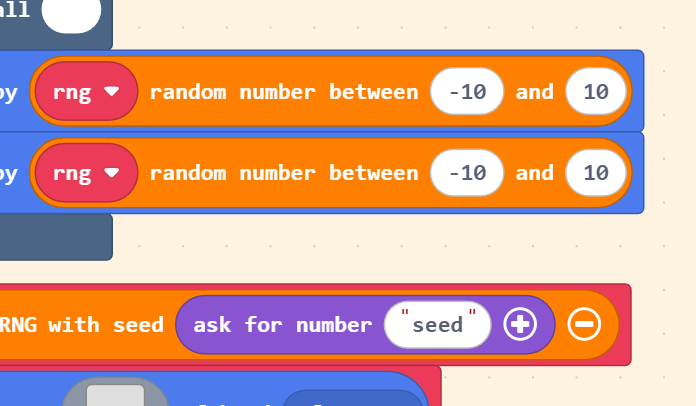
also the only reason why i added this is because its fun to make random things deterministic (if you input the same seed the exact same outcome will happen!) This could be useful for stuff like remaking the same set of random outcomes and saving games