Video + Audio Converter for MakeCode Arcade
Hey everyone!
I’ve built a browser-based tool that converts videos AND audio into MakeCode Arcade format. Drop in a video clip, and get ready-to-paste code with both the frames and polyphonic audio!
Great for:
- Recording your own audio and getting it into MakeCode Arcade
- Creating your own video cutscenes
- Record your own videos and audio and get them into MakeCode Arcade!
- Using video clips with their real audio
Not great for:
- Projects intended to be flashed on a device like a Meowbit as the files will be too big.
 Try it here: LINK
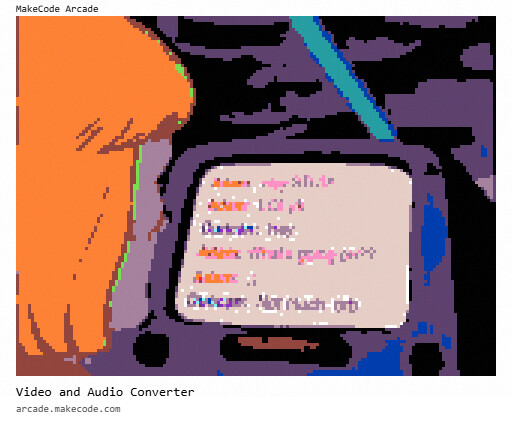
 Demo Project:
What it does
Video → MakeCode Frames
-
Converts to MakeCode’s 16-color palette
-
Three dithering modes (Floyd-Steinberg works great!)
-
Handles aspect ratio conversion (16:9 YouTube → 4:3 Arcade)
-
Configurable FPS and dimensions
Audio → Polyphonic Sound
-
Uses spectrogram analysis with 20 frequency bands
-
Outputs code using
queuePlayInstructions() -
Actually sounds like the original audio (not just beeps!)
-
Works with video audio tracks OR standalone MP3/WAV files
Flexible Workflow
-
Video + Audio: Full conversion with synchronized playback code
-
Audio-only from video: Skip the frames, just get the audio
-
Export as WAV: Extract audio clips from videos
-
Direct audio upload: Convert MP3/WAV/OGG files directly
Quick Demo
-
Open the tool
-
Drag & drop a short video clip (under 10 seconds works best)
-
Adjust settings if needed
-
Click Convert
-
Copy the code into MakeCode (under the Javascript editor)!
Tips
-
Keep clips short — 5-10 seconds is the sweet spot for memory and processing
-
Floyd-Steinberg dithering gives the best results for most videos
-
Increase gain if your audio sounds too quiet in MakeCode
Credits
The audio spectrogram approach was inspired by HomeAssistantTycoon’s Audio-to-MakeCode-Arcade project, forked from @UnsignedArduino . I wrapped it into a browser-based tool with video support and a bunch of extra features.
Feedback Welcome!
This is my first release, so let me know if you run into any issues or have ideas for improvements. Would love to see what you create with it!
The source code is on GitHub: HERE
Happy converting!