I’ve been thinking about separating Boolean-based values and number-based values rather than fusing them both with the Boolean-based ones using 0’s and 1’s, it would feel more organized.
Hello! I bring a couple question about these… things…
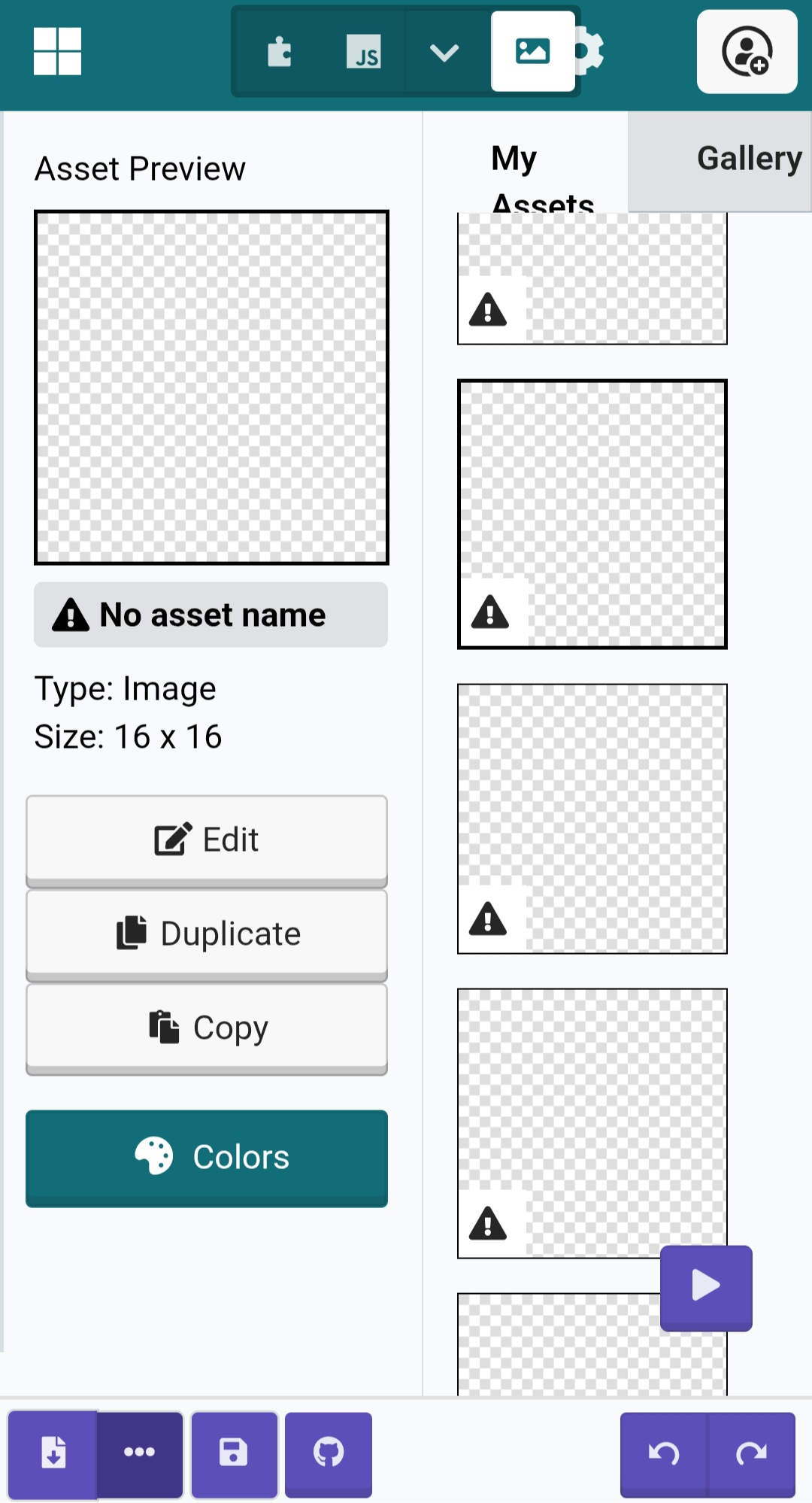
The natural byproduct of the MiniMenu… these weird empty, unnamed and seemingly undeletable images that pop up when using the extension.
- Is their cause known?
- Is there a way to rid of them?
- Do they impact project size?
I’ve got a feeling these are the culprits behind my games being too big to fit on hardware…
@richard , as the devevolper of the extension, do you have any insight to share?
3 Likes
they should not impact project size. 99% of the time the reason projects don’t fit on hardware it’s because they have a bunch of full screen images or animations in them. do you have a bunch of full screen images and animations in your project?
4 Likes
No, not really. The biggest image is 60x40, and the runner-up is 32x32. I guess its the ammount of tiles/tilemaps then. Still, is there any way to delete the blank images?
1 Like
sorry, it’s a bug in makecode. no way to get rid of 'em today
3 Likes
its horrid on the arcade over world make one and delete a map and there’s like 40 tilemaps
Is there a way to change the menu options easier without making a whole new menu?
(I can give example if you need it).
1 Like
OMG! Yes! Random images pop up for some reason on mine too! @Peau12 also as well!
You may be using an old version of the extension, because the newest update contains a whole section at the bottom for doing exactly that:

You can update extensions by (save your project before doing this) converting to javaScript, opening the Explorer drop down, scrolling down to the extension, and clicking the little reload looking button.
2 Likes
I also have found 20+ assets that can’t be filled after getting the mini-menu extension and I don’t know why.
I have those blocks its just that i wish there was a specific block for doing what i want it to do.
Don’t those blocks do what you want it to do?
You want to change what the options in the menu are right?
1 Like
Yeah I agree with copySprite here. What exactly are you trying to do that cannot be done with these blocks?
3 Likes
is there a way to change the color of the menus?
2 Likes
yup:
3 Likes
how do you make images with this one
also is there a way to make the menu still appear on screen if you have like 10+ options
You can use icons.
1 Like
I think you’re referring to what this extension calls “icons”. You might have better luck looking for that word instead!
1 Like
@Arjayyeep use the “set width height” block to make it so that the menu scrolls:
1 Like