This is a topic where I will post various things that I think are useful in general, unused bits of code I think could be useful, unused art that I have, and various bits and pieces of upcoming games that I want to share, including demos.
I will try to post new things every week (or less).
Entry #1:
Bounce Physics:
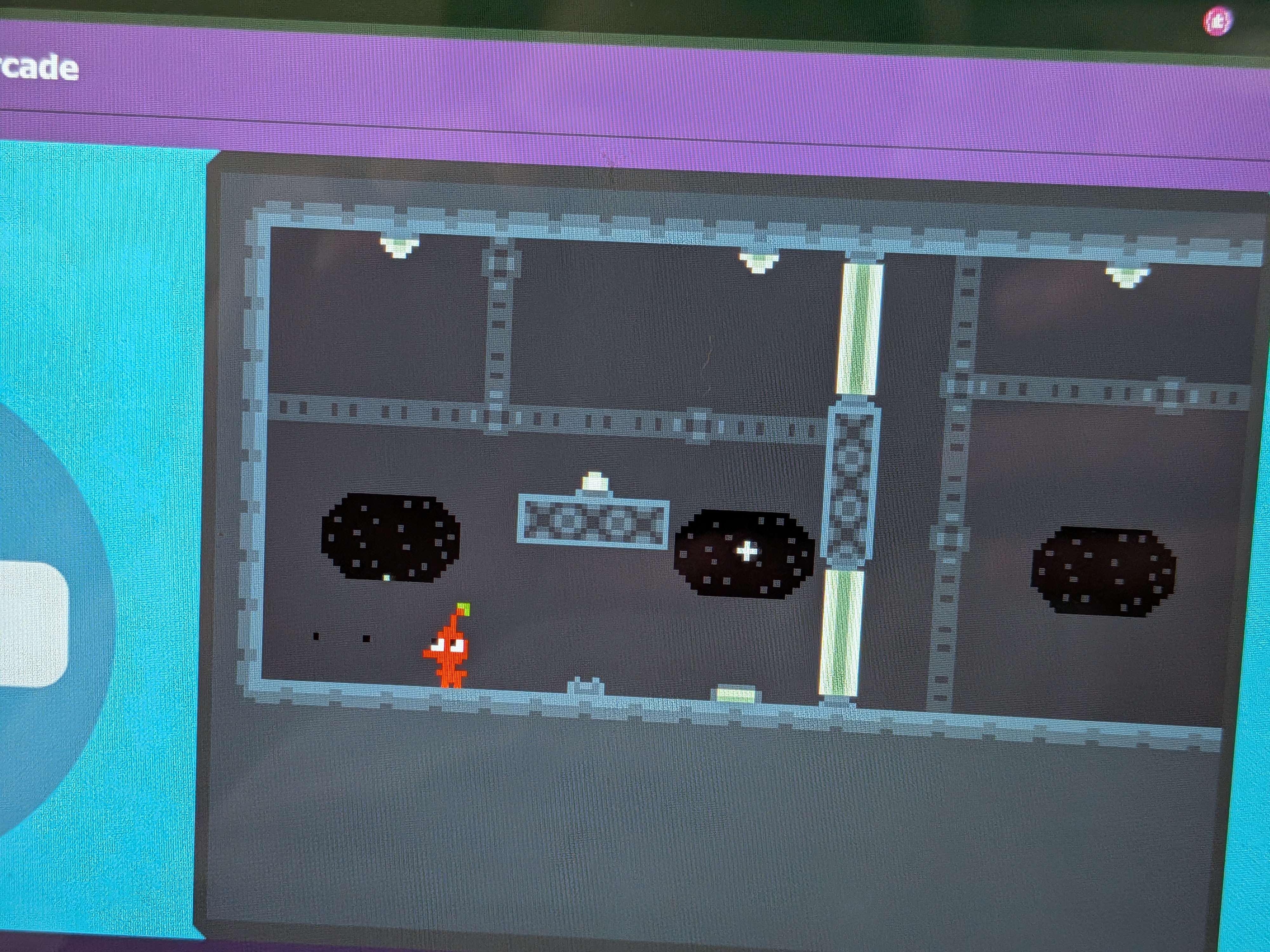
A bit of code I made for my upcoming game (see below) that makes an object bounce around in a really satisfying way. Feel free to use this code wherever (you don’t need to credit me for this bit of code).
A and B to spawn the bouncy sprites (B for lower gravity ones)
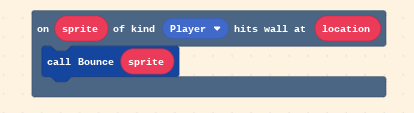
This uses this simple function below:

Simply call this function whenever your sprite hits a wall, like this:
Asteroids:
A tutorial on how to make asteroids that look like these:


(Please note that these use a custom palette, rather than the default palette that I will be using for this tutorial)
Step 1:
Pick a size for your asteroid. I will be using a size of 16x16, but this method can be adapted for any size.
Step 2:
Create the outline for your asteroid. Make sure it is random, but not too ridiculously cluttered.


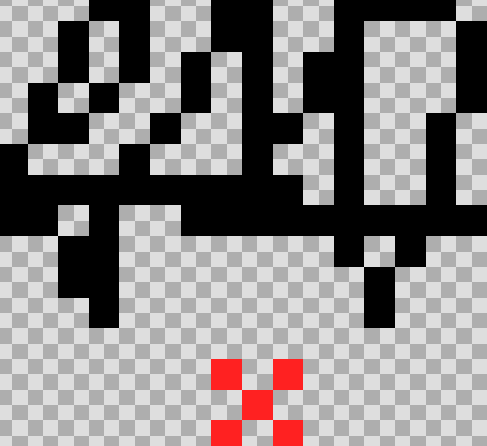
I will be using the middle example.
Step 3:
Draw random black lines through the asteroid, including some that don’t connect to anything on one end. It should look something like this:

Step 4:
Add color. Use three colors, ranging from brightest in top right, to darkest in bottom left. It should look something like this:
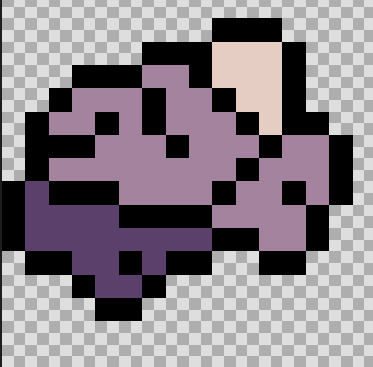
Step 5:
This is a big one. Replace the black inside lines with colors, and balance out colors regions (make them bigger/smaller). Lines that have an end that doesn’t connect to another one should be colored the next brightest color. Add a few more of these brighter lines in each color region. Then add little parts of each color region that jut into the next brightest one. This ends up looking something like this:
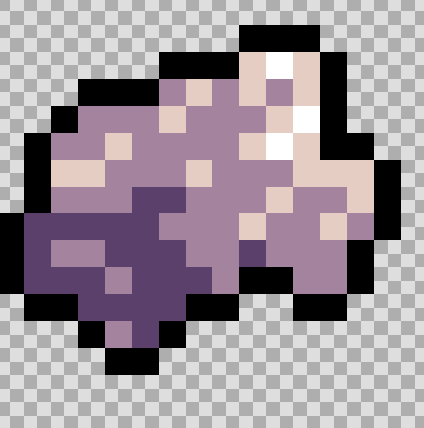
Step 6 (last step):
If you just want the border to be black, don’t do this step. Change the border of each color region to the color darker than it (make sure colored borders don’t connect to the color region of their color), ending up with something like this:
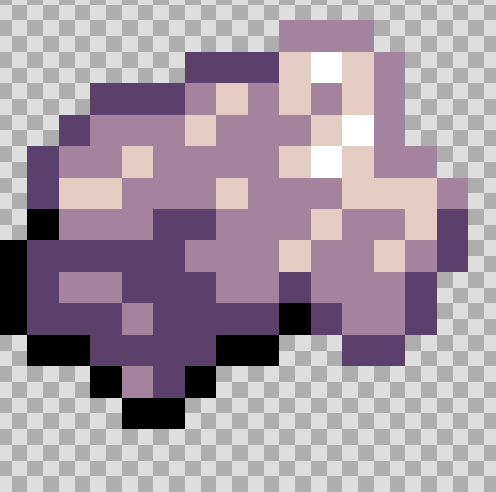
Upcoming game(s):
Game #1:
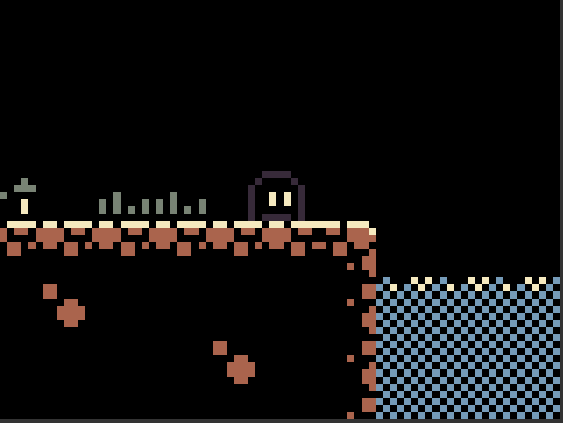
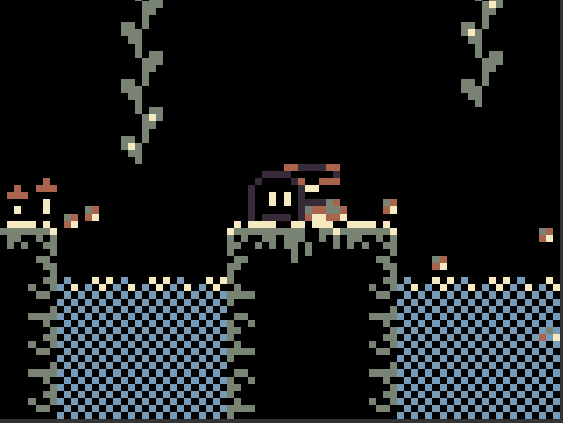
A game based on the Dustbyte four-color palette (with an added color or two) on Lospec and it’s example art. I went with a sort of style of not really any solid objects, and I quite like it! Here are some screenshots I took:

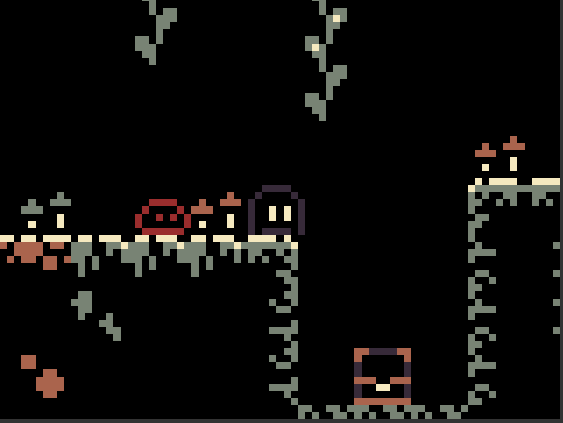
Expect a demo to come out in the next entry.
Game #2:
I played the Arena game on scratch (by theChAOTiC) and figured, “Why don’t we have something like this in Makecode Arcade?” so that’s what I decided to do. Here’s the demo:
Controls
Left/Right arrows / A/D keys: Move
Up arrow / W key: Jump
Down arrow / S key: Shoot