Extension breaks usage of block coding

Hi!

I realized recently that this issue I’ve been experiencing isn’t just limited to my device, as I recently showed off an early version of my extension. I’ve been working on this extension for a few months now, and I have (from the beginning) had the extension use MakeCode’s extension definitions so that everything needed could be in the toolbar.

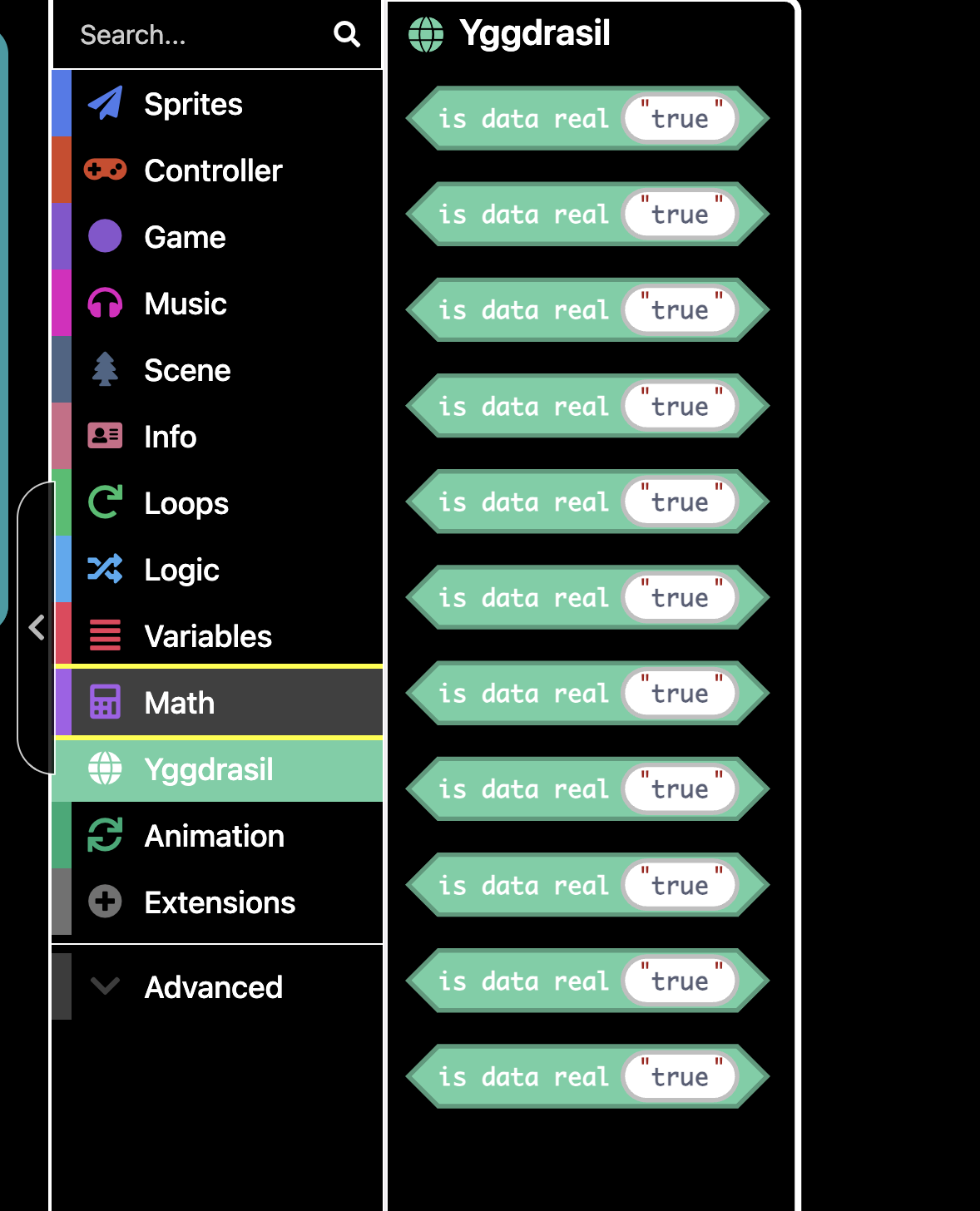
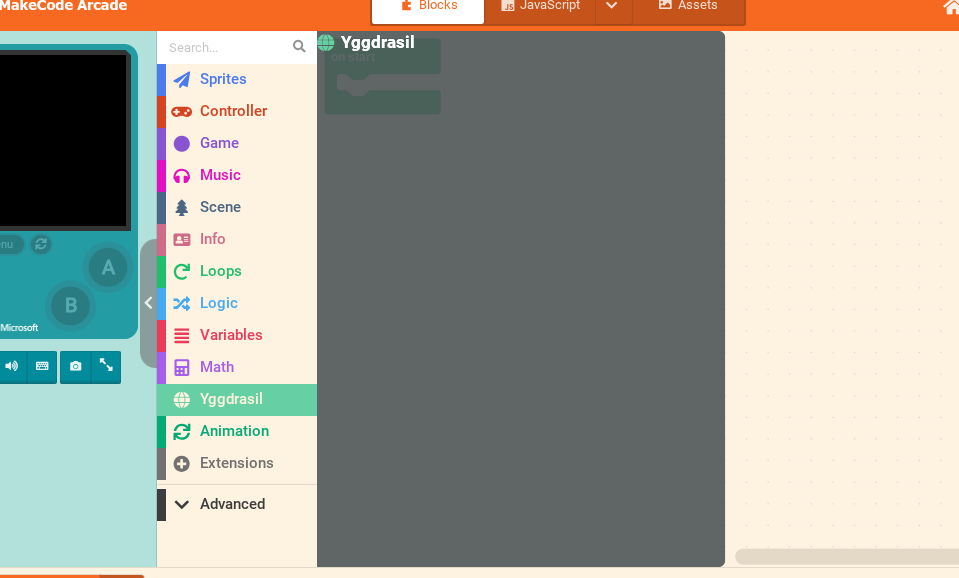
However, even though I’ve it all up correctly (to my knowledge, using the extension system is a mess for me…), upon opening the extension in Blocks instead of JavaScript (I normally only use JavaScript, hence how this flew under my radar for a while), other toolbar categories will break and not show their blocks. Along with this, the category for my extension is also empty.

If anyone could help me fix this issue, it would be greatly appreciated!

Source code:

Issues in action:

(None of the blocks are appearing)

(Other categories will not open, though this may be a me thing.

1 Like

for me try restarting the page or check if there are typos because i sometimes see it when i spell something wrong or its not a command

(Other categories will not open, though this may be a me thing)

That’s a you thing, works just fine for me

I was having the same problem a while ago (e.g. the toolbox(s) were not opening), I don’t know if this helps, but I just waited, and the next day it was fine XD.

Ok, I’m looking through to find issues.


Idk what this issue is (yet), but whatever it is it’s really funny to see what happens to MakeCode when you break the block definitions!

2 Likes

The .defl tag cannot be used to define the name of the variable that gets created in that spot, unless you put a .shadow=variable_get for that variable as well, or you define it like block="do thing with $number=variables_get(myNumber)", which is what I usually do. Correcting all those results in this:

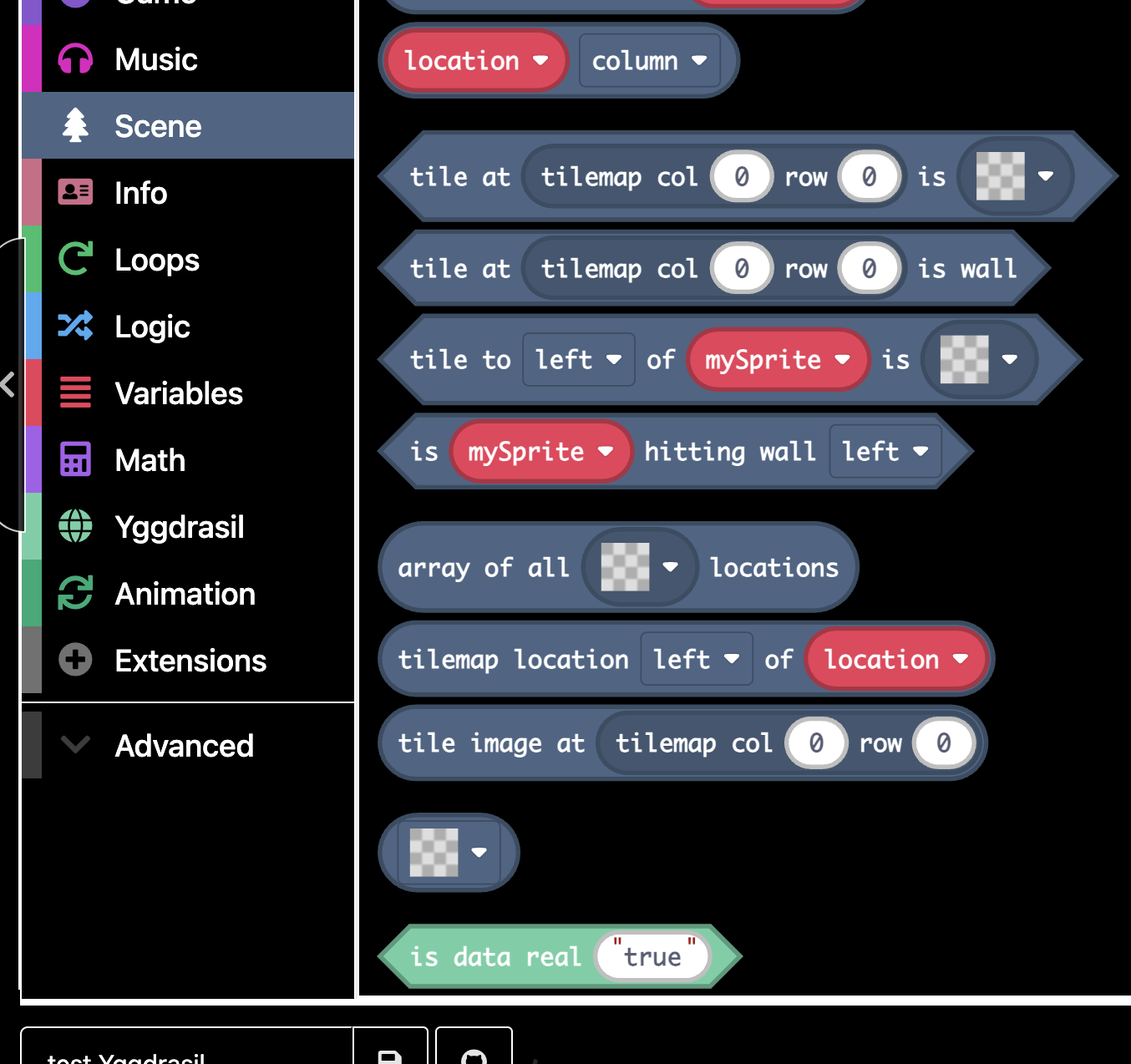
Which looks pretty good to me!

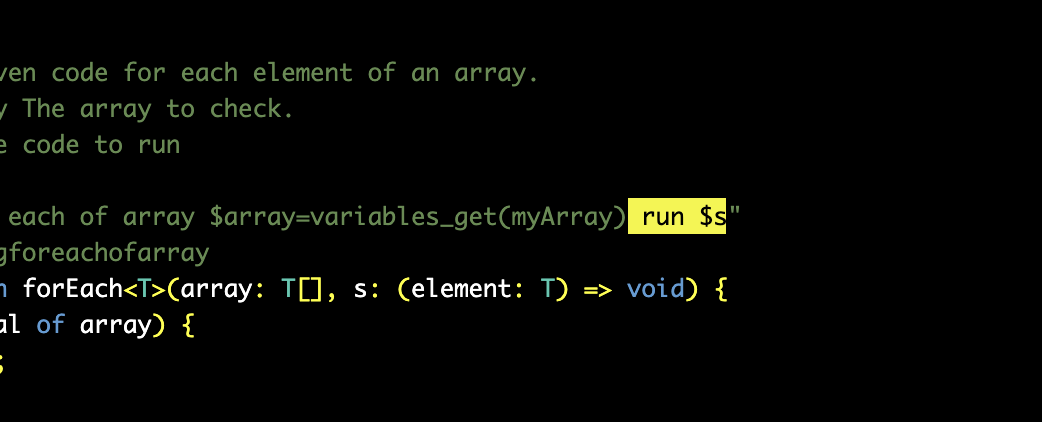
There is that random blank bubble in the For Each block, which can be removed by deleting this bit:


The function part still works without the s variable being included in the block definition. I also removed that same issue in other blocks.

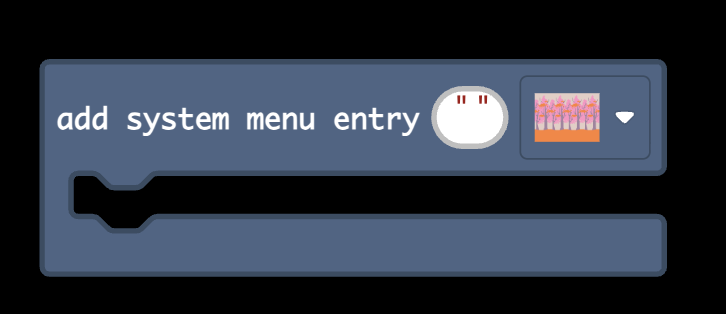
You can turn the Add System Menu Entry block image selector into an actual image…


By adding icon.shadow=screen_image_picker to the block definition. I also did this to the Edit UI block.

Lastly, there is another special shadow tag for the color selector, colorindexpicker, which I have added to the Edit UI block variables.

1 Like

thats what happen to me it had something to do with the defl

1 Like