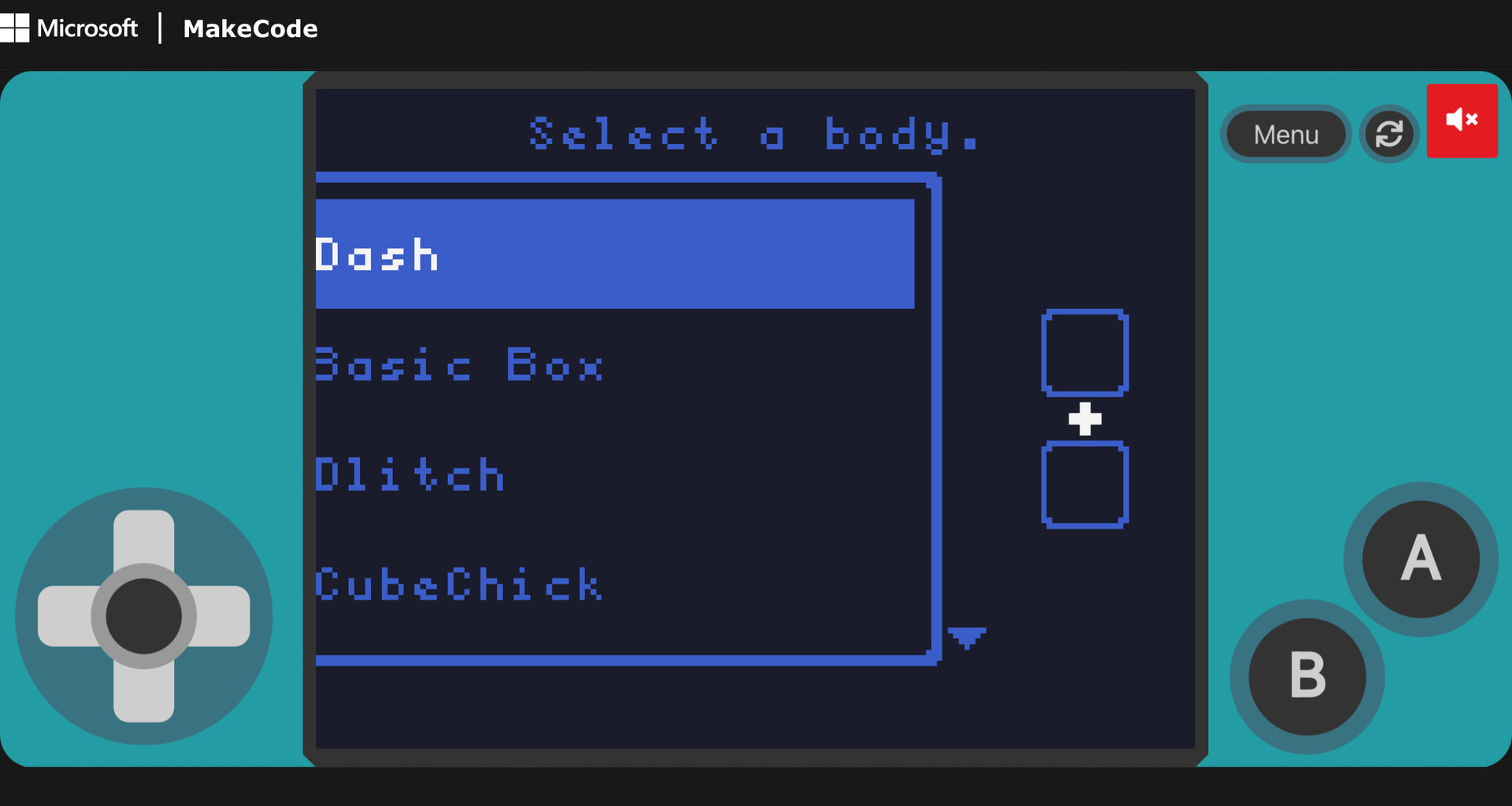
Somehow, my screen shrunk and I can’t fix it. How to grow back the screen size?
3 Likes
or you could change the size of the menu
3 Likes
namespace userconfig {
export const ARCADE_SCREEN_WIDTH = 320
export const ARCADE_SCREEN_HEIGHT = 240
}
type this in JavaScript and change the numbers
4 Likes
@NeverStopTheCoder @RoboVacDev This actually isn’t an issue with the screen size!
This is the default size of a new menu.
To change it, use this block:

That will make it fit within the screen!
You can also then use ‘set position’ to move it more towards the center, as its off to the left right now.
1 Like
I would like it in block form though. There’s no such function?
Ooh I see now. Well, thanks for the help, president @randomuser!
2 Likes
Copy it into java and switch to blocks, make sure to keep the number a 3 2 ratio or it will look weird.
3 Likes
why do people always get the ratio wrong its 4:3 not 3:2 if it was 3:2 it would have the height of 106
3 Likes
I didn’t know that! Thanks.
2 Likes
this sounded rude I’m sorry to you @Ima.notarobot I just had a horrid day
2 Likes