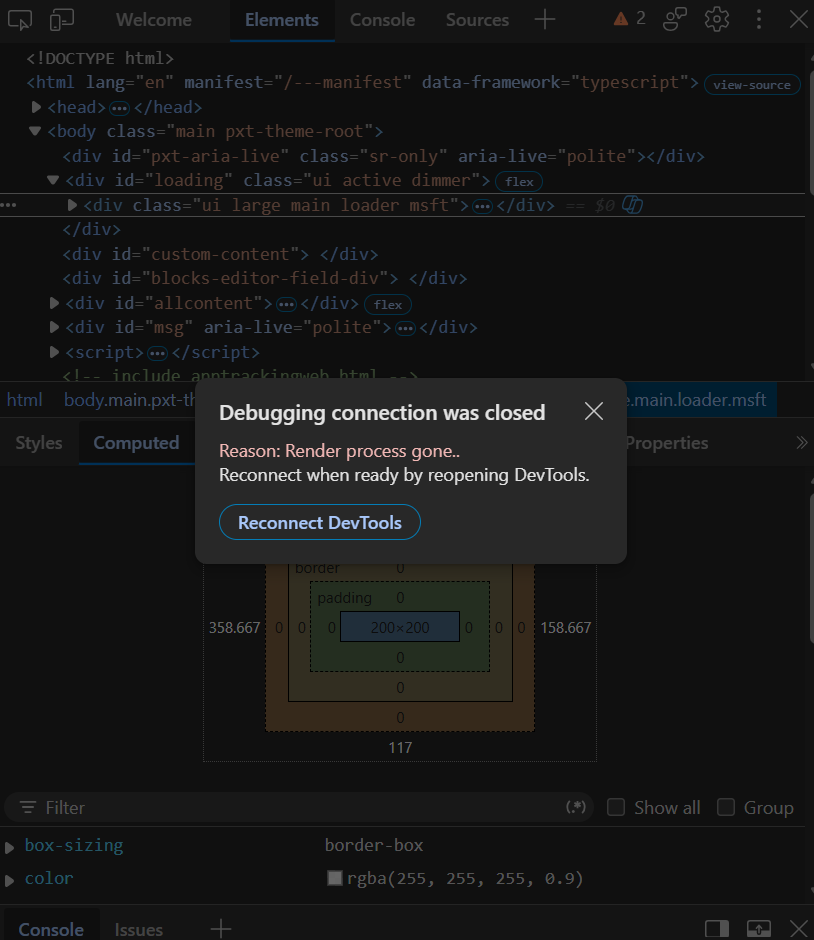
I broke my MakeCode, is it possible to salvage it?

I was messing around with some images, with the Image converter, and I think I pasted something faulty into the JavaScript editor. Now, I can’t even open the tab and not get hit with an error.

Project Details:
Name: ULTRAKILL (Pre-Alpha… [I forgot]
The project is big, a few thousand lines of code. (8000-9000)

Here’s everything that happened:
I pasted a few lines of code, which converted to gray blocks in, then a corrected version in the Js editor.
I switched to blocks again, and the screen went black.
I reloaded the page, then I was hit with the error.

‘Error: Out of memory’

Can someone tell me how to fix this? (Developers, etc.)
My hands are shaking like crazy seeing all my time go to waste.
I really don’t want to lose my project.

5 Likes

@richard in only saying this since you made a link to download every protect the user had named “bird”, I’m guessing you could do the same here?

1 Like

Would it be possible to escalate this to the MakeCode team?
Maybe @richard, or anyone else.
And I found something which may be useful:


I hope this can be over with fast, because I have a lot of things to complete.

1 Like

alright i made another magic URL, but this time i’m going to message @Pneumonoultramicro with it directly so that i don’t get people accidentally clicking it.

9 Likes

how do you do that I want to know so I can save all my games in that link thingy

2 Likes

i’m doing it by editing the internals of makecode, but you don’t need a special link to save your games, just download them!

2 Likes

How do you download MakeCode projects?

2 Likes

At the bottom of the screen, next to the game title, there’s a save button.

Save

Click it to download your project.

2 Likes

directly below where your game is actually shown, there should be a camera:


----------------------------------^

3 Likes

I know I wanted to do it myself wothout downloads cause I’m lazy

1 Like