During my classes I have my students play “two minute arcade” to give them inspiration. Basically this is an NES emulator with a few select games that can help inspire games to make on MakeCode Arcade. I thought maybe I could challenge myself to have previous MakeCode Arcade games randomly shuffle in with the NES games to really drive home the idea that “you can make things just like this, and back when the NES games were made people actually paid money for them!”
I present “MakeCode CRT”:
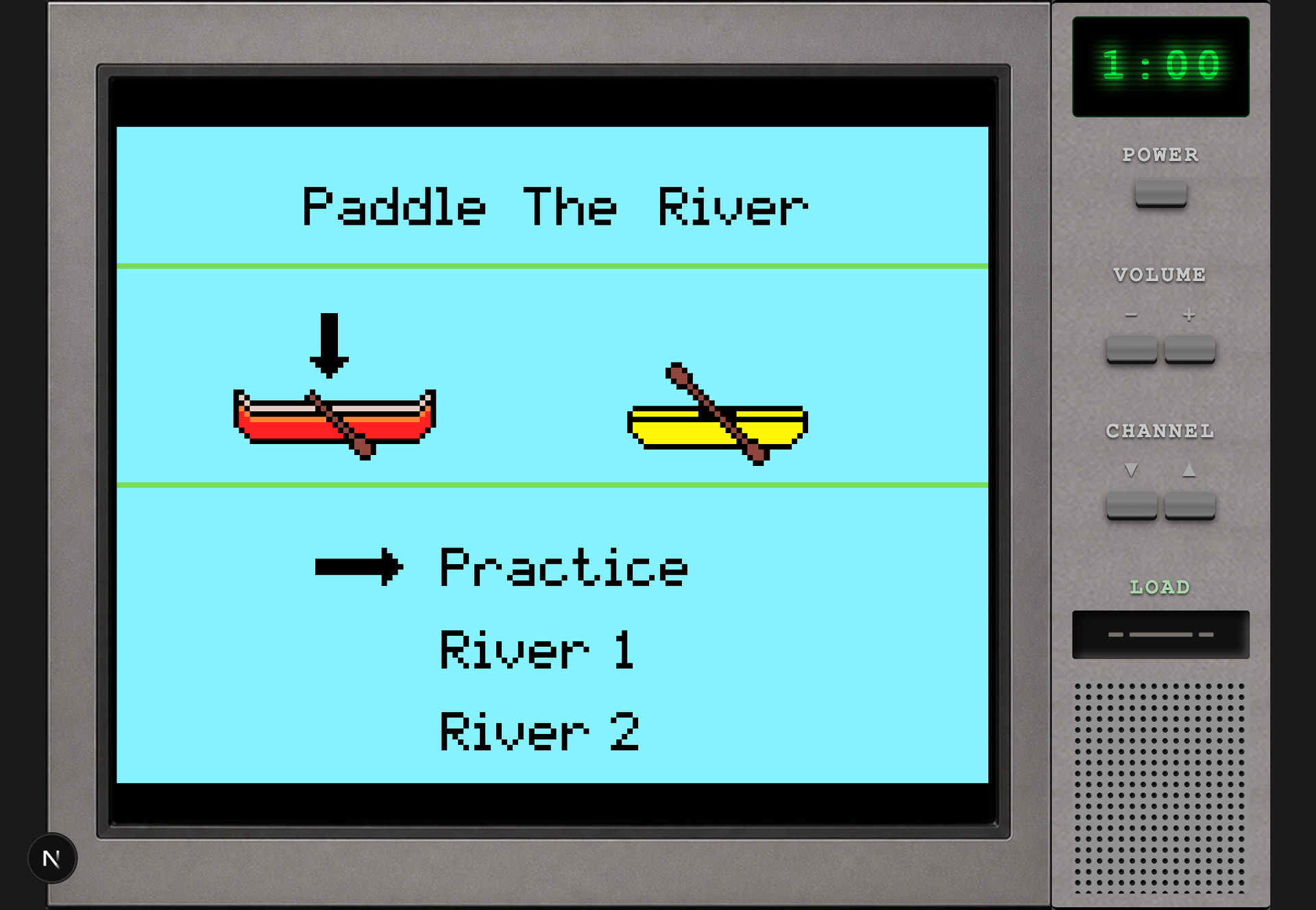
https://www.forthelearnofit.com/twominute
It’s still in a bit of a testing mode but here are the latest features:
- You have 2:30 to play a game, it’ll randomly shift to the next automatically
- Random mix of NES/MakeCode Arcade games, it’s fun to see how similar they are!
- Controller support, if you have a USB controller push a button after “click to start” to calibrate it!
- Ability to demo your own game, just click load and select your MakeCode Arcade .png
If you’d like your game added to this 2 minute arcade, please post your extracted PNG file in this forum. I’ll add them (at my discretion). The requirements I have are: “complete or almost complete”, nothing wild like higher resolution, and “looks like it could be an NES game”.
Finally - I have come to the conclusion that MakeCode Arcade is like NES+ (someplace between NES and SNES). Color limitations, resolution limits, but “endless depth” is the part I love the most about MakeCode Arcade!
Technical notes:
- Power button will reset the current game, but not reset the timer
- None of the other buttons do anything (yet)
- The png-to-js is run on a railway server, please don’t abuse
- Png-to-js requires human interaction (cloudflare turnstyle) to prevent bots
- Controllers I use: https://www.ebay.com/itm/132529404615 - come to find out these don’t work on Chrome! But I already have like 12 of them so I can’t go back. If you have a controller that works on Chrome let me know which one it is (NES style please).
- Right now this uses simulator 4.0.14, looking to get that to auto-update if a png file is uploaded with a newer version (otherwise I’ll update manually).
Future:
- This was just a stepping stone for my eventual “as a desktop app” using electrobun (wildly smaller than electron, plus Bun is awesome). Inspiration taken from https://github.com/UnsignedArduino/MakeCode-Arcade-to-Electron (thanks @UnsignedArduino ). My hope/plan is to be able to upload a png and get a desktop app download (not really related to this CRT project).
- Using this I’m hoping to make an actual console (raspberry pi) as well and play these on my ACTUAL CRT television

- These desktop apps could then (in theory) be used instead of the .elf files when using other emulator frontends as well. With that they’d be 1:1 closer to what we see in the simulator when creating the games and won’t have to worry about the "dual spawn’ that elf files do today.

