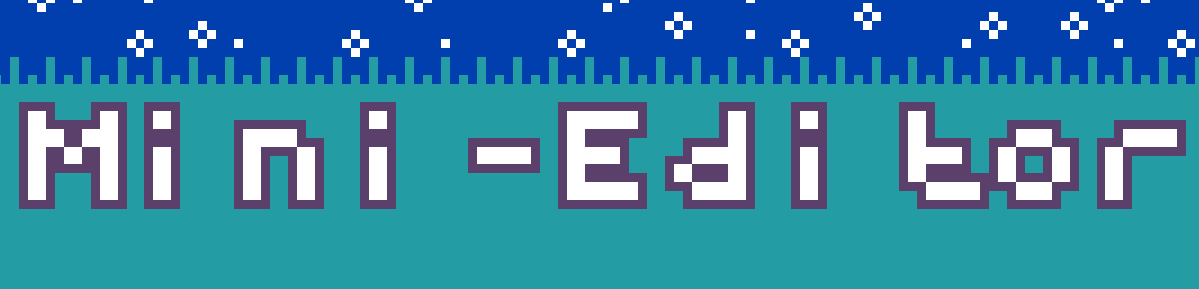
“Hey! I have an idea! What if we remade that cool MicroCode site where it was like a mini-makecode but more cuter and easier than blocks, and we turn it so you can make arcade games!” - is what I said before realising my mistake…
 Anyways haha introducing MiniEditor! A project filled with blood, arrays, and a lot of bad variable naming!!! This is a really simple proof of concept project and there’s a limited chance of me continuing this but I’d love to show you all this, now in the project you can’t do some big programming right now but you can do simple tasks for example (make a sprite → make enemy → make enemy follow player.) I was going to make a way to scroll to the left but had some issues when figuring out you can’t use a overlap condition with a sprite that’s relative to the camera… That was a fun 2 hours spent… Also be careful most of the blocks REQUIRE values, if you don’t put them in then boom crash… I recommend you check them by clicking on a existing block and checking if they have a set value option (you can find out what you can put in by looking in the code).
Here’s the project:
(Make sure to take a look around the code, it’s really fun to look at and you get to see my random comments lol  )
)
