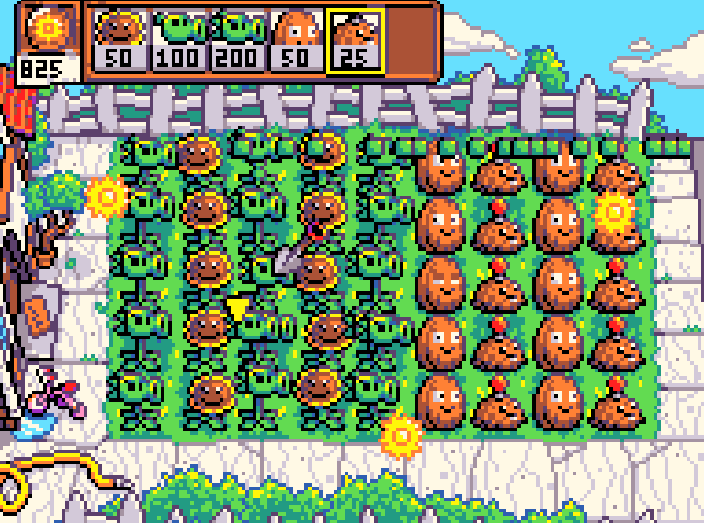
I’m making a demake of PVZ, and with this being makecode, performance is a really important part. It isn’t laggy right now, but it definitely will be as the project gets bigger, and all the inefficiencies will add up, so I’d like some help making my code more efficient. You can find the project here:
When I was playing I maximized the amount of sprites to observe the frame rate, which was at nine .if there was a zombie raid at my house this is the army I would call…
And it improves performance because animation blocks are very laggy in editor. Honestly idk as well but i know it improves performance (maybe? just try it with one of the animations in a copied version to compare)
I didn’t change anything with the code. I just added fps so I can see the rates but then I removed it. Im thinking the more sprites you have the lower the fps gets. But I once did animation arrays so here’s how to do that. (warning be prepared for a paragraph worths talk)
So first things is to go to extensions and type “Animation”. Once thats done click into it and drag or type, animate [mySprite] with [frames] interval [500] ms loop [ON] Btw I don’t know what you want for animation arrays, I already see that you have animations for the plants. Are you talking about adding animations to zombies? If your talking about adding just frames here’s the code for that. drag or type, set list to array of [image. Then put out what you want for frames. For example Zombie, Or Just an animation for the plants.