Somehow my game is breaking for absolutely no reason! I used the bug checker and found no bugs. Can anyone please help? Thank you so much!!!
6 Likes
ok so idk why but in some of the code it looks like its trying to do smt with the transparency color but it doesn’t like that.


so to me as someone with no js knowledge it looks like there is a problem with the tilemaps. but on the other hand I couldn’t see any tile maps so maybe look into that.
also could you give me a list of all the extensions.
1 Like
Thats so glitched
1 Like
could be an extention error.
2 Likes
There are errors with the external extensions that you’ve installed. You might want to check them.
2 Likes
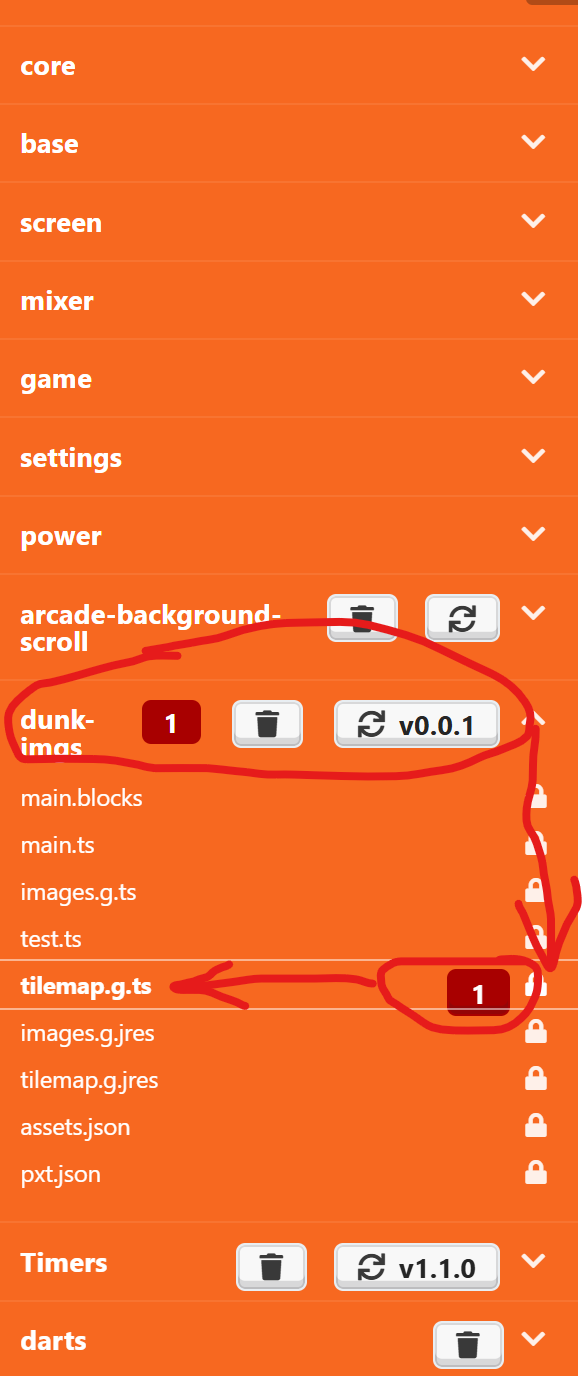
Which tutorial did you start this project with? It seems to be completely broken. Added duplicate tilemap.g.ts and images.g.ts files, which it really shouldn’t be doing. I deleted the extensions and stuff that seemed to be causing the issues, but this did delete what I think is a custom movement block, probably from the tutorial. Unfortunately, that whole thing needed to be deleted, so you need to code movement that works however that block is supposed to work. Here is my (kinda broken) fixed version:
Please let me know which tutorial you used, as I may be able to submit a bug report or even submit a fix for the issue!
3 Likes
debug feature kinda sucks tbh
2 Likes
How???
1 Like
Whats that. I cant understand.
Also how did you get in there?
2 Likes
Sure! I use the timers, animation, scroller and fancy text.
1 Like
it said there’s an issue with the extensiion you’re using. Maybe that?
2 Likes

This file/extension is what is causing the problem; It is redefining a block-scoped variable. Simply delete it and your code should work fine again.
2 Likes
So you want me to delete the images originally in the tutorial?
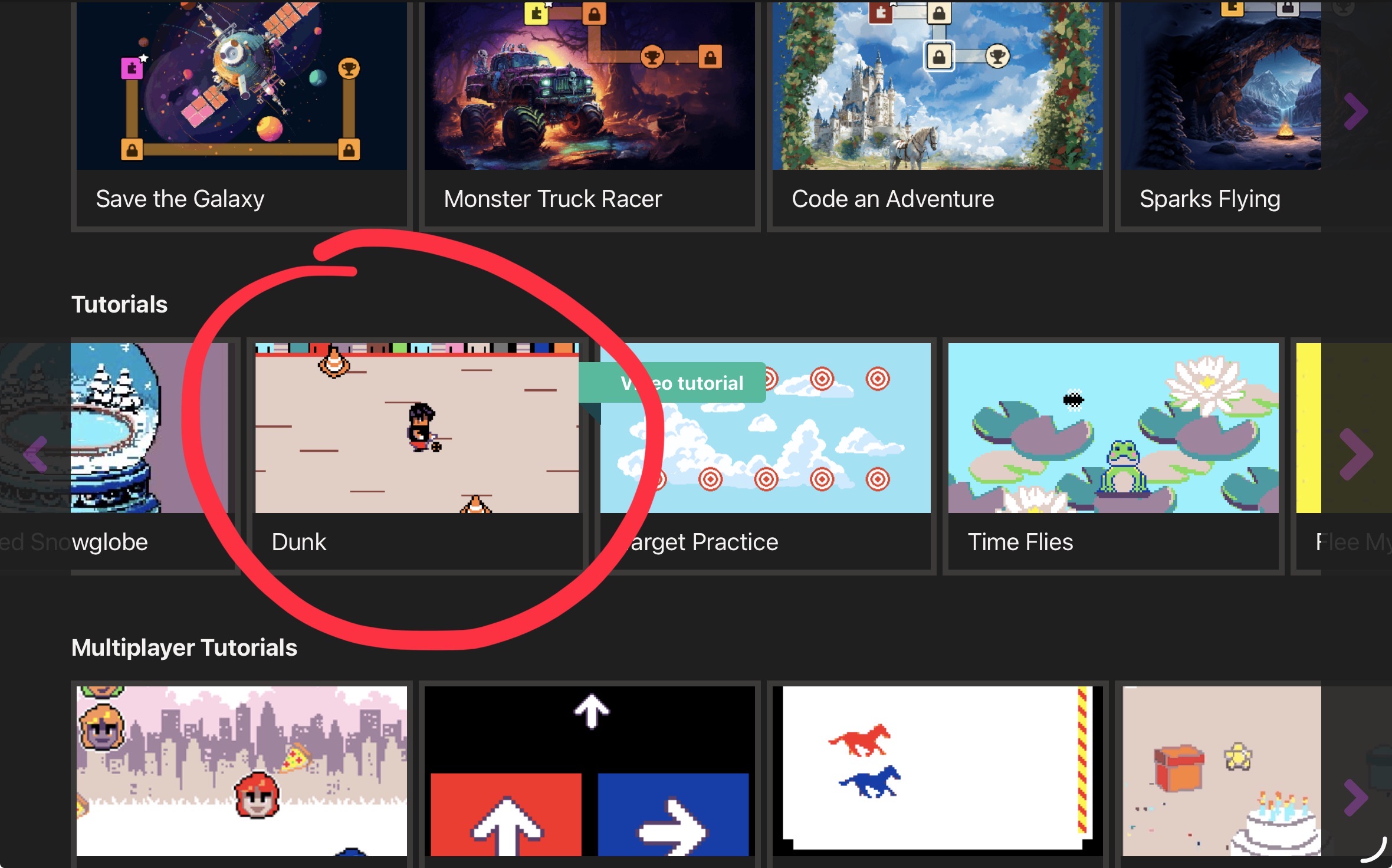
That’s something you need to switch to JavaScript to see. It will be under the simulator.
2 Likes
How do I do it?
1 Like
ok because i added all of those but how did you get the

block. I don’t see this anywhere and I cant find it anywhere even when I added all the extensions
2 Likes
… it just came in the tutorial.
the code is namespace controller{ export enum Speeds { //% block="fast" Fast, //% block="medium" Med, //% block="slow" Slow } /** * Combines a simple "move with arrows" * and stay in screen */ //% color="#d54322" //% blockId=move_only_onscreen_with_arrows //% block="move $thisSprite=variables_get(player) up or down with speed $mySpeed" //% mySpeed.defl=Speeds.Fast //% inlineInputMode=inline export function moveOnlyOnscreenWithArrows(thisSprite: Sprite, mySpeed: Speeds) { thisSprite.setStayInScreen(true) if (mySpeed == Speeds.Fast) { controller.moveSprite(thisSprite, 0, 225) } else if (mySpeed == Speeds.Med) { controller.moveSprite(thisSprite, 0, 175) } else { controller.moveSprite(thisSprite, 0, 100) } } }
2 Likes