Hi everyone!
I’d like to show something I’ve been working on: an unofficial, open-source MakeCode Arcade core for RetroArch that runs Arcade games on real handhelds — real buttons, real fullscreen, no browser.
What it is
-
A libretro core that runs the same bytecode your game compiles to. There is no JavaScript engine inside: it executes the pxt-compiled
.pxt64cartridge natively on 64-bit CPUs, which is why it runs smoothly even on low-end ARM handhelds. -
It loads into RetroArch like any other core, so it works on Windows / Linux / Android devices.
-
Fully open source (MIT): https://github.com/whmzsu/makecode-arcade-libretro
-
Unofficial project — not affiliated with or endorsed by Microsoft.
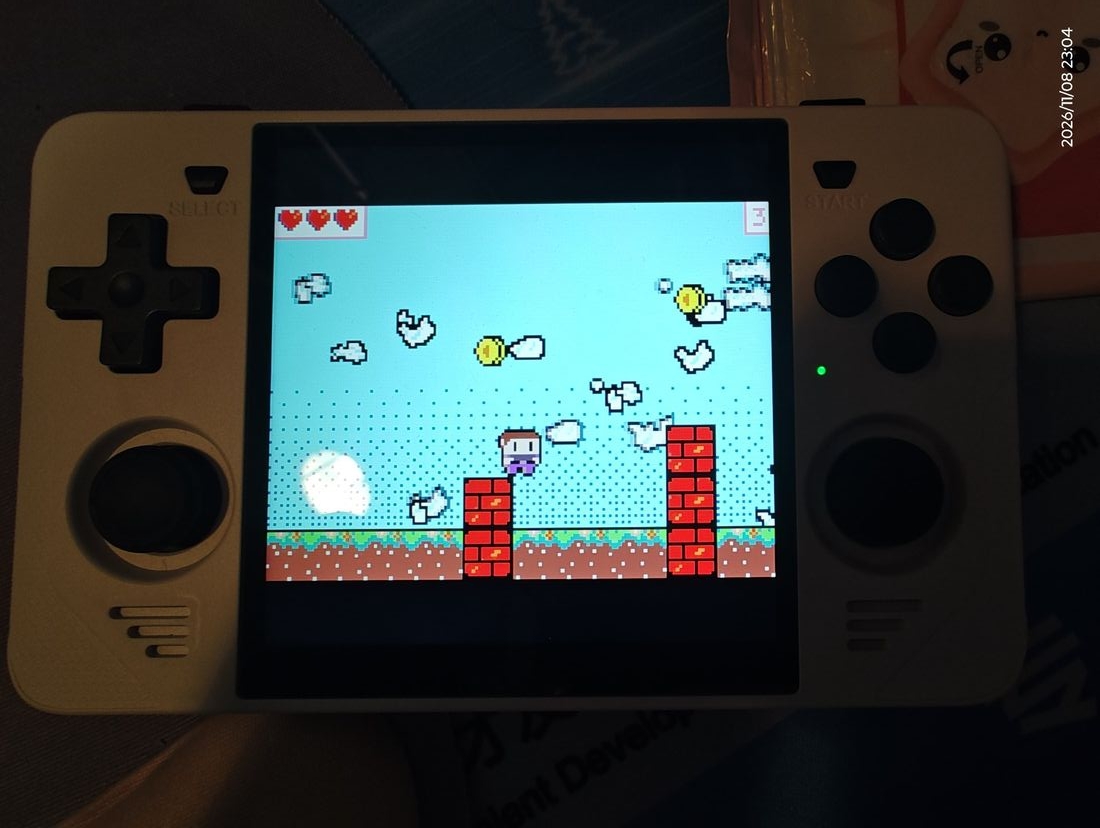
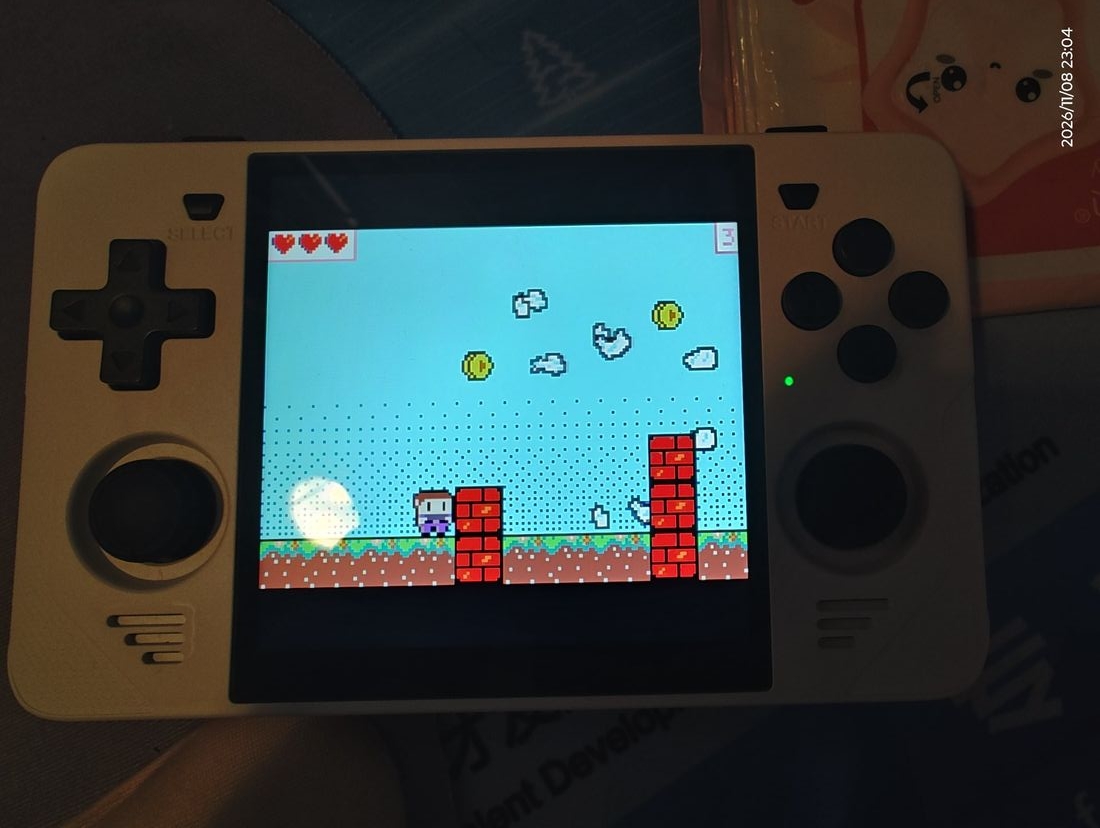
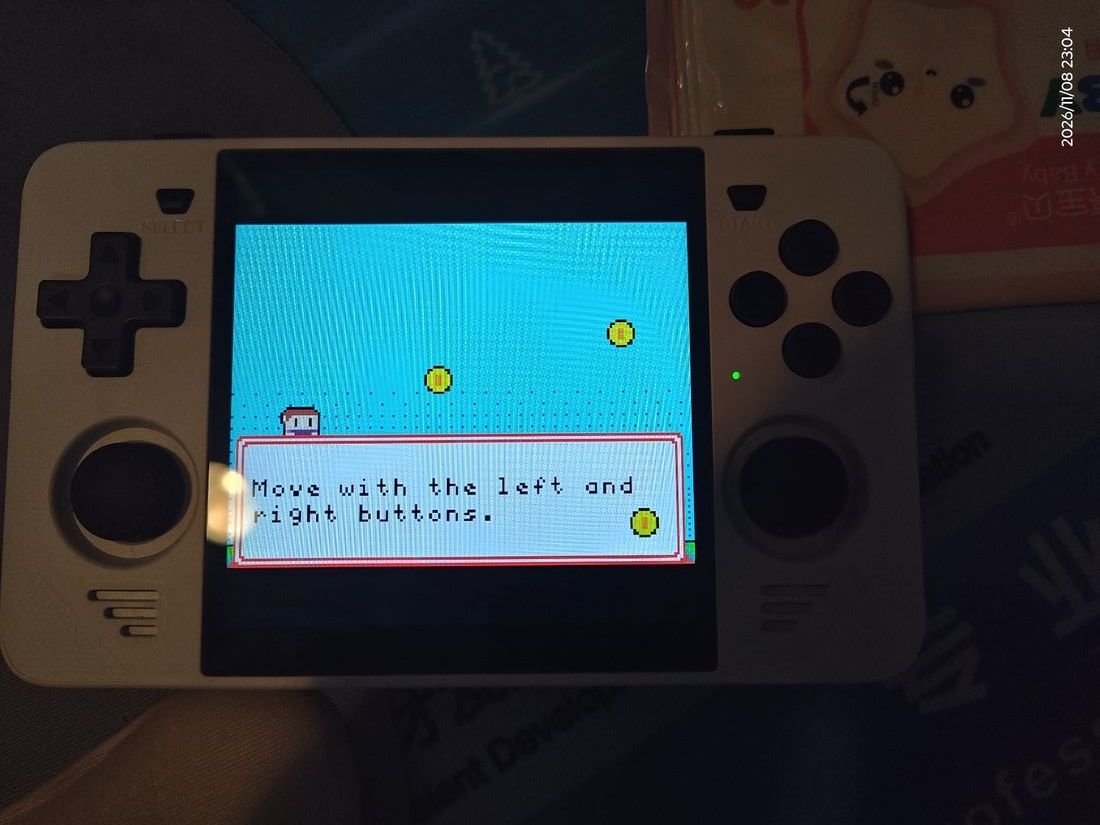
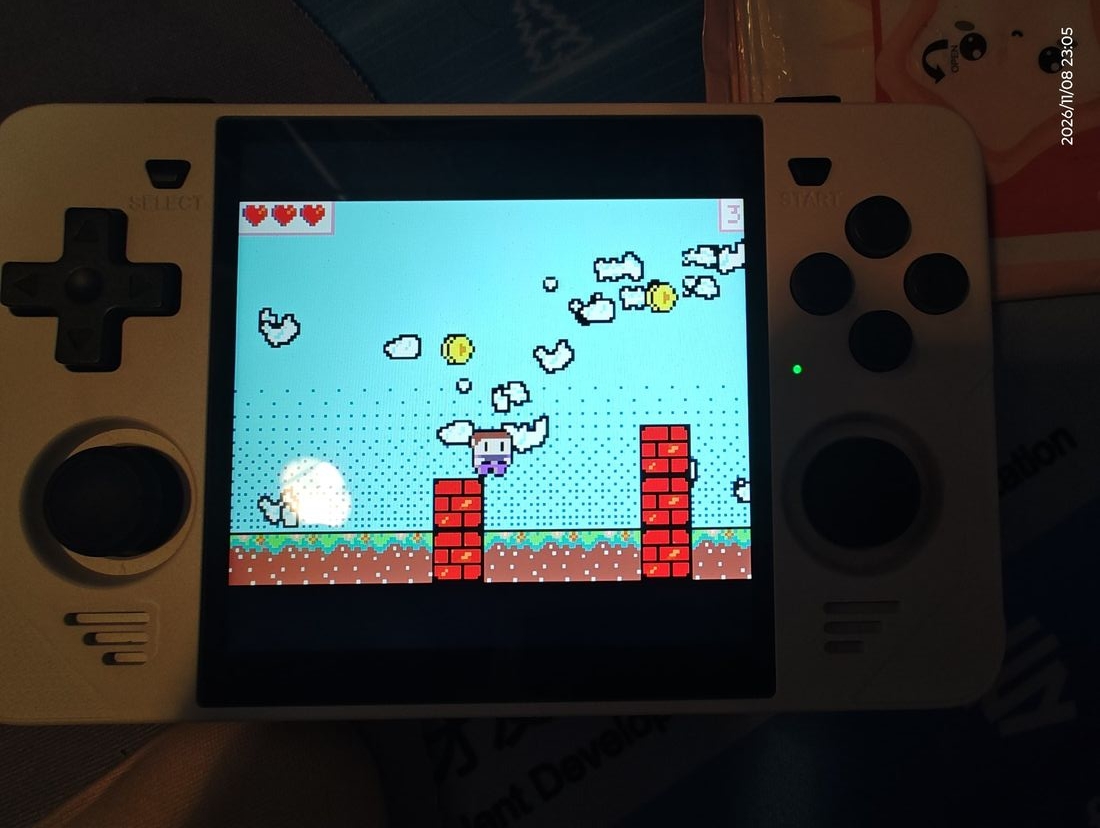
Below is Jumpy Platformer running on a Powkiddy RGB30 (RK3566) via RetroArch:

What hardware do you need?
-
Linux handhelds: any device with an RK3326 or newer SoC and a 64-bit RetroArch build — RGB30, RG351 series and friends (r36s or clones) all work. (The core is 64-bit only: a 32-bit frontend can load it but cannot run anything, because the official pxt compiler has no 32-bit output.)
-
Android: also works, but be aware that manually installing a core into RetroArch on Android is a bit more involved than dropping a file into the
coresfolder on Linux.
How to export your own game as a .pxt64 cartridge
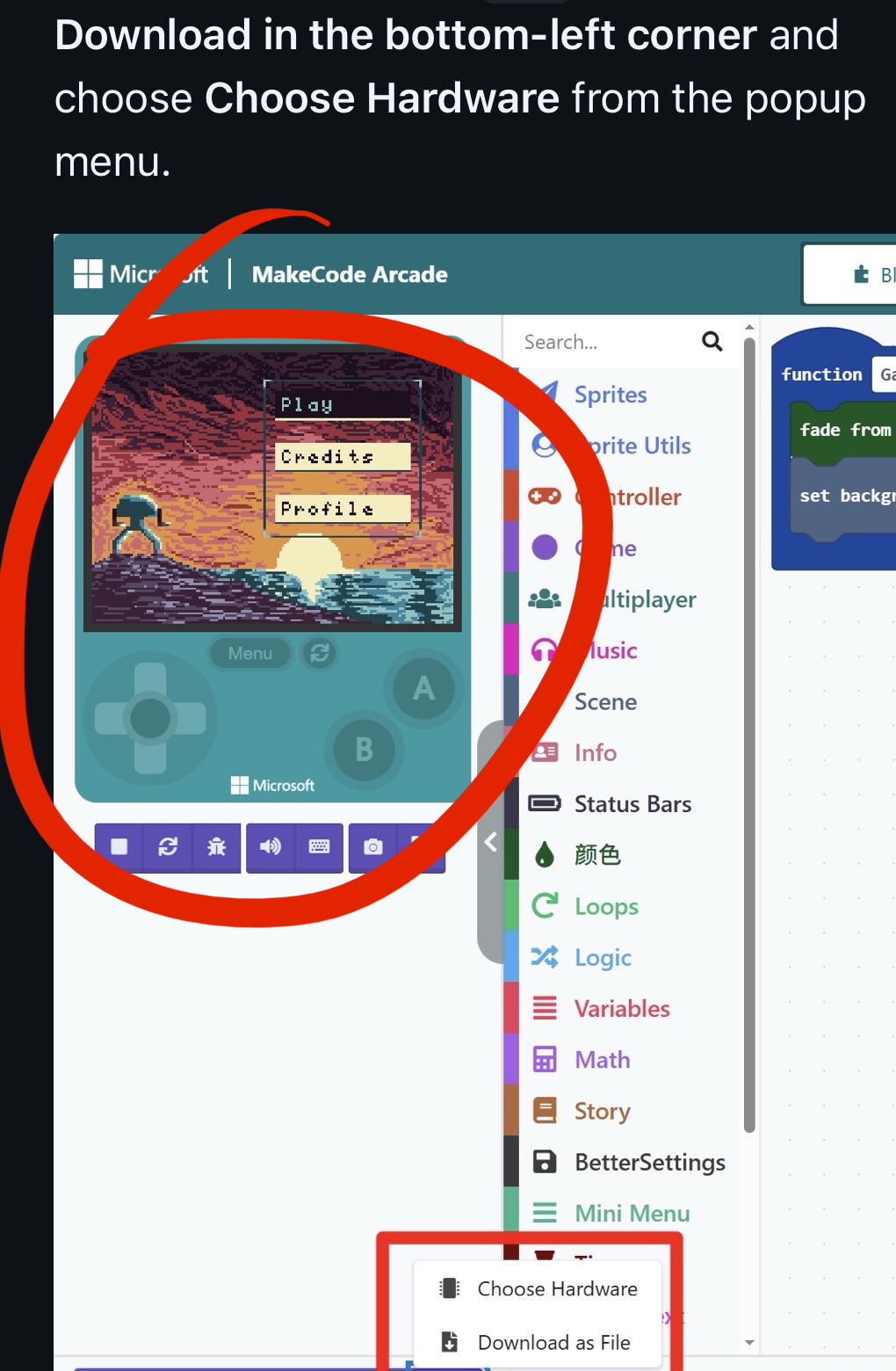
You don’t need to install anything — the official online IDE can already do it. Enable the experimental VM hardware target, and the Download button produces a .pxt64 file that this core can run:
-
In the IDE, open the
 menu → About… → click Experiments
-
Switch Experimental Hardware to Enabled
-
Back in the editor: … → Choose Hardware → pick VM
-
Click Download — you get a
.pxt64cartridge file
Step-by-step with screenshots (English / 中文): https://github.com/whmzsu/makecode-arcade-cartconv/blob/main/MakeCode%20Arcade%20如何官方导出pxt64/官方导出pxt64指导.en.md
Status
-
Release packages for 6 platforms (Windows x64/ARM64, Linux x64/ARM64, Android, Lakka) on the Releases page.
-
Sound, music, sprites and the save-data directory are all handled; RetroPad buttons are remappable.
-
If a game of yours doesn’t work, please open an issue on GitHub with the game’s share link — that’s the fastest way to get it fixed.
Feedback very welcome — especially “my game runs!” / “my game doesn’t” reports.