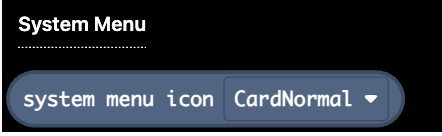
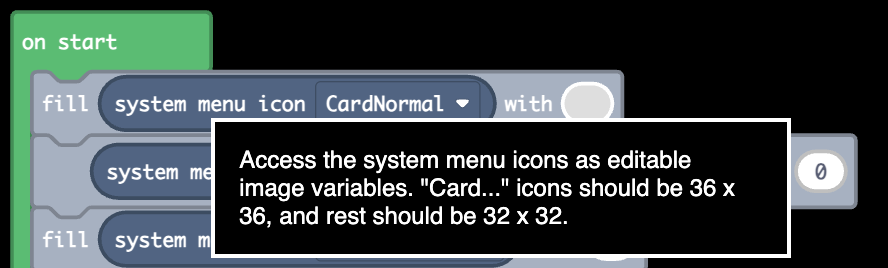
You can edit them using any of the blocks in the Images tab. Check out the example project code to see what is probably the simplest way to edit them.
I’ve wanted this ability for a while, and after looking into it it’s fairly simple to do, so I thought I would turn it into a very small extension. Now I better not see any more ruined menus after someone changes the color palette!
Well, we can do that already … in JavaScript, anyway. This is, of course, begging to be combined with WoofWoof’s customizations and built into an extension!
I mean I kinda have this working in the JavaScript extras extension. There’s a block to do it, but it’s kinda a hack job because you can’t make it exactly how the JavaScript function works with blocks. I’ll have to find some even hackier workaround that still looks sorta understandable.
Ha! Looks like I used the wrong screenshot for the block hover description! The grammar has been fixed in the actual extension.
Feel free to directly copy my menu icons and everything into your game if you want to use them! Should be easy enough with the new ability to copy and paste blocks into other projects.