I will post updates of all of my games and ask for help here.
So to start -
#1 GAMES ALMOST DONE -
Forum Stars
Space Destroyer Revived
GAMES JUST STARTED -
Critter Clash (for game jam)
Brawl Smash (Smash Bros type game)
GTA Jailbird (GTA like game)
QUESTIONS TO ASK -
Does arcade-mini-menu work with raycasting? @WoofWoof please help!
Well, that’s it for the first update. Catch you later!
Regards, RizeUpDev
4 Likes
Well… can’t you just turn off the raycasting effect while using the menu? That’s one of Richard’s extensions. I doubt it plays well with the raycasting extension, but if you just turn off the raycasting engine while using it then it would probably be fine?
2 Likes
Rune
October 13, 2026, 3:27am
3
RizeUpDev:
Does arcade-mini-menu work with raycasting?
It should, as long as you flag it as Relative To Screen. Were you having a problem implementing it?
2 Likes
Ohhhhhhhhhhhh!!!
I lowkey forgot that block existed!
1 Like
Okay, @WoofWoof I don’t actually know what ‘turning off raycasting’ means. I tried using the switch view mode but that didn’t work.
@Rune the Relative To Screen block didn’t work. It must be something else.
2 Likes
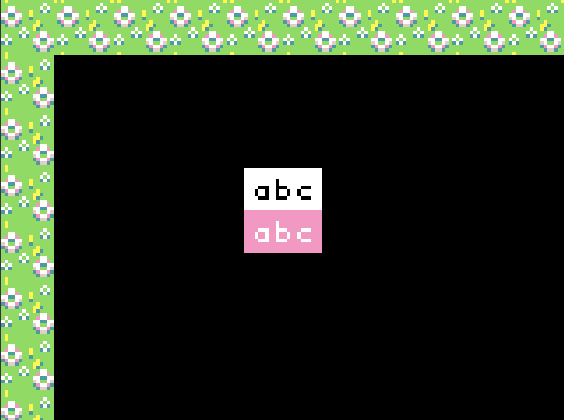
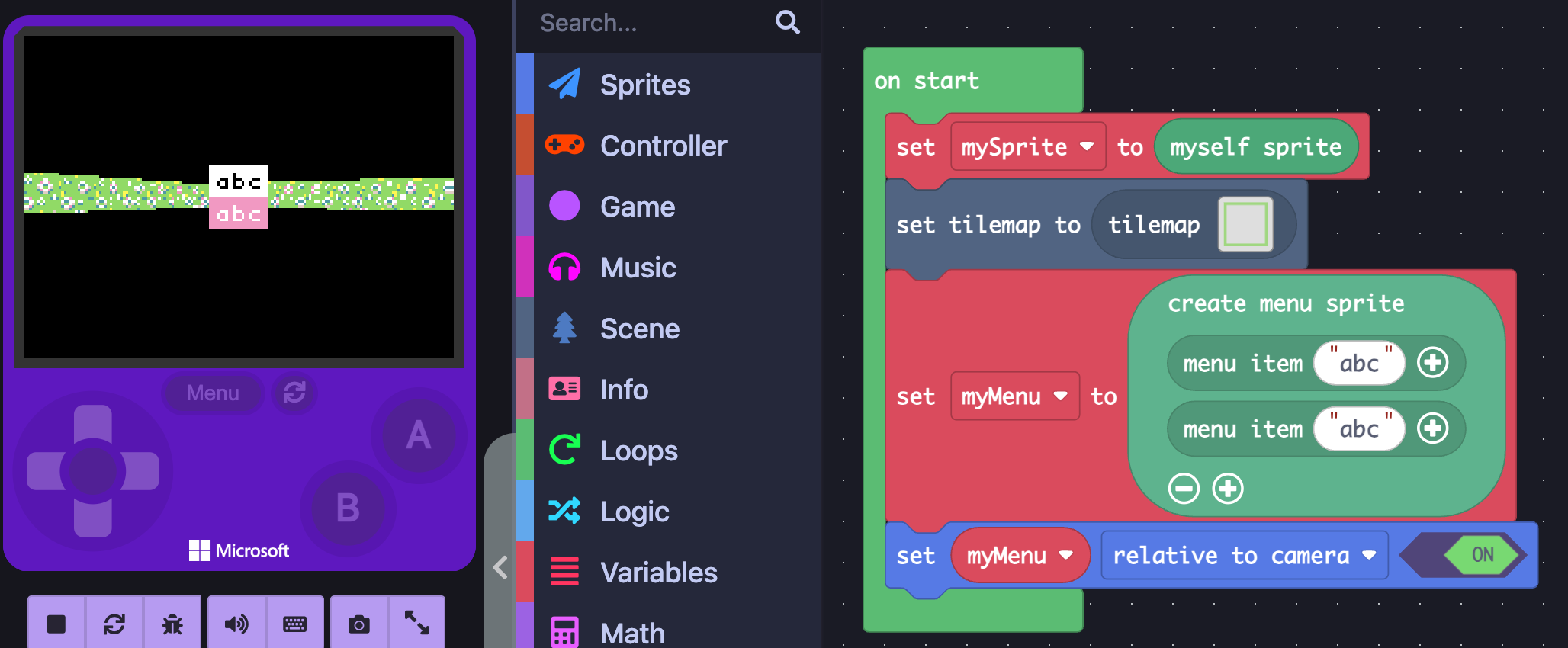
Both of these seem to work for me!
Relative to camera:
Maybe you are creating a menu somewhere off screen?
3 Likes
Just to tell you, I am using @neintoes ’s version of raycasting. From the picture you gave me, you seem to be using AqeeAqee’s original raycasting.
@neintoes could you help if you can?
Now that is useful information to have. Everyone uses AqeeAqee’s version, so it’s always assumed that’s what you’re using.
2 Likes
Help whenever you can! If you’re too busy then I will use the original AqeeAqee version.
1 Like
These both seem to work just fine with that extension. Could you be doing something wrong? Maybe share your code if you can’t get it to work.
1 Like