Yup I always announce updates when they come out for all my games, and for your second question I’ve made too many to count lol.
2 Likes
is it ok if make mods for this game
2 Likes
Sorry but that’s a hard no, but you can make suggestions for me to add to the game if you want!
3 Likes
ar I understand.
3 Likes
Hey everyone! I’m here to announce that for part of the new update coming out soon for Solaris I’m adding 7 new skins to the game!
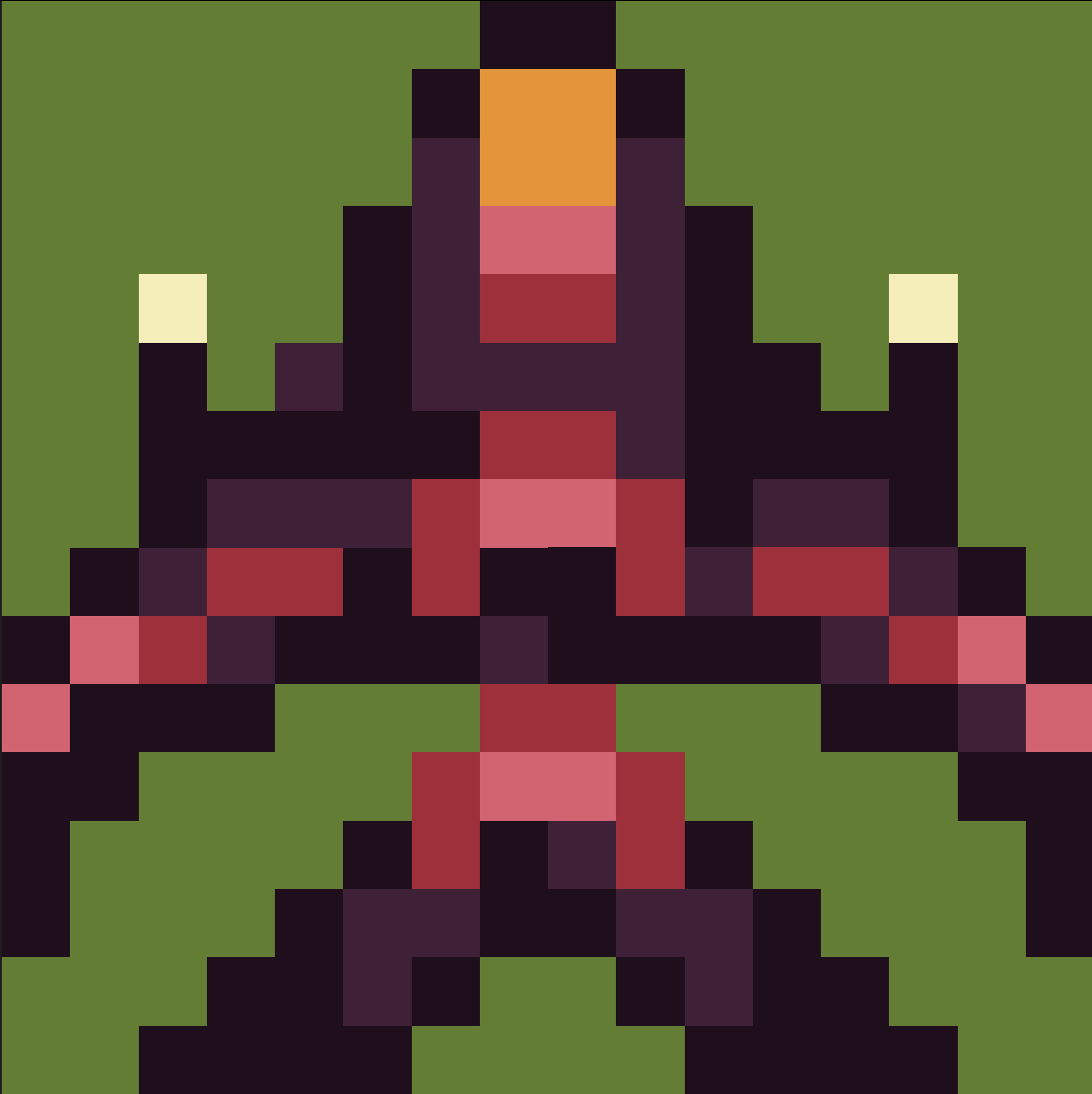
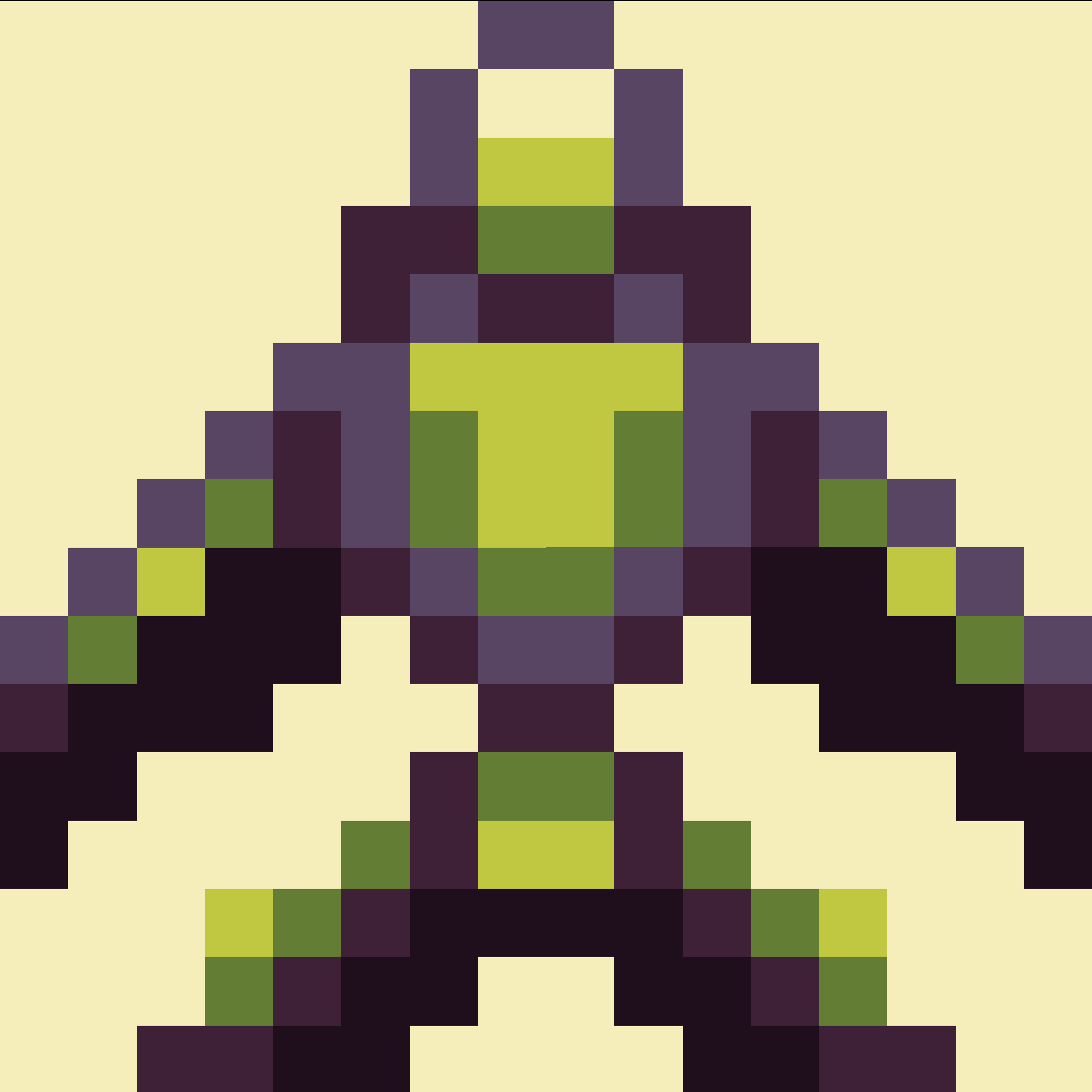
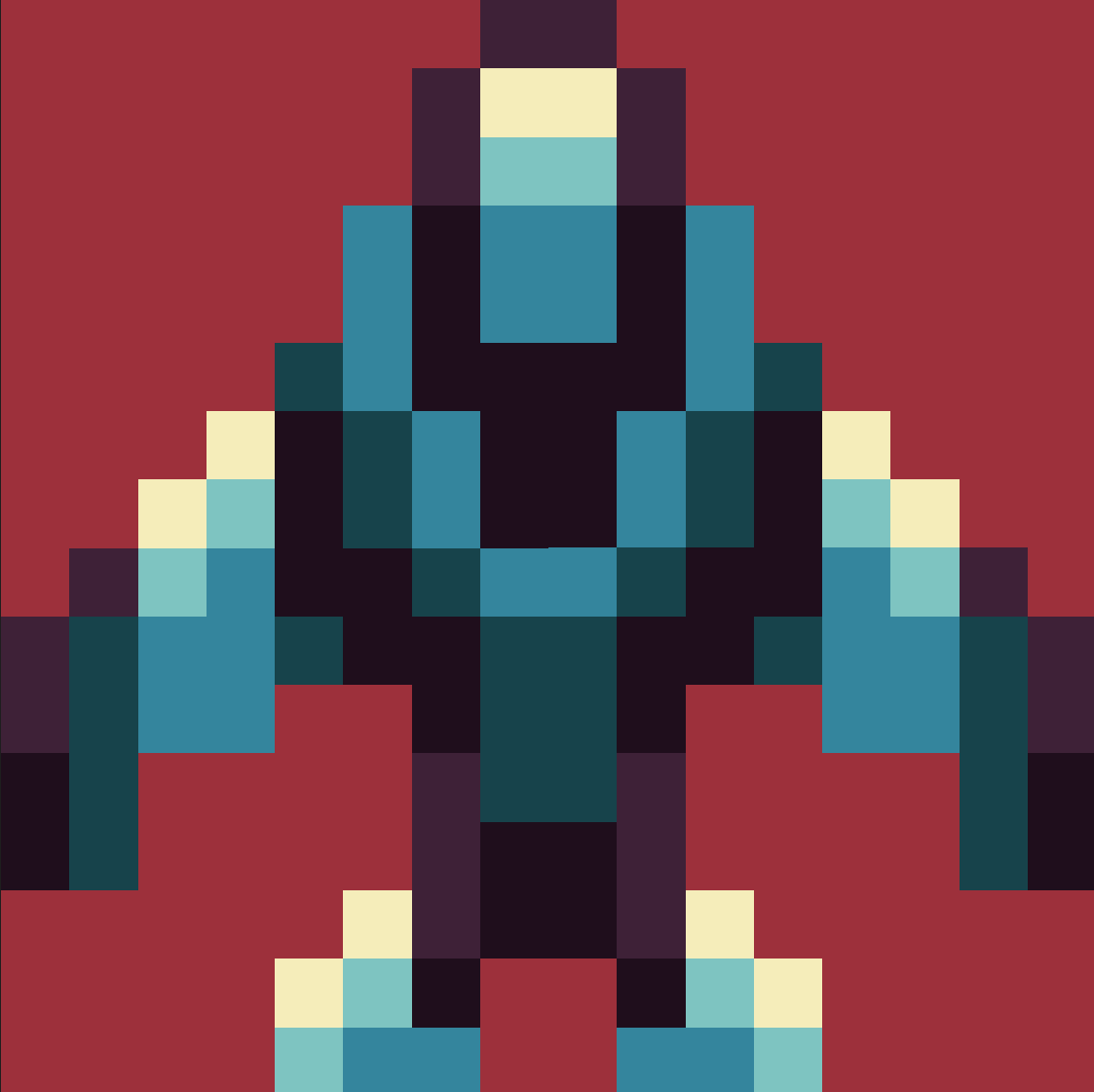
Here’s a little sneak peak for three of my favorite skins so far. In addition to this there are two empty slots for you, yes you, to have an opportunity to have your own custom made Solaris skin added to the game!

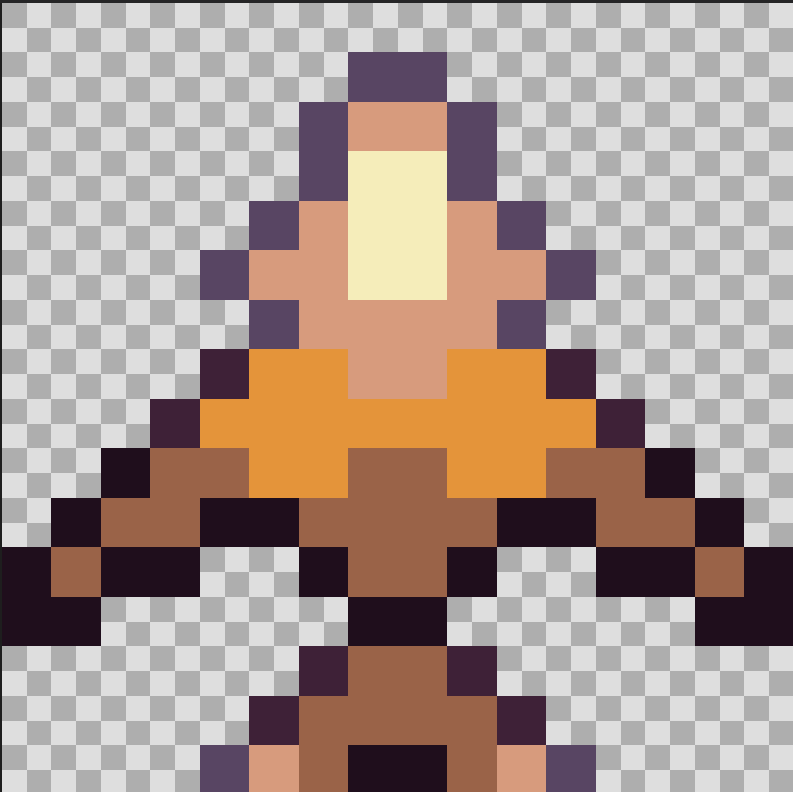
Once skins are submitted I’ll add the two that I find the most unique and creative to the game. If you want to participate the deadline is 2026-01-01T05:00:00Z . Feel free to use skins already in the game or the ones above as a reference. You must use the adventure palette and the maximum size is 16x16. Have fun and be creative!
-Octodemon 
9 Likes
Hey everyone, the Solaris update is gonna be delayed by a day or two because I lost quite a bit of progress due to it being deleted. No worries because I will still try and release it as soon as possible!
-Octodemon
6 Likes
Really excited for this contest, but where do I submit the skin?
3 Likes
for some reson whenever i die it dosent take me back to the main menu. not just sometimes but every time
3 Likes
Just post it here in this topic.
2 Likes
Are you playing on mobile or pc? I just clicked the link, died, and it returned me to the menu. Maybe it’s a makecode bug? If anything the update is releasing soon so it will hopefully work again soon.
3 Likes
the 500 bucks as promised richard
4 Likes
Playing on my phone and this is also happening to me.
2 Likes
Yeah it sounds like it’s just a phone bug because it works just fine on PC. So likely a problem with makecode
2 Likes

I’ve only tried it on my school computer. I’m gonna try it on a different computer
3 Likes
5 Likes
bro revived just for solaris update welcome back
2 Likes
Not back, just wanted to participate in this.
4 Likes
do you have a color pallete or a copyable project to use for this?
3 Likes
Hey! The colors i’m using are already built into the website. First make a new project, click up here
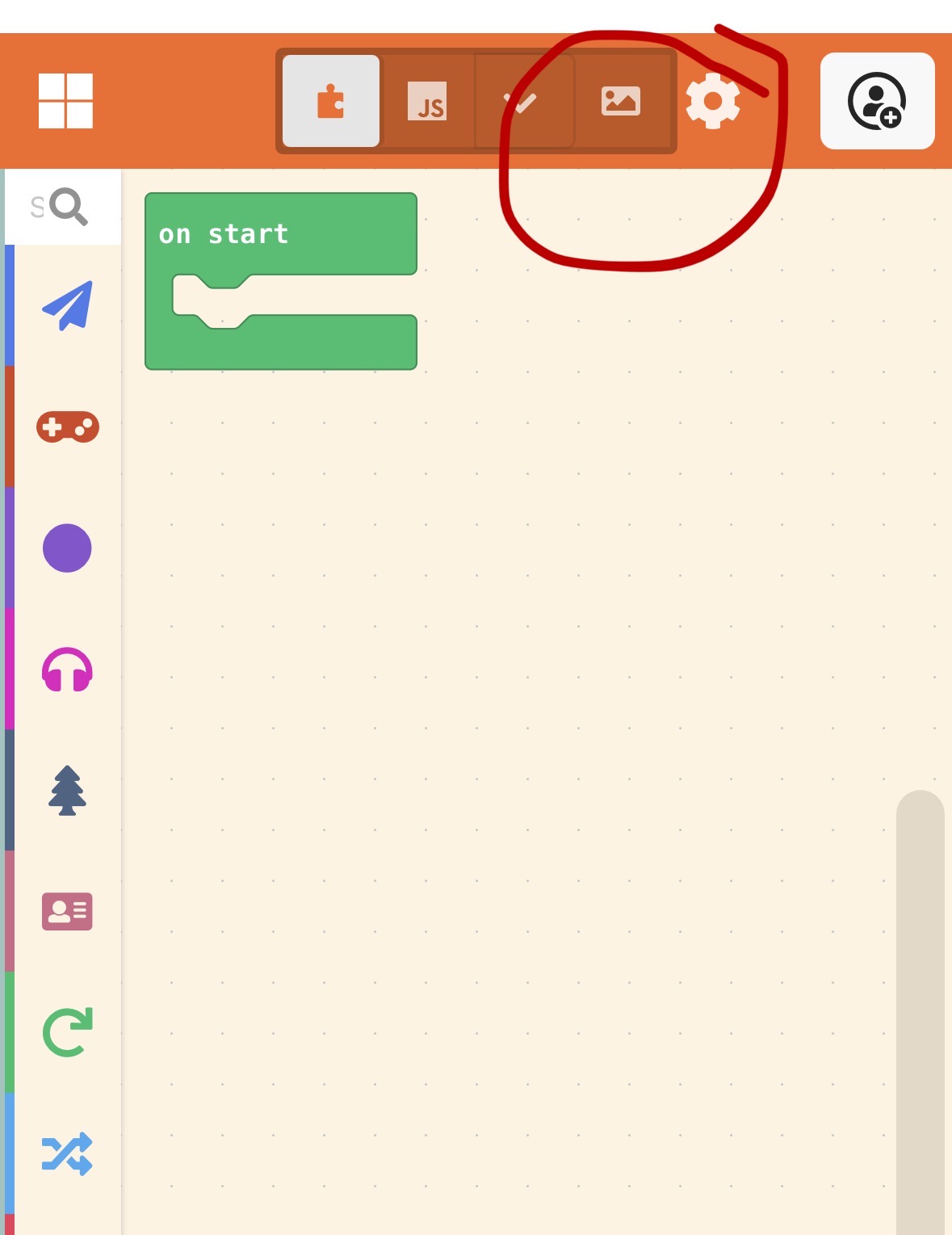
and then you’ll see an option for colors, then click the button at the top where it says arcade
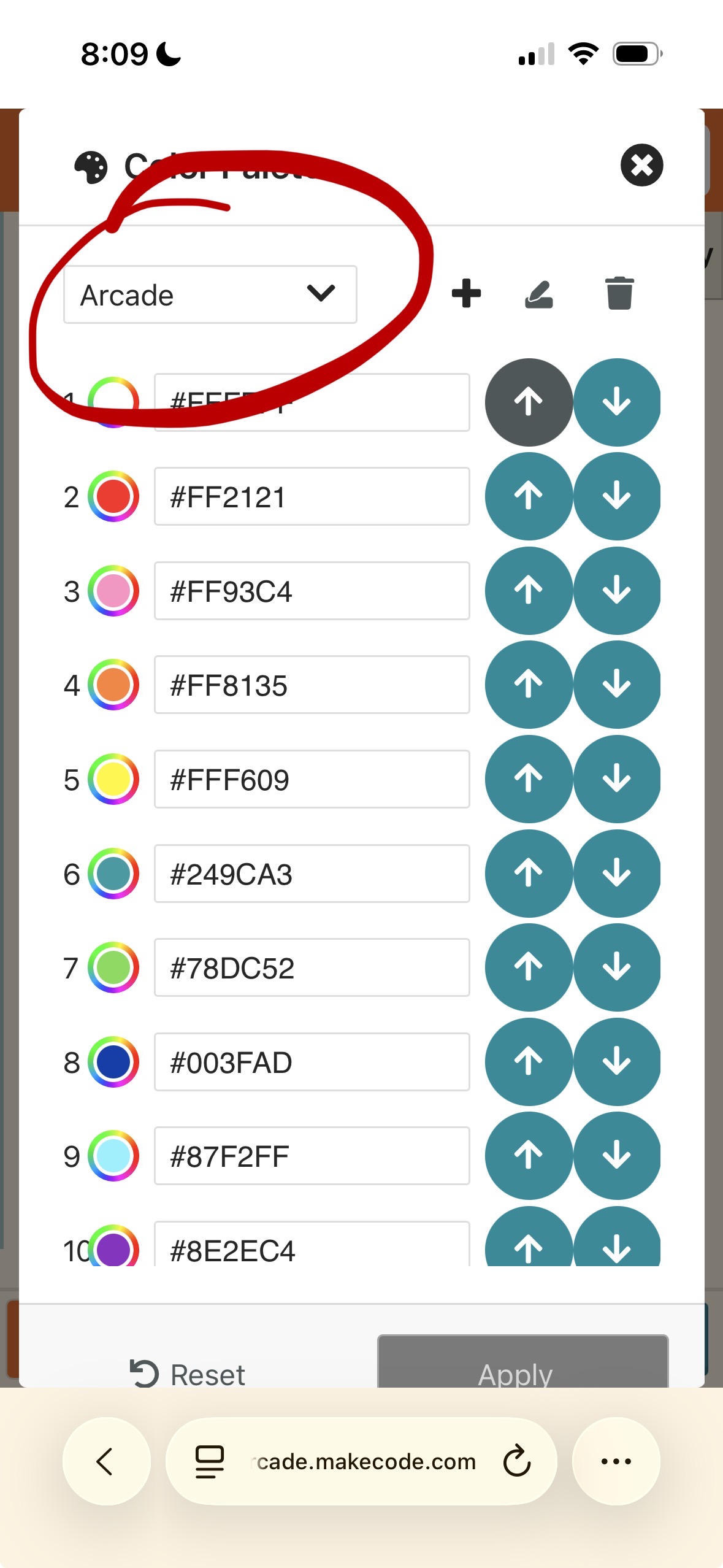
then scroll down to the adventure palette, which is the one I’m using for Solaris. Then just make a new image and follow the directions up at the top and the post your design in this topic. Hope that helps!
6 Likes