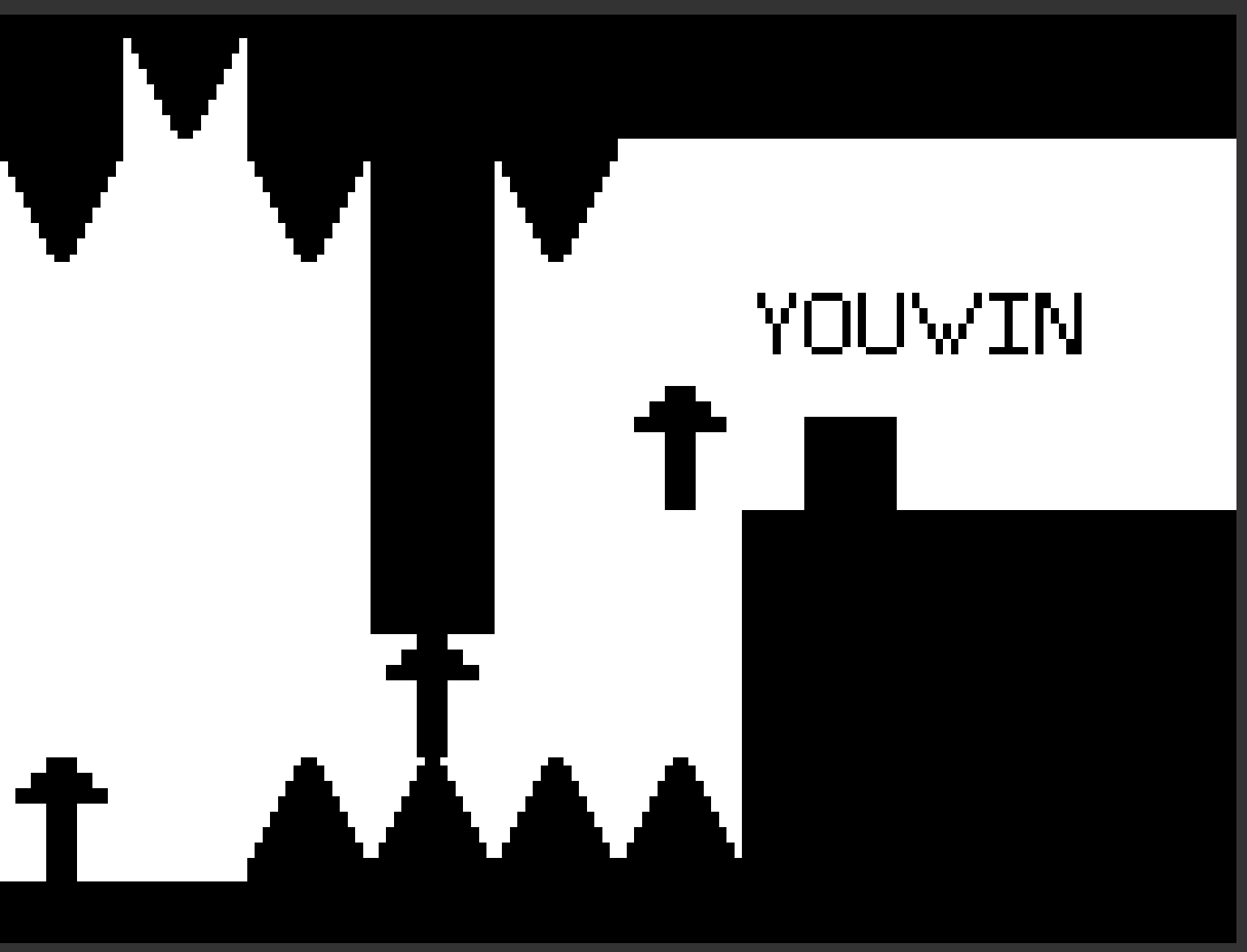
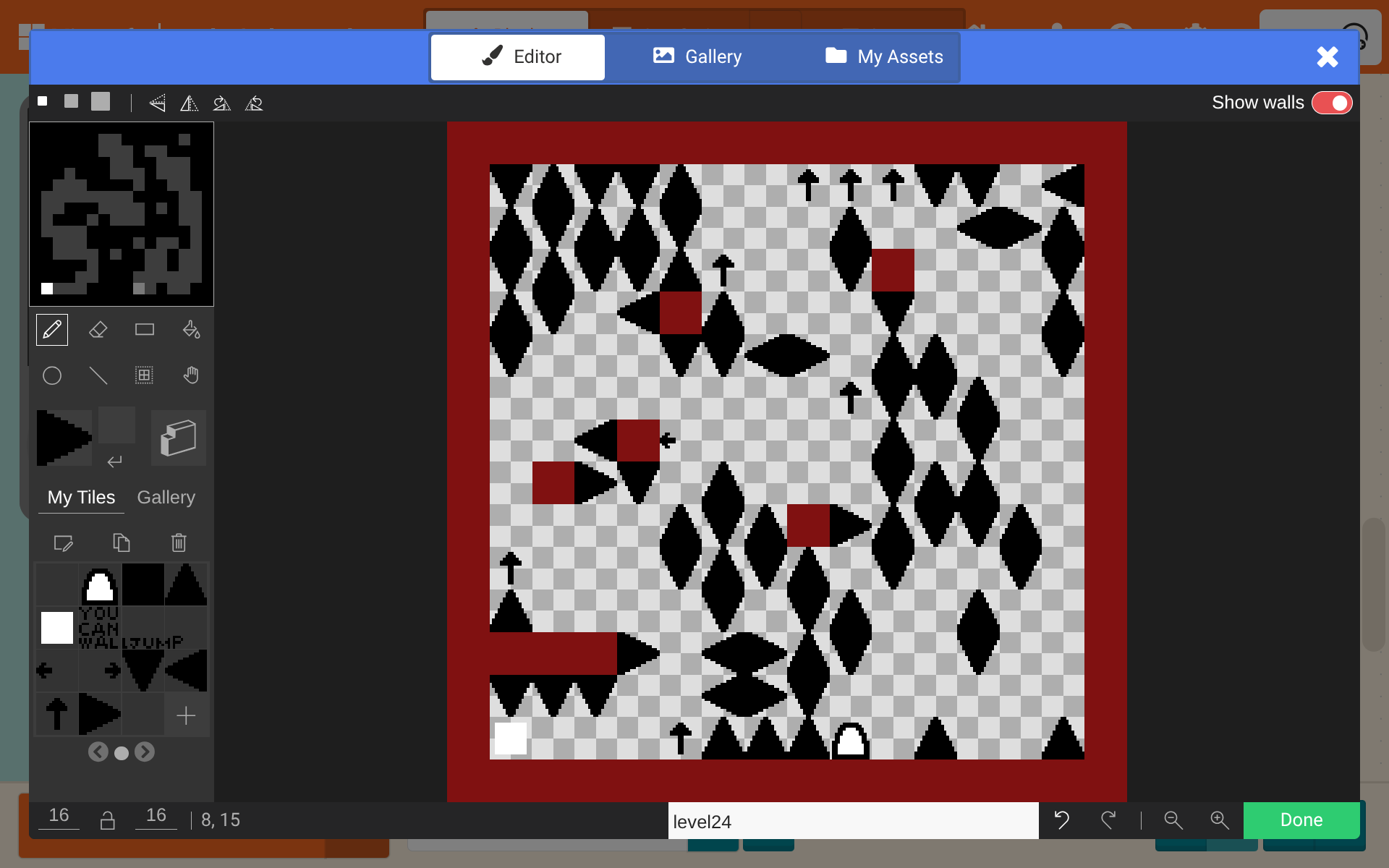
Hello! My name is FrostBiteDoesStuff (you can call me FrostBite)I joined makecode not too long ago. I have been working on my first game for a couple of weeks! I hope you will like it
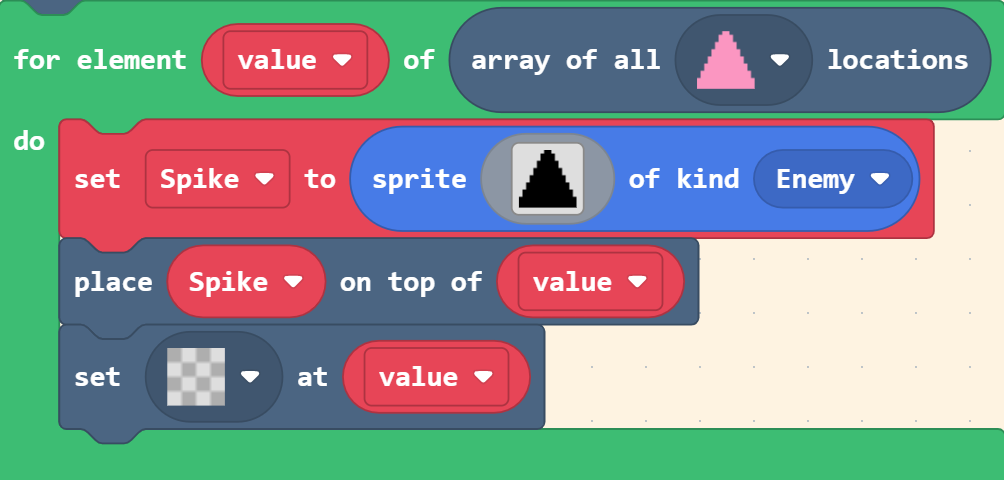
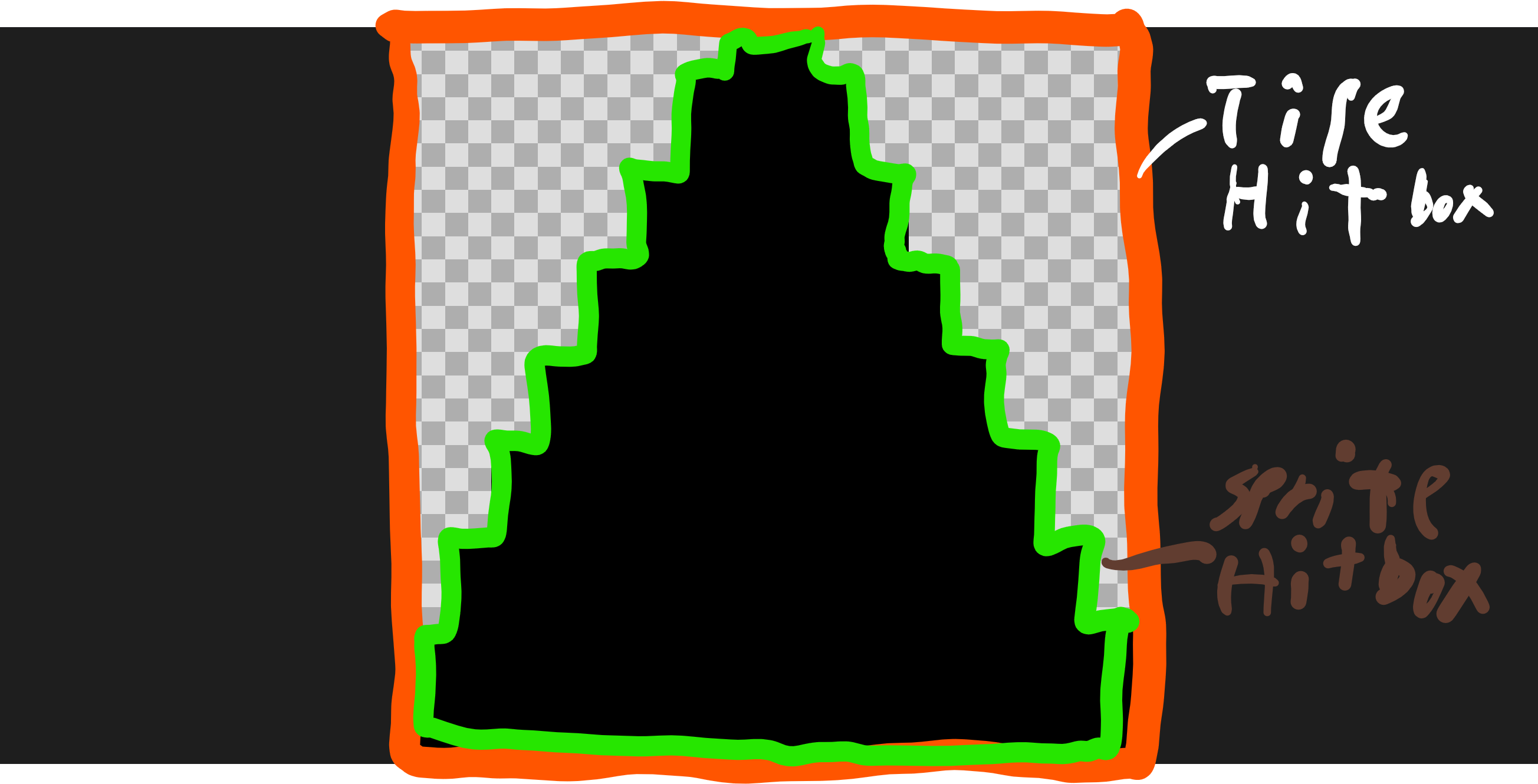
This is a really good first game (better then mine), it has really good pacing in terms of difficulty spikes, it has a minimalist airt style (a good choice to get to know pixel art I think I’m not an artist). If you come back and revisist the topic I would fix the hit/hurt boxes as the sprite on overlap tile means that if the sprite overlaps the tile even if the sprite overlaps the null area (what I like to the white and grey checkers as) will cause the player to be sent back to the start. so instead when the player enters a new level you can do this:
This is a really fun game, I feel like it’s the kind of game that you REALLY want to beat, but the really hard levels can ragebait but I barely won. 10/10!
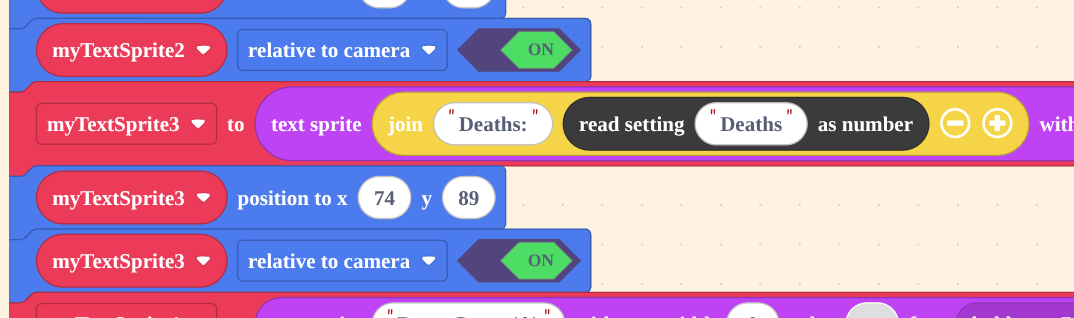
You should add a death count (how many times the player has died):
Make a variable: ‘deaths’
Create a textSprite. In the bubble where you put the writing, place a variable ‘deaths’ block (the little circle) inside.
Now position the textSprite at the top of the screen (or wherever you want it).
Then, put a {set my textSprite [relative to camera] to < on >} block.
Finally, whenever the player dies, place the player where it needs to go first, then put a {change variable [deaths] by 1} block.
This probably makes no sense. Here is a picture from my game that shows this happening:
I crossed out the name (because it is spoiler and simulator hidden) But I also used betterSettings instead of a variable.
 to boost.
 Makes you jump lower.
 Makes you jump normally