dislike button
2 Likes
It’s just a hunch, idk. Besides, all the code for a game is loaded into your browser before it plays, so you could always rip it straight from the browser using dev tools if you were really dedicated. Unlike a normal platform that might want to obfuscate its code, MakeCode has no need for that sort of thing, so everything is right there for you to grab if you really wanted to. Obviously there’s no reason to grab the code this way when there are options that are so much easier, but I’m sure it could be done.
2 Likes
You can send shorter messages by putting the rest of your message inside a sort of fake html tag that does nothing. That’s how I send :) without it becoming  , I write
 :<lol>) and you can use this to add to your word count without having visible words.
:)
4 Likes
I don’t think this is really in the spirit of MakeCode… and also which post is this button even for?
4 Likes
If you were incredibly determined to obfuscate your source code, you could use something like https://github.com/UnsignedArduino/MakeCode-Arcade-to-App to convert it to static HTML, CSS, and JS files, and run those through minifiers/obfuscators, or even more fun, deploy as Electron/Tauri apps. This is probably still “relatively” easy to get the source code though.
2 Likes
hehe intentionaluser
4 Likes
DANGER. ALERT. WARNING. RUN
The president of MakeCode has become inverted with her color schemes and is now evil with advocation for a dislike button on the MakeCode Forums. Rush to the nuclear bunkers (built during The Cold War or something) right now for your safety as that authorities and professionals handle this situation.
7 Likes
then use dithering (I think that’s what my thing does)
an in asset color editor. like, for my __ asset i want __ colors, but for my — asset i want — colors
Wait! All my progress will be gone though!
4 Likes
I wanna see remix toggle (if remix) and code source hidden/showing toggle (if you want peeps to see the code ).
I have a couple suggestions:
- add clear UI for adding sharps and flats in the music editor. Right now, you can hold ctrl and press on a note to do that, but a lot of people don’t know cause there’s literally nothing to indicate that.
- Add a lasso tool to the sprite editor, it’d be nice to have more than a rectangular select box.
- Either add blocks for local variables or let us edit parameters in functions directly.
- Add the option to have rectangular sprite hitboxes to blocks. It’s a javascript exclusive rn, and it’d be great for performance and optimization.
- Richard please fix the Sprite Events extension and my life is yours!!!
5 Likes
I think the color palette should not be so limited
1 Like
the mods have said like 3 trillion times that it’s too complicated and will not be happening. You could try combining multiple (4 or 9) colors into a “tile” though
1 Like
we don’t need more colours, in fact i would like to see people use less colours, like @CopySprite with Katandra: Hollow Heist (CopySprite’s Heist Jam submission) and @danger_kitty’s  red-line
 _beta and Frost Haven (sneak peaks + some dev log)
I’m using a very limited palette of 6 colours for the red line remaster!
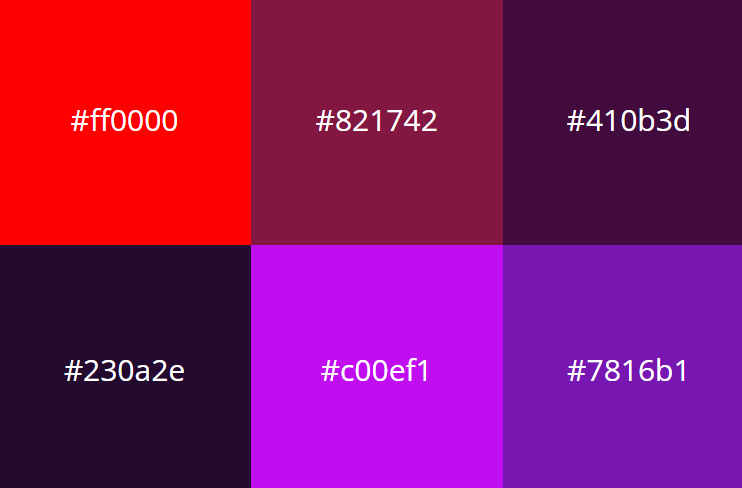
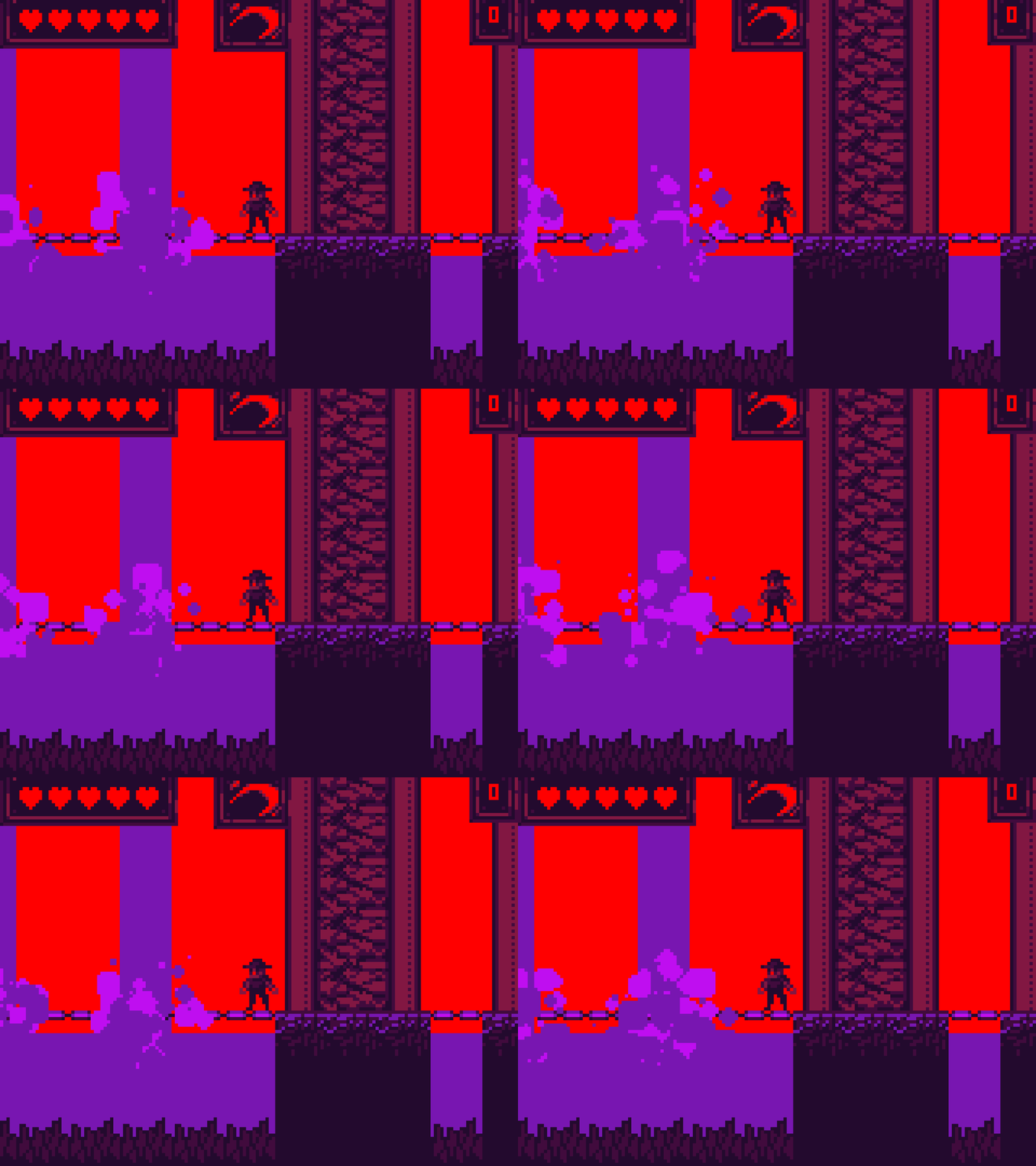
10 Likes
SIX COLORS!??!??!!?
4 Likes
do more with less
7 Likes
I definitely like the artsyle, but the water looks very flat compared to the detailed texture of everything else, I don’t know if it needs another color or just more animation.
3 Likes
I’ve seen some pretty insane 1 bit pixel art
4 Likes