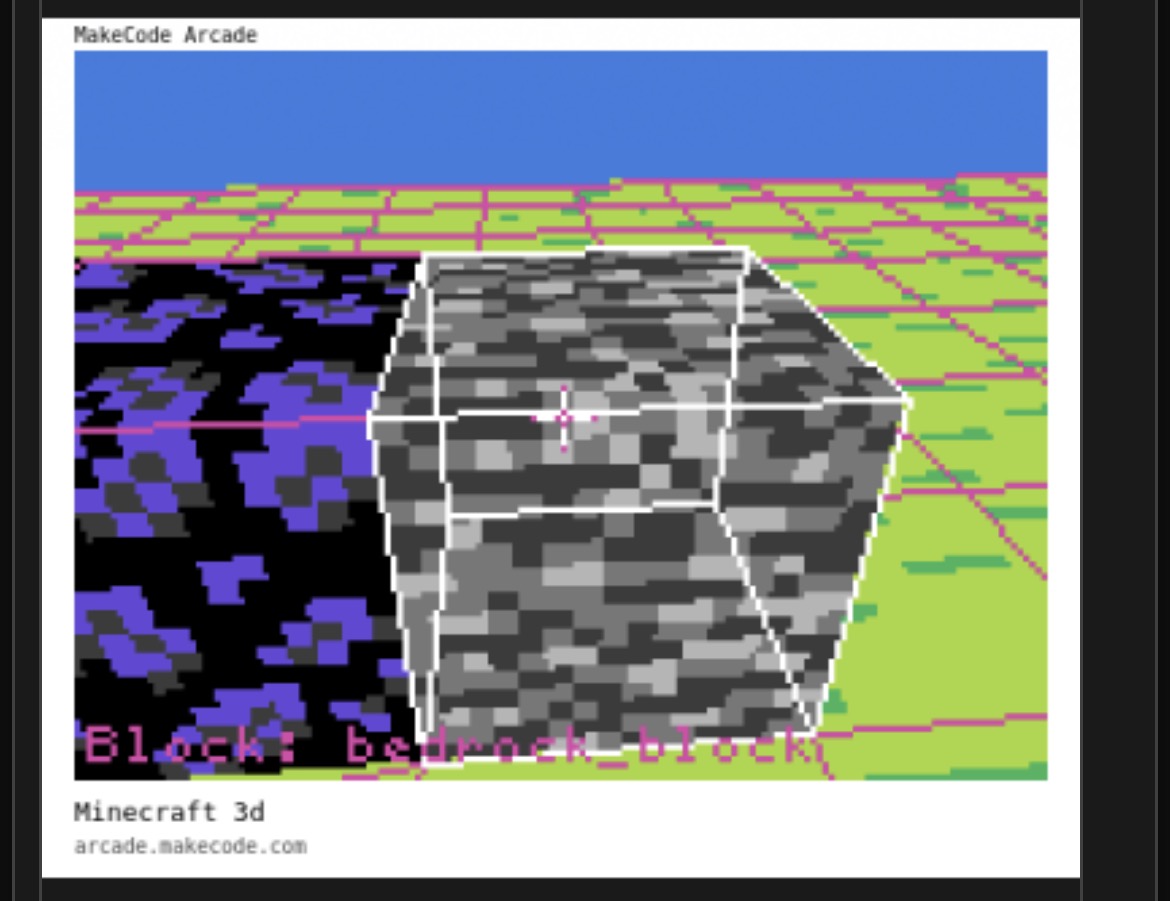
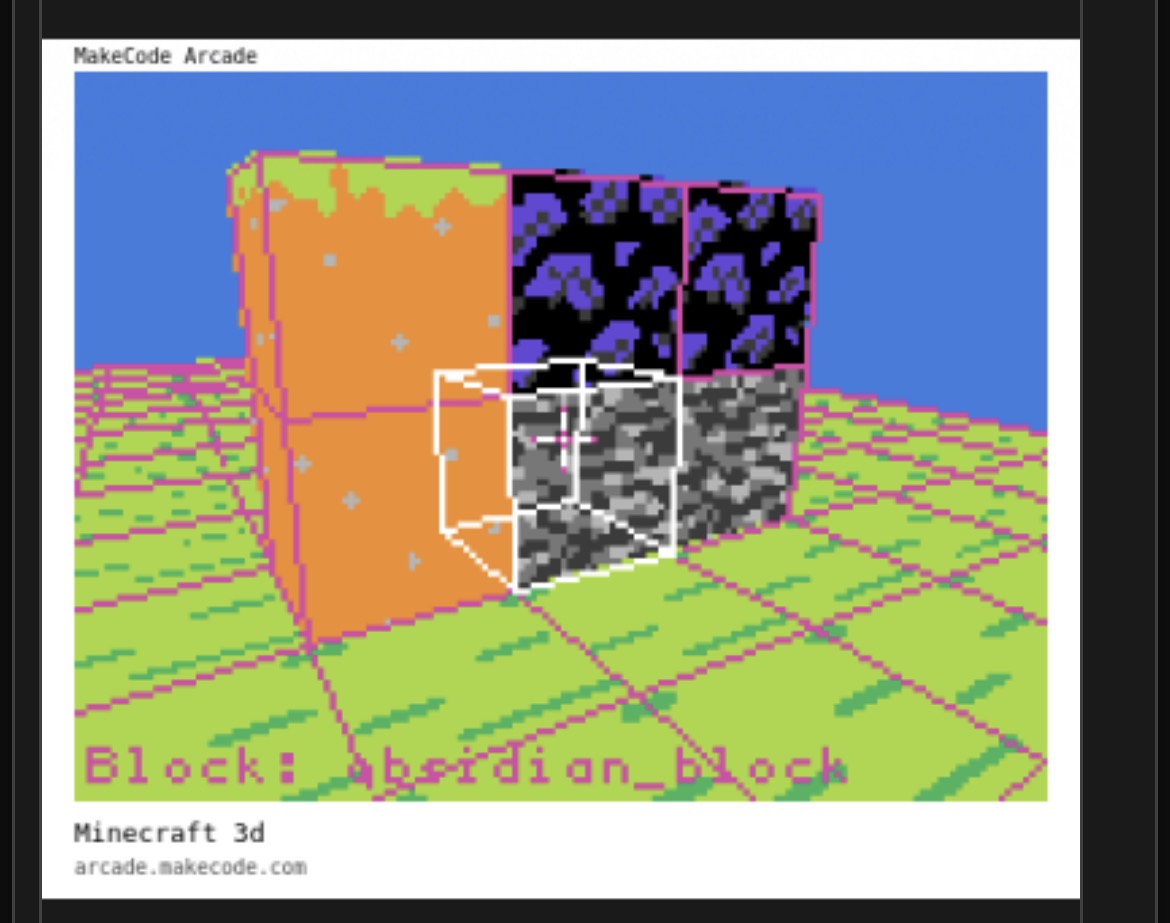
I just want to show screenshots until I’m done with the project. I will show updates from time to time


6 Likes

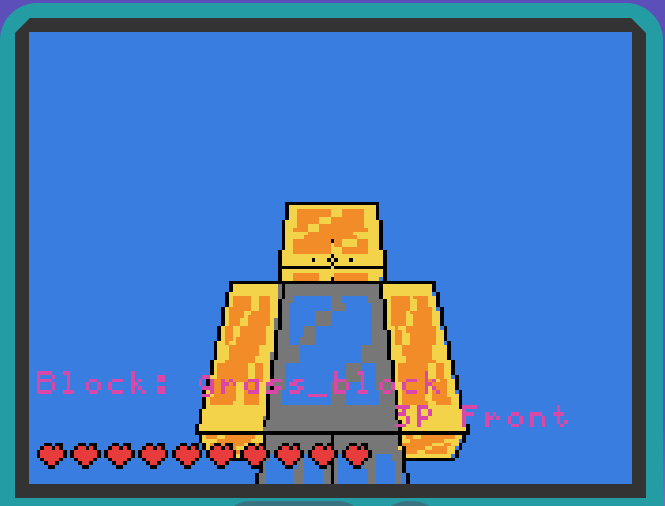
New update, and I will soon release an old version of the project.
1 Like
I will soon be ready to release a version. I have centralized everything so that you can easily reuse the code. I am currently having ChatGPT translate everything in the code into English; it will also add comments in English. I will then test it—I expect it to still work, as the process should only involve translation. If not, I will simply release the original German version.
4 Likes

It took a while, but the English version is finally ready. This also marks the first official release. I’m curious to see what you’ll do with it. I don’t think I’ll be working much more on this project; it simply takes too long. I’ve already invested a great deal of time and spent countless hours fixing bugs. Adding blocks should be straightforward now, as I made the process much simpler in the last update. Have fun with the game!
4 Likes
8 Likes
Whoah! This is amazing! This is like the only really 3D game I’ve seen that runs super smoothly! Once it’s finished, you should make an original game with the same engine! I don’t think I’ve ever seen a really 3D game that isn’t just a version of minecraft.
3 Likes
What are the controls?
2 Likes
how did u do thiss!!! : O
2 Likes
press menu, select “controls”
2 Likes


Custom textures for the player. In the next update, you will be able to create your own skin—directly via the assets in the editor.
7 Likes
W, A, S, D to move; up, down, left, and right arrow keys to look around; I for the inventory; E to place a block; Q to break a block; spacebar to jump. In the menu, you can also enable coordinates, adjust the render distance (16 is best), and check the controls. Quickly press W twice to sprint. Press V to switch between third and first person.
3 Likes
6 Likes
Would anyone be interested in creating a custom skin that I could use for future updates, instead of this placeholder skin?
5 Likes
By the way, third-person perspective has also been improved in this update.
4 Likes
I can.
3 Likes
Found a bug. In third person perspective (behind the person), when I press forward, it goes backwards, and when I press backwards, it goes forwards.
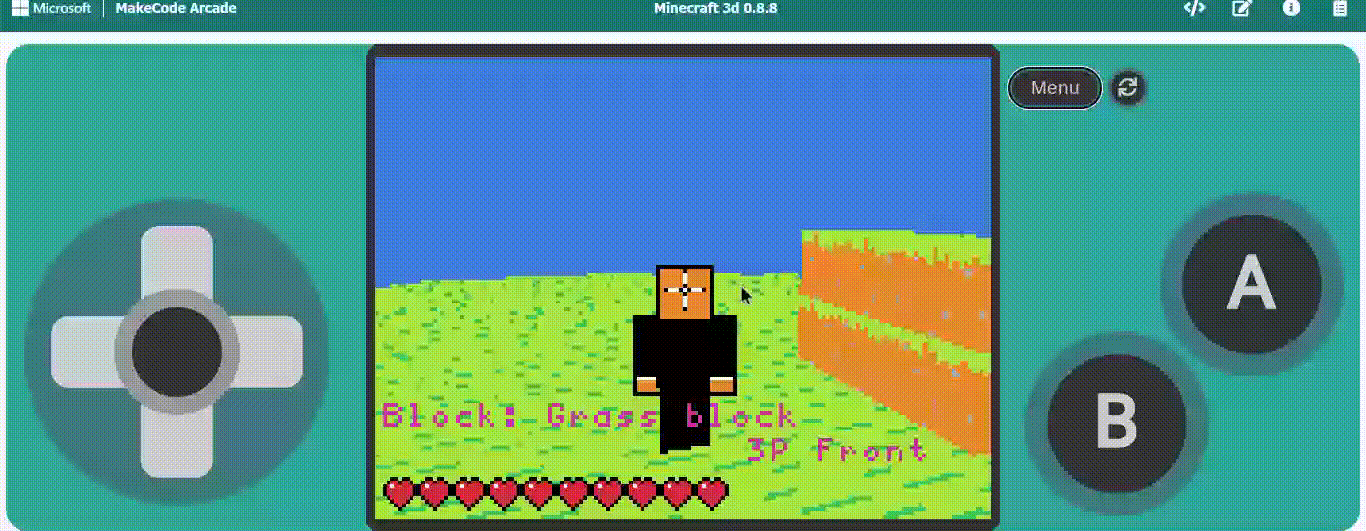
Btw, first time Im doing a GIF so if it works just react thumbs up and snake if it doesn’t
6 Likes
can you add a hotbar?
3 Likes