it uses pointer lock, where your pointer stays in the middle of the screen, like it gets sent to the middle every frame, and it has a chance to move one frames amount. for a cool demo you can try it on turbowarp, it has a pointerlock extension, there you do enable pointerlock then you make a sprite forever goto mouse cursor, and youll understand what i mean.
1 Like
Why are you using a class if it’s meant to only have a single instance? If you use it like this, you’ll have to put in the player every time you want to change its properties. Better would be to create a dropdown using an enum instead of the get/set dropdown functionality. You also never create the player, even in the init function, and you don’t have a block that creates a player, so there’s no way to create a player in blocks! Just get rid of the player class entirely and turn it into just variables and functions in the namespace, then use the enum stuff to make the drop down.
Here’s the guide to block definitions, scroll down to the Enums section to see how you can use them!
And here’s a small example I made:
2 Likes
i used a class with everything being static because it allows getters and setters, and doesn’t need instances
@VoxelMaster64 Heres an idea
Instead of the default picker, you should replace it with the shadow picker so that you can make your own tile, and it is 16x16 instead of a 120x160 background
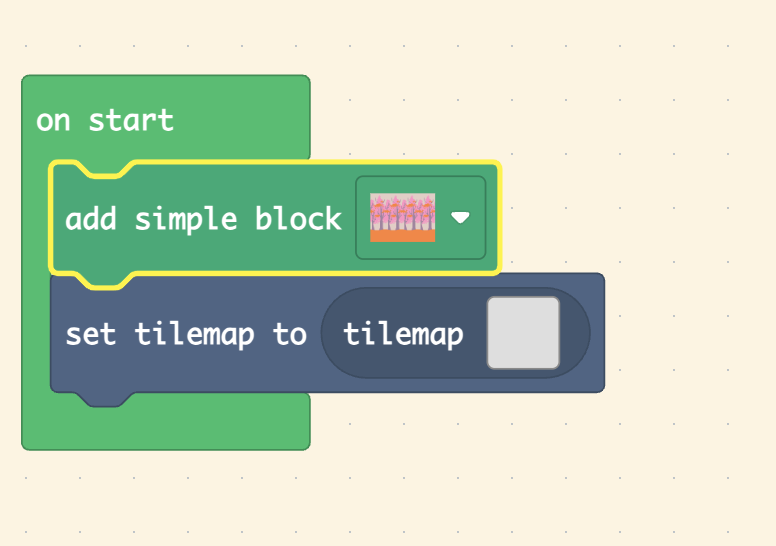
1 Like
I kinda made Ai do that for me cuz I was in a rush. should probably also say this, the extension WILL BE PAUSED  . I am creating a… well… let’s not spoil anything, but it is a beautiful add on to the past voxel update
1 Like
Just wondering, how do I create a voxel sprite
1 Like
well if you want the create your own image here
//% image.shadow=screen_image_picker
//% block
export function foo(image: Image): void {


}
}
It would look like this

It would look like this in the blocks
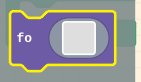
and if you need help with any more inputs let me know I made a entire Google doc about how to make a extension to help me remember
1 Like
How do you make the code look like that in a message??? I’ve just been writing
*code code code
And it looks terrible!
what do you mean?
1 Like
what do you mean voxel sprite?
how do you make it look like real code with that font and the gray background and those fancy keyword colors
1 Like
oh you highlight text and click  and select what code it is to the right
1 Like
type or paste code here
oh thanks
1 Like
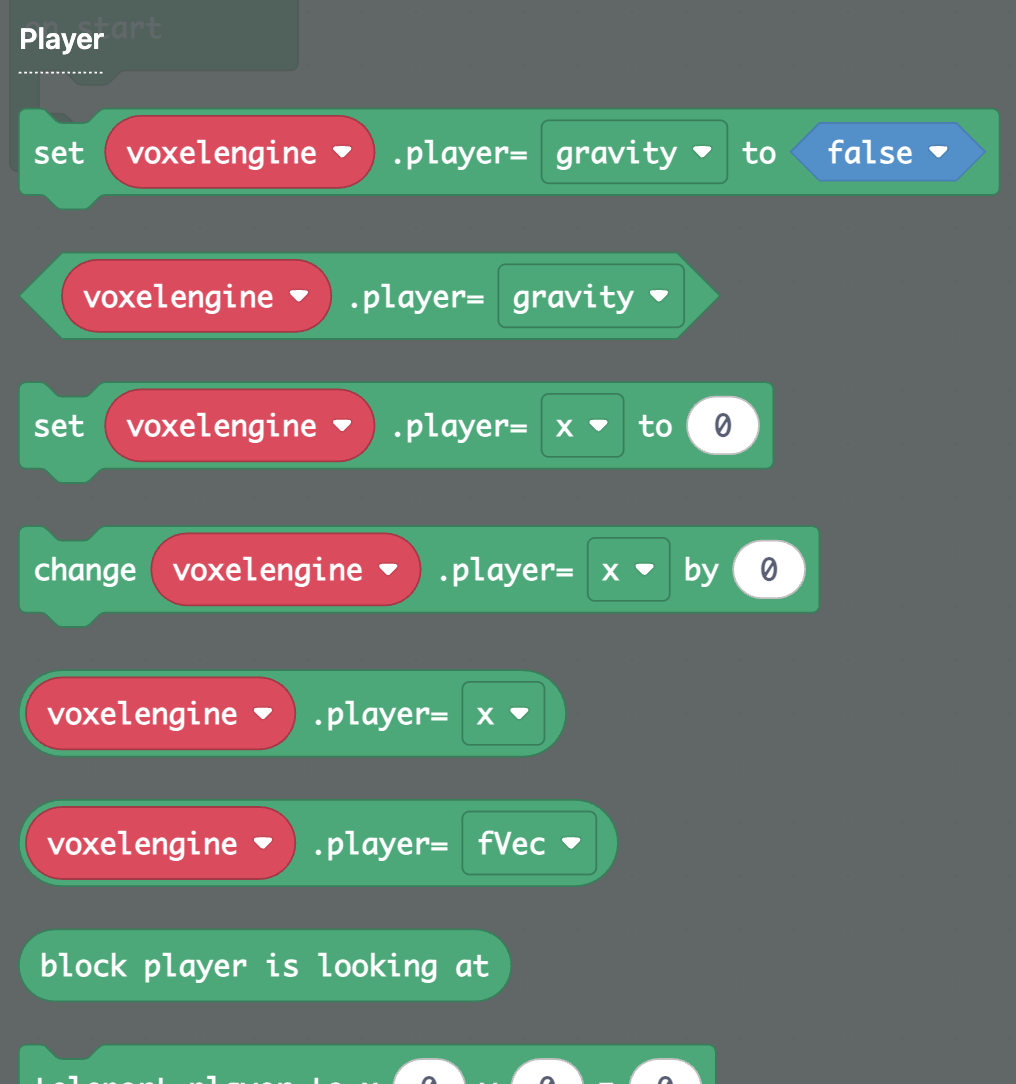
YEEEESSSSSSSSS
okay this has got to be the closest ANYBODIES gotten to Minecraft within makecode:
I MADE A FENCE POST
IT IS NOT MUCH BUT IT’S TOO COOL
also it took forever to optimize… it uses bit masking a bit, because for loops are too expensive
6 Likes
how do you use the blocks in block code
1 Like
I come back and I come back to a 3d game with working physics. I forsee doom running on this extention. Good luck with the minecraft UI and monster ai if you decide to add the jumping steves.
2 Likes
also there is a slight rendering bug that I cant explain well
also it is still pretty slow