ill try but for more detail I tried to grab the start block and it like duplicated and I could not drag the one
1 Like
but also the one did not go yellow tic tac toe pattern and there was no error
1 Like
I have had that appear too before. I’m pretty sure you got an error , and it was fixed. Then that thing appeared. could you also stretch it out and drag it around?
1 Like
also I know this is not a bug but this is a post about a update so you could add it so in the project area to be able to select more than one project so you could delete or duplicate a project also maybe the option on a different new overlap block for tile or sprite to not count or count transparent pixels
1 Like
No, sorry, there still seems to be a problem with it.
Hey folks!
Hotfix number 2 went out this morning! Included fixes for these issues:
- Fixed focus logic when disposing of blocks (reported by lots of people)
- Fixed bug where audio descended into crackly madness when left running for too long (reported by @PixelDoodle)
- Fixed bug where assets were duplicated when selecting them from the “My Assets” tab in field editors (reported by @Bilangus)
…and some bugs nobody reported:
- Fixed glitchy images in the gallery tab of the asset view.
- Fixed animating preview on animation blocks not stopping (only in non-chromium browsers).
- Removed the weird white squares next to variable names in the debugger toolbox.
- Removed the size filter for loading projects via HEX/UF2/PNG drag-and-drop. This was preventing large projects from being dragged into the editor.
14 Likes
Hey does anybody have that weird problem where when too much sound is playing the entire game just mutes and won’t unmute until reloading? or has it been fixed?
2 Likes
Idk if this is really related or not but the problem i’ve been having here has been fixed with the new update! Thanks a bunch to the Makecode Arcade team.
Now I won’t have to use an older version. Which really just reminds me i should manually save my projects more often  lol
lol
2 Likes
that should be fixed, make sure you have version 4.0.8 (check the about section in the settings cogwheel in the top bar to figure out your version)
OMG! YEP!
It is still not fixed.
can you send me a project that has the issue? i can’t reproduce the error myself.
also, can you check what version of makecode you had? go to the settings cogwheel in the top-right of the editor and choose “About”, then send me a screenshot.
and what browser are you using?
2 Likes
I cannot however send an exact project, but there is a video with proof.
@Peau12 that video doesn’t help me. can you send the about dialog screenshot and the browser info i asked for?
2 Likes
What happens is that when I leave it playing, it starts breaking up and then eventually stops sounds.
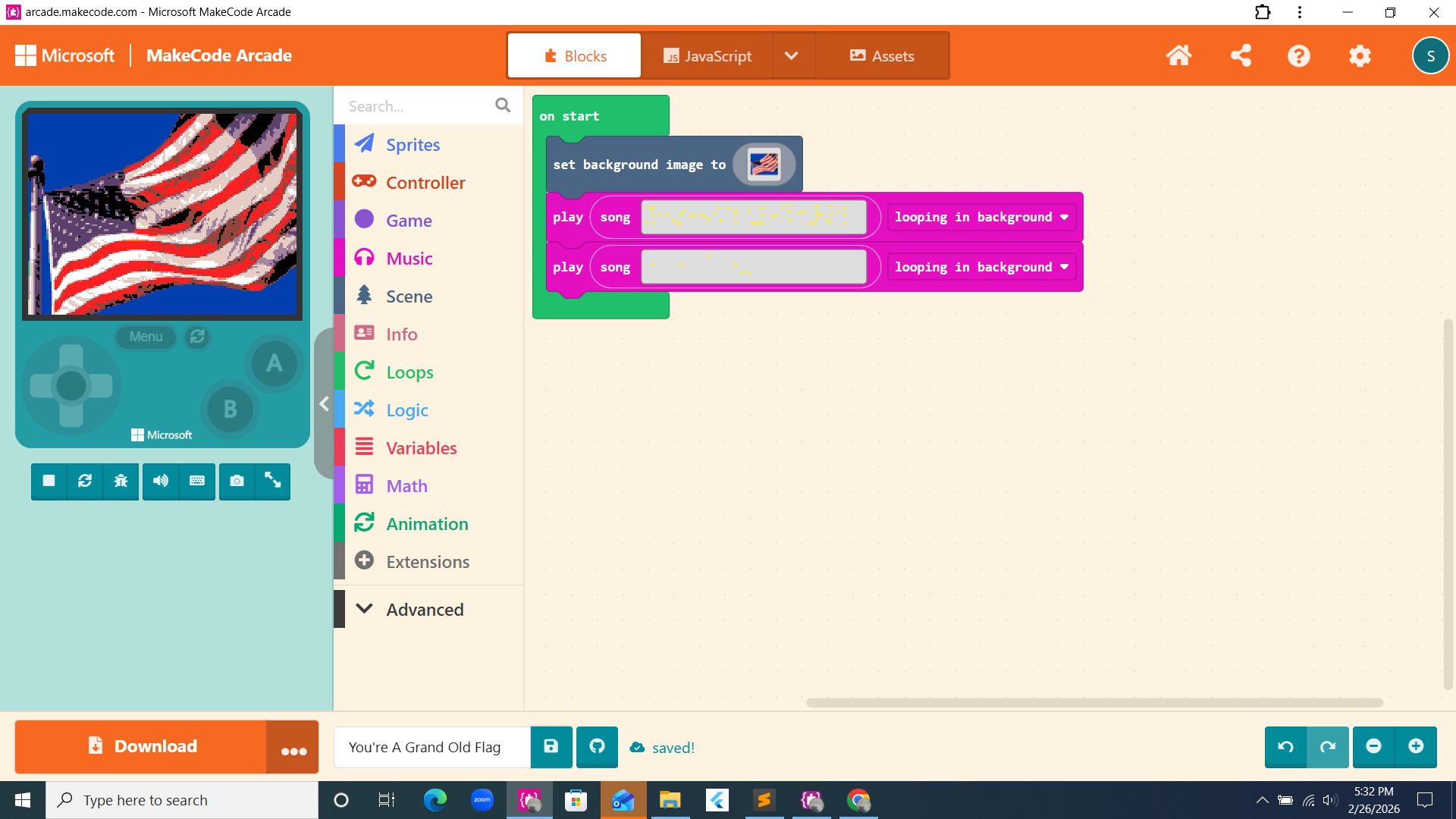
I am using Chrome. I hope this helps!
1 Like
@Peau12 I understand the issue, but could you please give me the screenshot of the about dialog.
first click this:
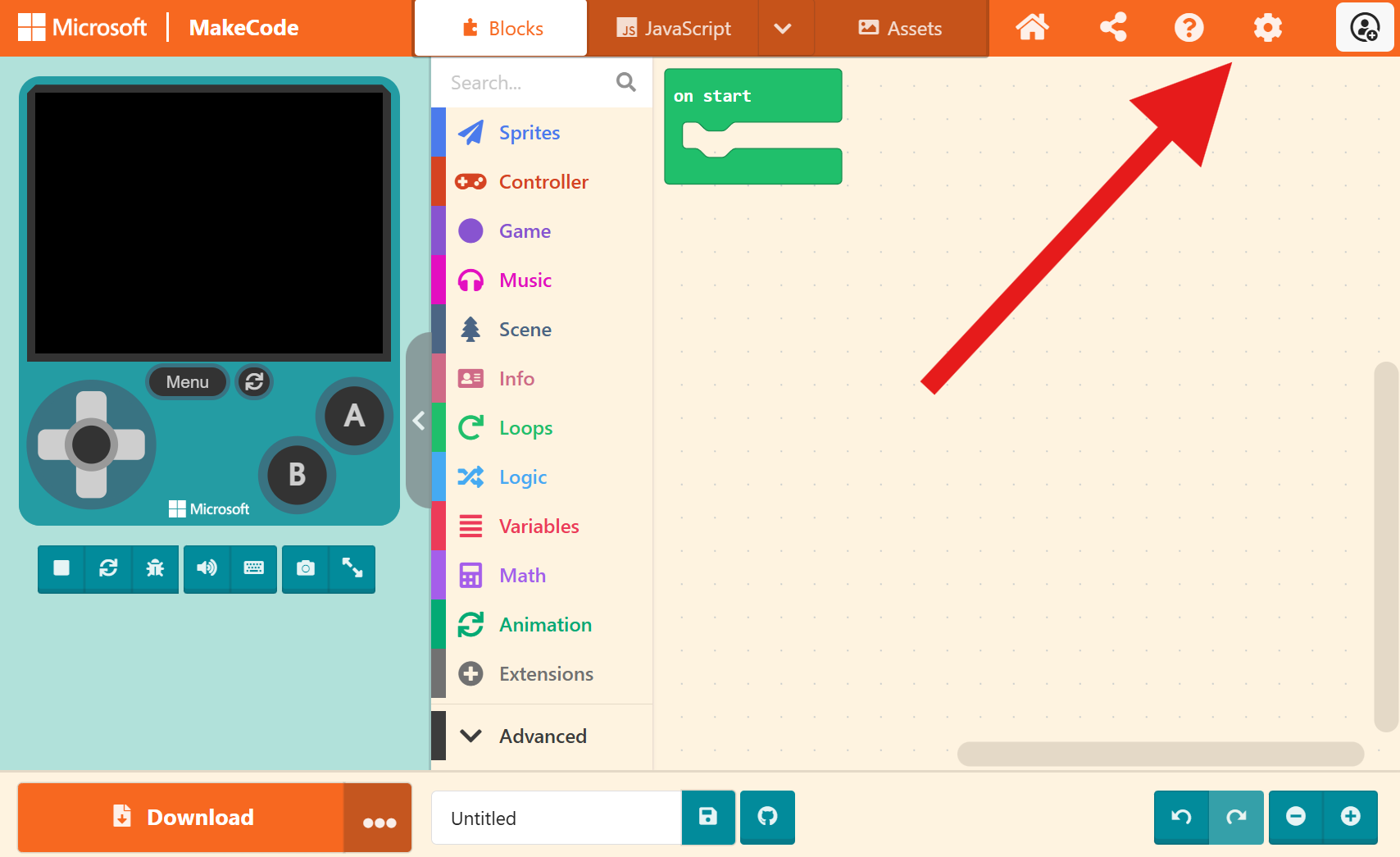
then click about:
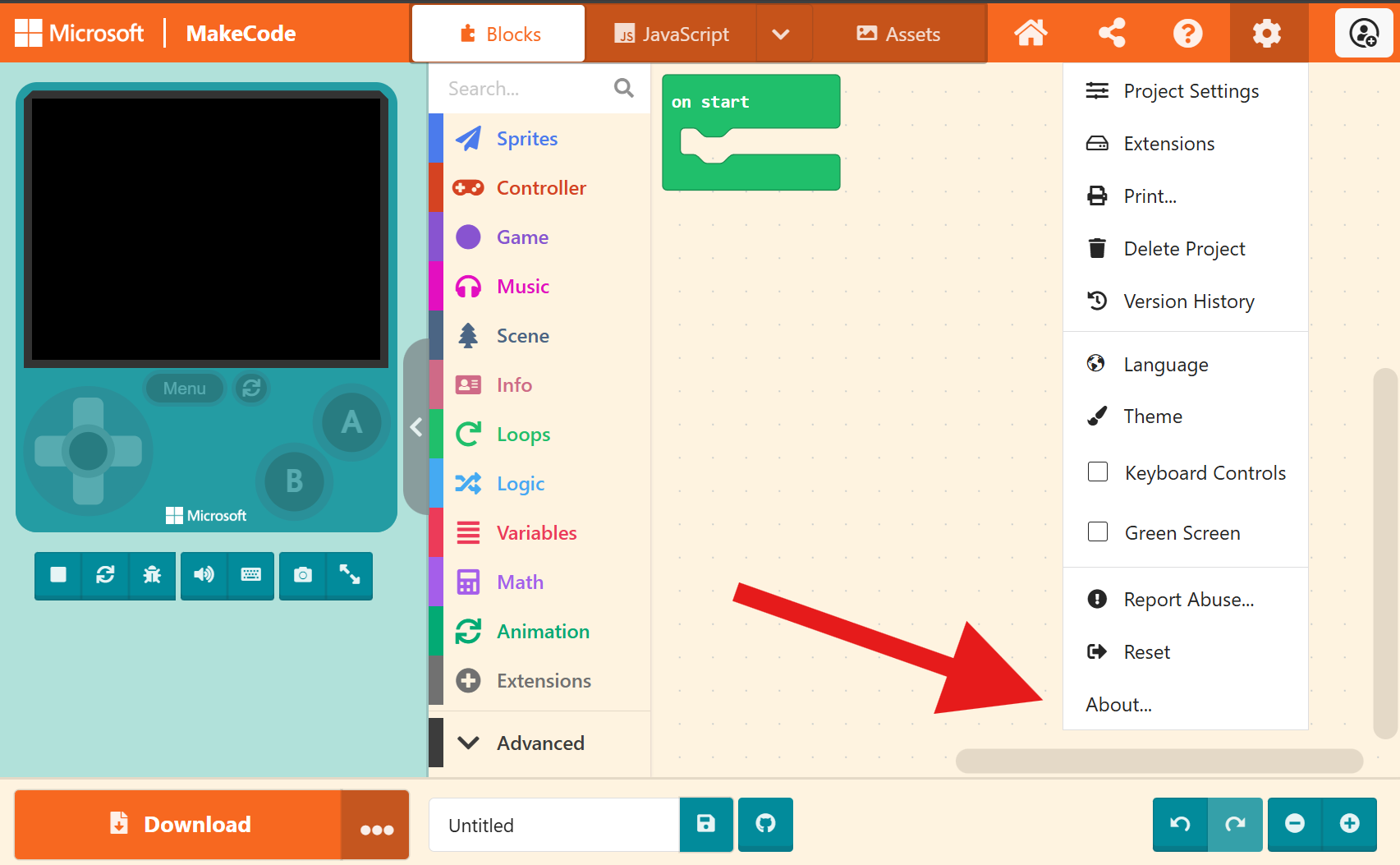
and then send me this number:

1 Like
That happens to me too!
1 Like
I am using 4.0.8. I checked an hour ago!
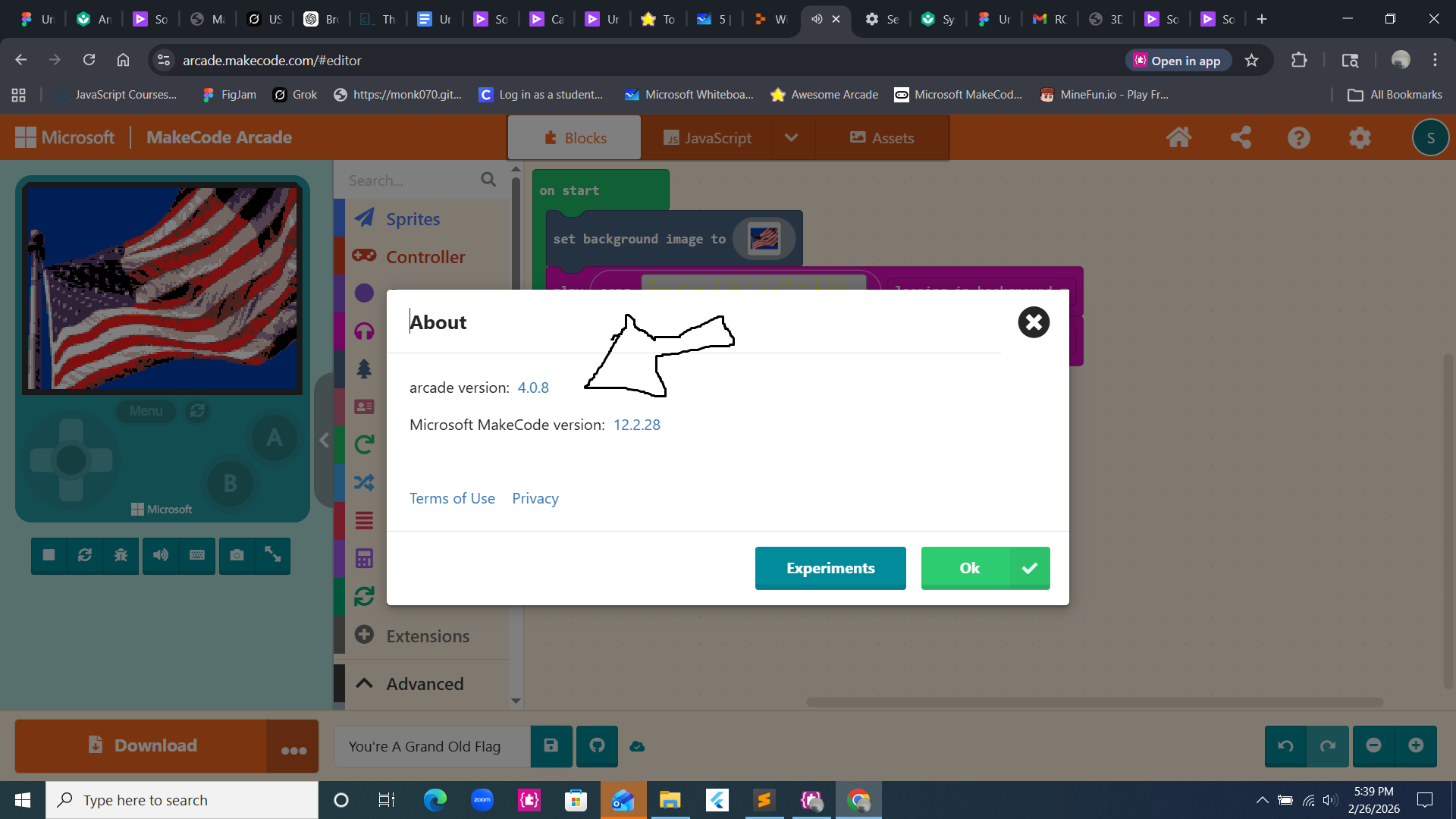
if anyone else is still experiencing the audio issue, can you please send me a share link to your project, the version of your browser, and the makecode version in the about dialog?
4 Likes