Hi everyone,
I’m having an issue with MakeCode for Minecraft and I can’t figure it out.
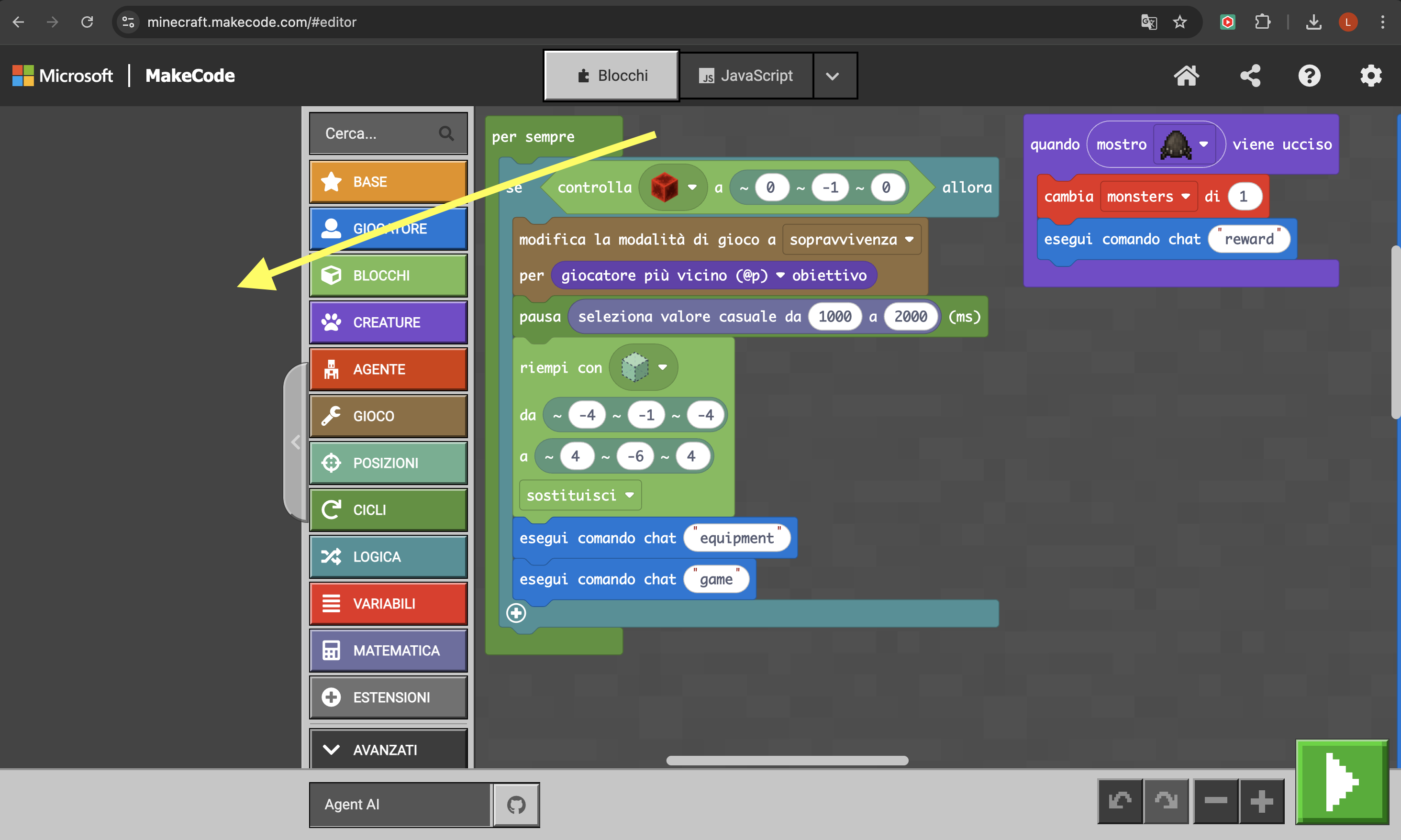
I’m unable to see the project preview of my game. I’ve attached a screenshot.
I can see the project preview in https://makecode.microbit.org/, but the preview just doesn’t appear in https://minecraft.makecode.com/.
Here’s what I’ve already tried:
- Resetting the editor
- Opening it in a different browser (I’m currently using Chrome)
- Testing on different devices: Mac, Windows PC, and iPhone. I can’t see the preview on any of them, which seems strange
- I also ran the diagnostics and all servers report “success”.
At this point I’m a bit confused and don’t understand what could be wrong. I’ve seen other recent posts about the same problem, but none of them explains how to fix it.
Has anyone experienced the same issue or has any suggestions?
Thanks in advance!