You don’t need to draw individual rotations for the entire card! Don’t rotate the image of the text. Here’s how to do that.
I just looked at your code. (Rly good art btw) You individually copied each card frame onto every card. That’s inefficient and probably wasted a ton of time. You should add overlays for the frames and the text to help with legibility and simultaneously save time.
1.Draw your card like normal, but this time draw your frame in a separate sprite.
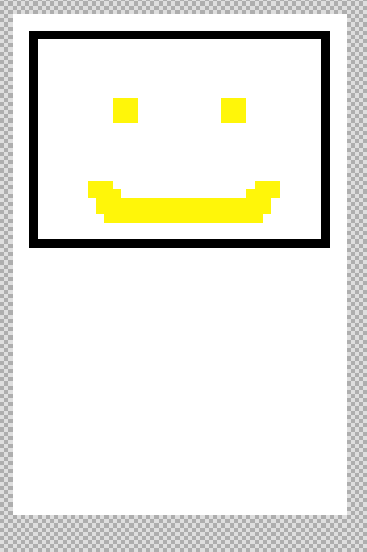
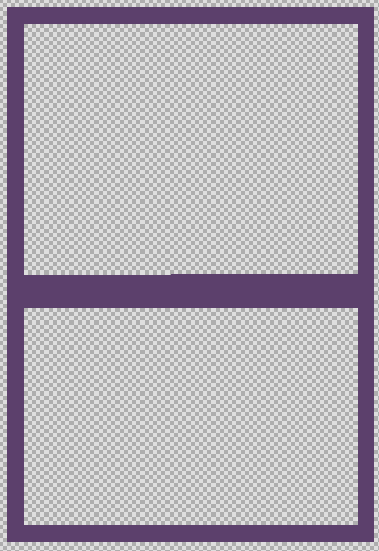
2.Set the frame sprite to have the same rotation and position as the base card in an on game update loop.

In your game use a “for element of [array of all sprites]” because you have more than one card sprite.
Now you don’t have to spend forever making new images for every card frame. But its still difficult to see text at greater angles
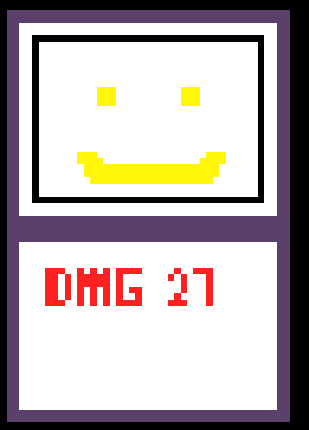
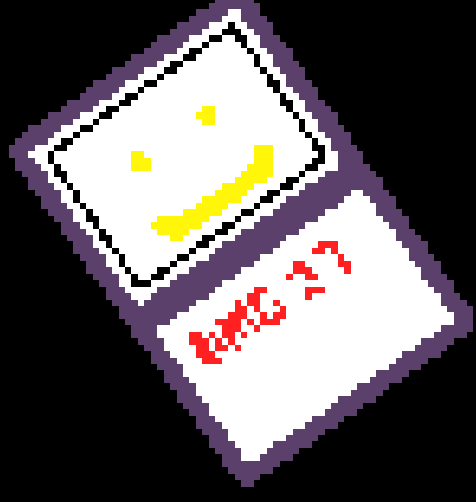
4.Use induvial sprites for letters (I’m just going to use the basic text sprite extension but you could use your own font.) You can make a function to split up individual letters from a string of text.
You can add an offset from the center of the card. Use an index loop to move each letter further to the right.
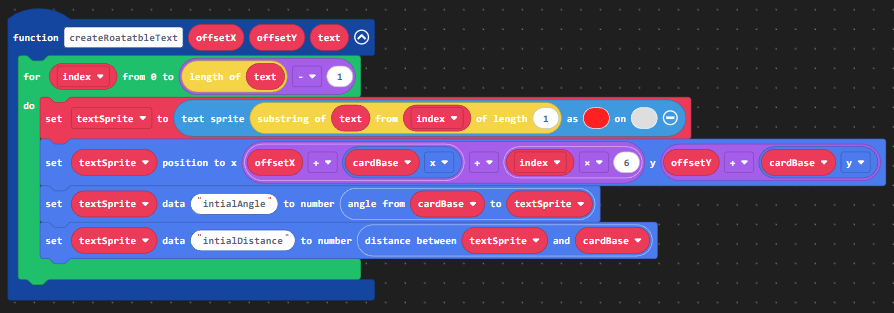
Keep track of their initial angles and distance from the center of the card for the next step.
5.Add the rotation of the card to the initial angle of each letter and place it at the same distance away it had normally.
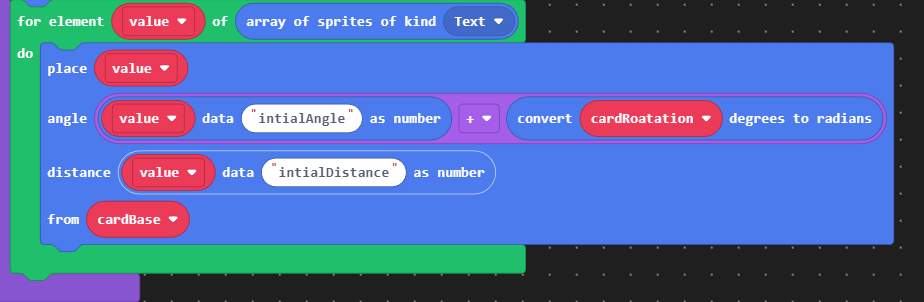
6.Your text is now always legible!

This method will save tonns of time because you don’t need to draw extra images for every card frame and as a bonus your text is easy to read! Here is my example: