While creating this topic, I just learned that @peli already did this: QR Code extension. 
But in case you were dying to make QR Codes in Arcade, and you didn’t already know about @peli’s extension, have I got the QR Code generating extension for you: https://github.com/jacobcarpenter/pxt-qr-code! 
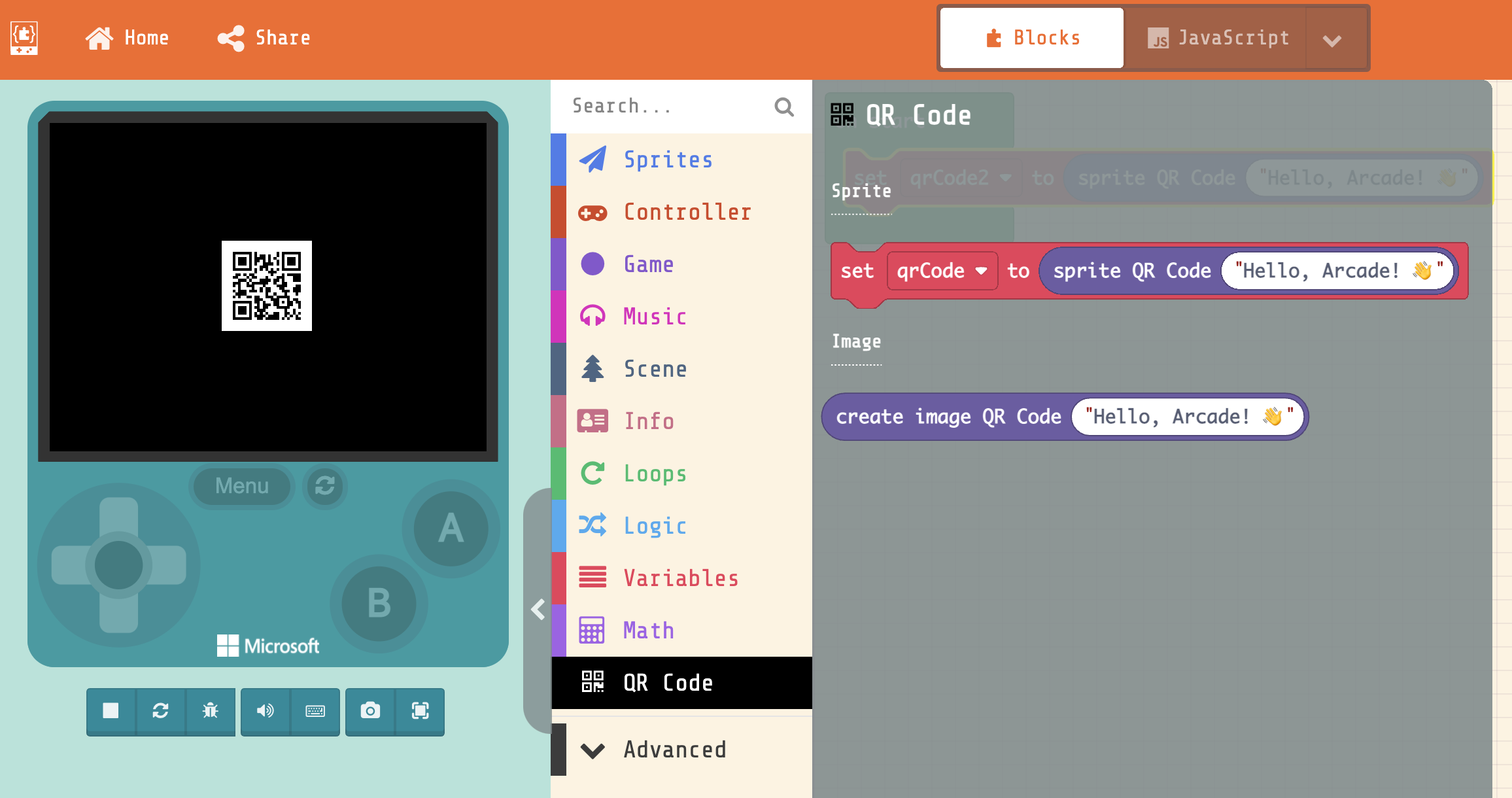
Two blocks:
- make a sprite that displays a QR code for the entered value
- make an image directly
I haven’t tried reading these off of an actual hardware device yet, but it seems to work great from the simulator to my phone.
I’d love to see a game that incorporates QR codes as a mechanic somehow (perhaps as some kind of hidden information for one player while taking turns, or giving an answer to a puzzle w/out showing it in plain text or something…)