Does this have a simple way of exporting music? It would be really cool if it could be all shoved into a Base64 buffer and shared like the Makecode music system has.
yes, but to export/import it uses its own file format…(which is just a 2d list of each note and the corresponding information)
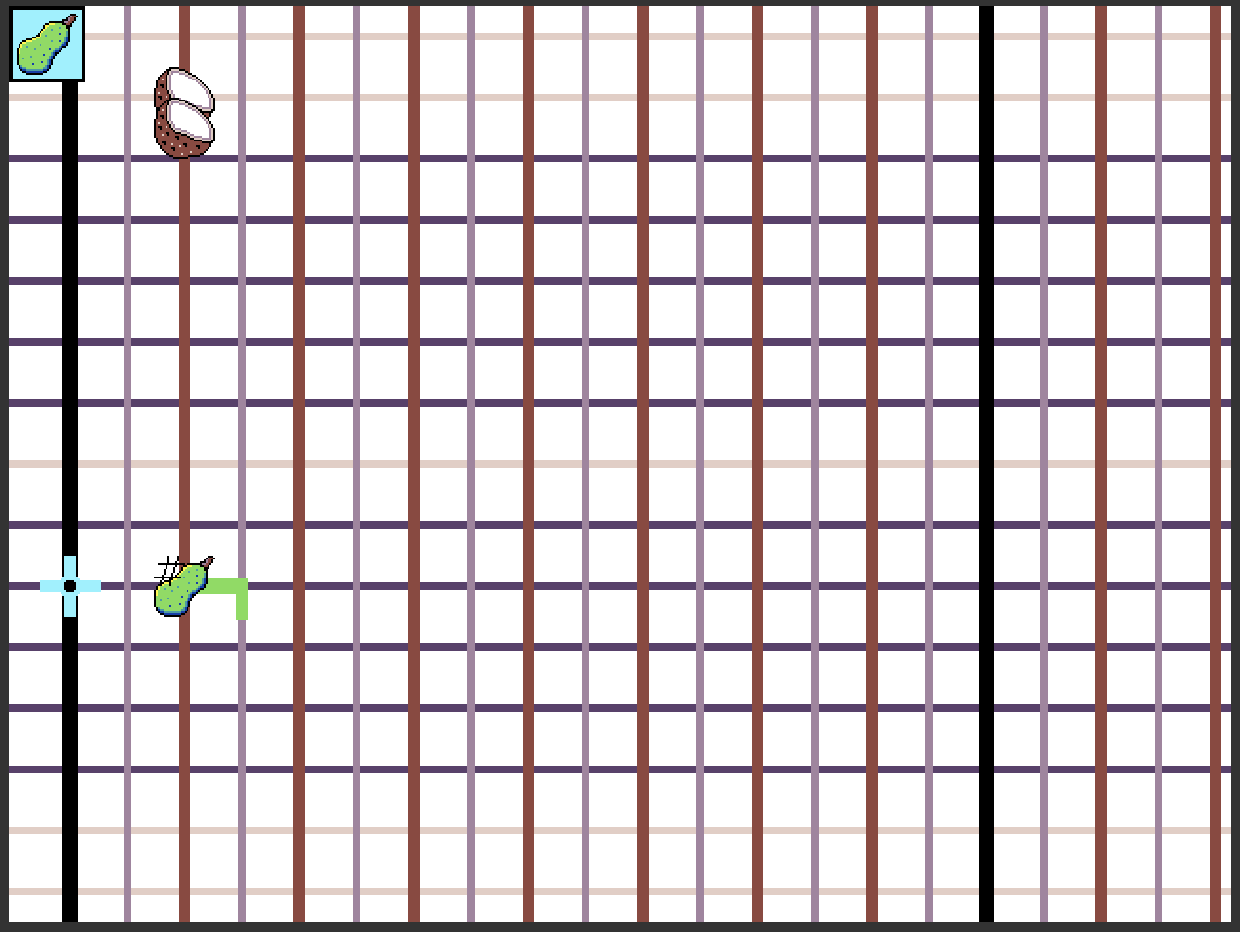
each sublist stores the instrument, starting beat, duration, line (vertical), if its a sharp, and any pitch bend. all the info is logged in the console so you can head over and copy it.
i dont know the system of the internal music editor, but it’d require a denser pitch limit and you’d have to choose instruments that match with the ones from the internal (the car ;-
If im right that this is for your note program it’ll probably work for that. idrk the midi format but you could make it be a sort of middle man for a converter…
only problem is that its very fragile right now since it’s running with a game update loop to detect notes. having the notes played and the screen rendered at the same time make it much slower (the video is edited to put the two together)…probably just buildup from the other parts of the program but ill try to optimize as much as i can…
Well, I was talking about how the Makecode system has a hex buffer that can easily be copied into a new project and played again with no issues. This would be useful for sharing music, as current settings and such aren’t shared between projects. If you could pack all that array information into a buffer that can be exported, copied, pasted, and played again, it would be very useful for sharing music easily! Of course, I have yet to actually look at the project so I have no idea how well this would work. I… guess I’ll do that when it comes out! I can also help greatly with optimization, especially if the project is in JavaScript, so if you want me to help with that part when it’s released, I’d be happy to help!
yep, it logs all your data (Notes, Accentation, Waves, Volumes, etc) into the console so you can go and copy it. then paste the data into another skeleton project which is reserved just for playing, which you can then share
I’d like to announce that FruitWave Composer’s first release…is now out!
i know its been taking so long
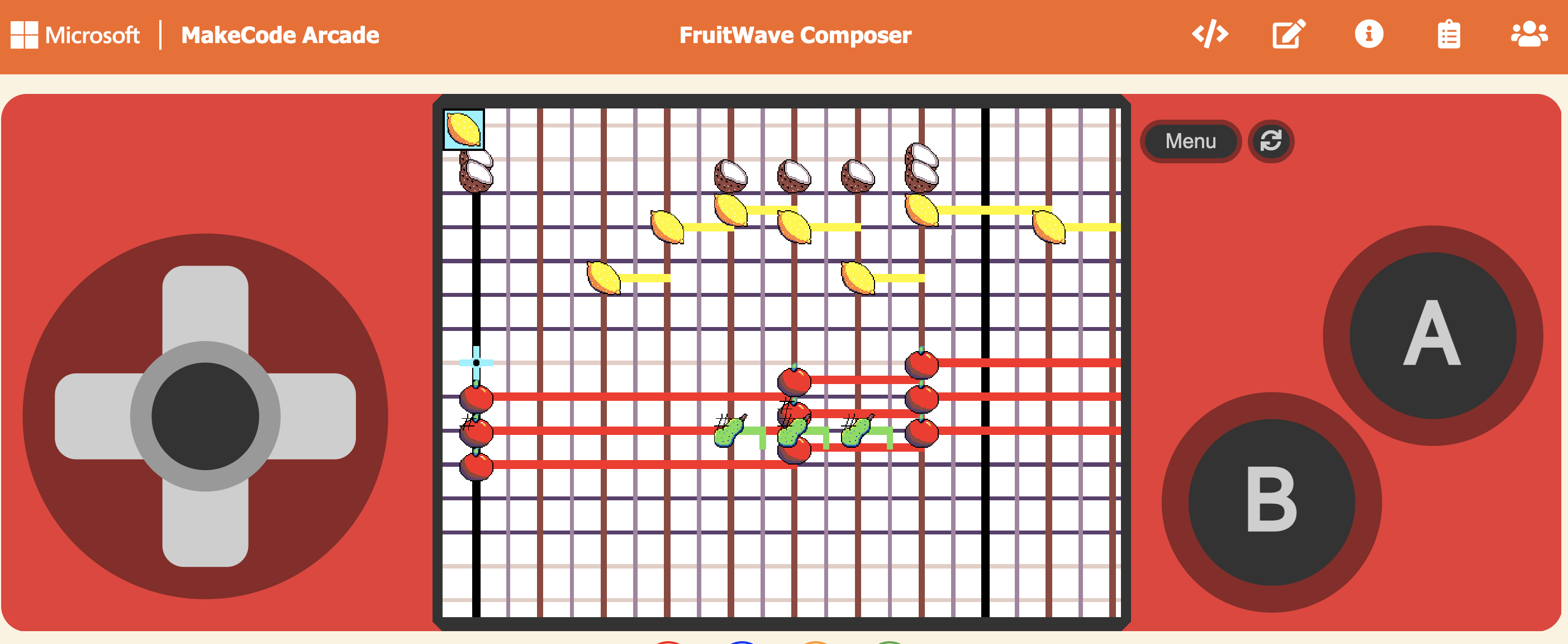
So here is the demo. The visual demo has the built-in graphical interface of the composer, and the audio has just the audio, with the placeholder in the livestream of the original song. The visual might lag a bit but that’s not from the project itself
(This is VRC6 accurate, meaning it can play on an original NES, for the most part, but once the synth chords come in I gave up. it doesn’t include the section after the minute of bird noises)
The composer itself is coming out very soon; i just need to write controls + some instructions on how to use it
I would still love some help…
@richard is it possible to add pulse 12.5% and pulse 25% as individual waves to the sound editor? if there were, then it would become closer to the capabilities of actual NES sound chips
to everyone, I’ve been trying to find good sounds for using the noise waves as a drumkit, but nothing I’ve tried has worked to get the right sounds. if anyone can get good sounds I’d really appreciate it. (you might notice in the code I tried to “borrow” some sounds from the original makecode composer but it didn’t really work)
I’ll also be making a few more demo releases to demonstrate other capabilities of the composer
Wow, this is really impressive and very accurate! I’m always so happy to hear about new music tools because they’re so much rarer than visual or sprite tools.
this section of the song should be VRC6 accurate. I’ve also added all the sounds from the sound instruction extension so they’ll be usable, but I decided to just keep squares rather than pulses in this song. There are also three of the noisy sounds from the original editor’s drum kit ported into the coconut, and by scaling volume differences, it works quite well with the other instruments
this is the final demo before release…coming by Friday
The full FruitWave composer and player, currently with 9 instruments in addition to a drumkit.
CONTROLS:
When not selecting a note:
A (space) to place a note; hold A (space) to select a note at the cursor’s location.
B (enter) to change instrument
up/down/left/right to move cursor
Menu to access menu
L to skip forward. I’d recommend a really short tap since it goes really fast if you hold it
When selecting a note (hold A (space) with other button press)
Release A (space) to let go of note
Up/down to add pitch bend to selected
Left/right to change duration of selected
Menu to use menu
B (enter) to change instrument of the selected
S/F to add a sharp or flat. Sharping a sharp will just move to the next line, flatting a natural will decrease. Don’t sharp when not selecting a note, it’ll call an error, which I’ll fix soon
Delete button to remove note
(again you have to be holding A (space) while performing one of these actions)
The menu is mostly self explanatory, but:
Play Song - …play song. Press the reset button once it’s done
Customize FruitWaves - change instruments/timbres. Note: put volume around 600-800. It says 0-255 but just ignore it. There’s no maximum (i think it’s like 1024 or smth), but 700 puts it in the range of the borrowed drumkit.
also, short note: i’d for now recommend only using these two coconut noises:
they’re the noisy sounds that work the best. i would not recommend white noise for much
Edit Clef Signature - tempo and time signature. Key isn’t programmed yet and display accuracy is broken
Load/Create/Copy save - not available yet
Exit menu - return to composer
Reset rocket - delete all notes, with two warnings
Make sure you write songs in the makecode editor, or else you will not be able to save or export
It’ll probably be a little bit to get used to the editor but there will soon (hopefully) be more to do on this one than the built-in
To export or share a song, look at the very bottom of the JS code. It has some instructions on exporting
Suggestions:
Use a square, dropping to pitch 0, for thumps as a drum sound. There’s this little bug-made-feature where you use a pitch bend on a sharp note, but the destination has no sharp identity (like a pitch bend form A# to “B#.” It just calls a value of 0 for B# and you get a nice thump. It’s best at short durations). To see an example, see the screenshot above
Use a lot of square
Triangle is weird unless you want to do NES-style music
I’d recommend sawtooth for lemon and pineapple, then square for most of the others
4/4 is really small so i’d recommend using 8/4 for most everything. 4/4 has only eighth notes, but 8/4 can simulate sixteenth notes at double tempo
yeah
Coming next:
better Drumkit. Right now it’s really quiet, so i’ll fix that soon. If I get it working I’ll try to remake block plaza
drop/gain 8. Play outside of the current range of notes, in a higher or lower octave.
More controls so you can adjust tempo or change instrument identity midway playing a song
Do the key signatures
I’d recommend backing up your notes often since I’ve lost them a few times. They’re always logged in the console when you play a song, so check there and download them
Like in your own copy of the project, not in the share link version, because you can’t see the console in the share link version. (Welllll technically you could… nevermind)
you won’t be able to access the console, which is the only way to save music you write
Instead, click the edit button and write there. Once you play your song, the console will appear. Sometimes it doesn’t log the entire song if you only enter the song after you enter the console so just be aware of that




 so I have no idea how well this would work. I… guess I’ll do that when it comes out! I can also help greatly with optimization, especially if the project is in JavaScript, so if you want me to help with that part when it’s released, I’d be happy to help!