Hey folks!
I guess today is extension update day for me and I’m not done yet!
I wanted to point out that I just added some new blocks to the arcade-character-animations extension:
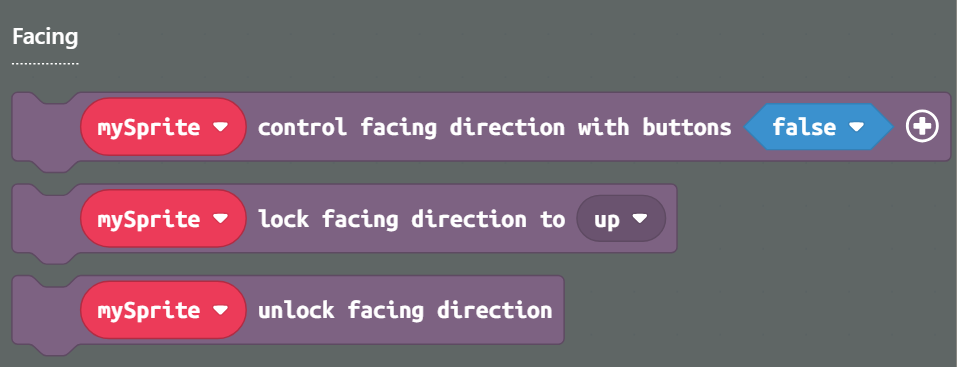
These blocks make it easier to control what direction a character is facing as it moves around.
The first block lets you make it so that a character will only change direction when a button is pressed. This is useful for your main character sprite, and you can also set which player controls the facing direction in a multiplayer game by expanding the optional parameters. Using this block will make it so that your character doesn’t change the direction they’re facing when they get bumped around or moved by some external force (e.g. wind, knockback when taking damage, a conveyor belt, etc.)
The other two blocks let you force a character to face a given direction. A good use case for this is something like an attack animation; after the animation is triggered you want the character to keep facing the same direction until the animation ends.
Anyways, I hope you find 'em useful!
