This topic is for asking how things blocks work and keeping track of what Iearned. I want to make better games, and if I understand how the blocks work then
3 Likes
Hm alright, have fun.
2 Likes
I accidentally clicked “Create Topic” while writing by accident.
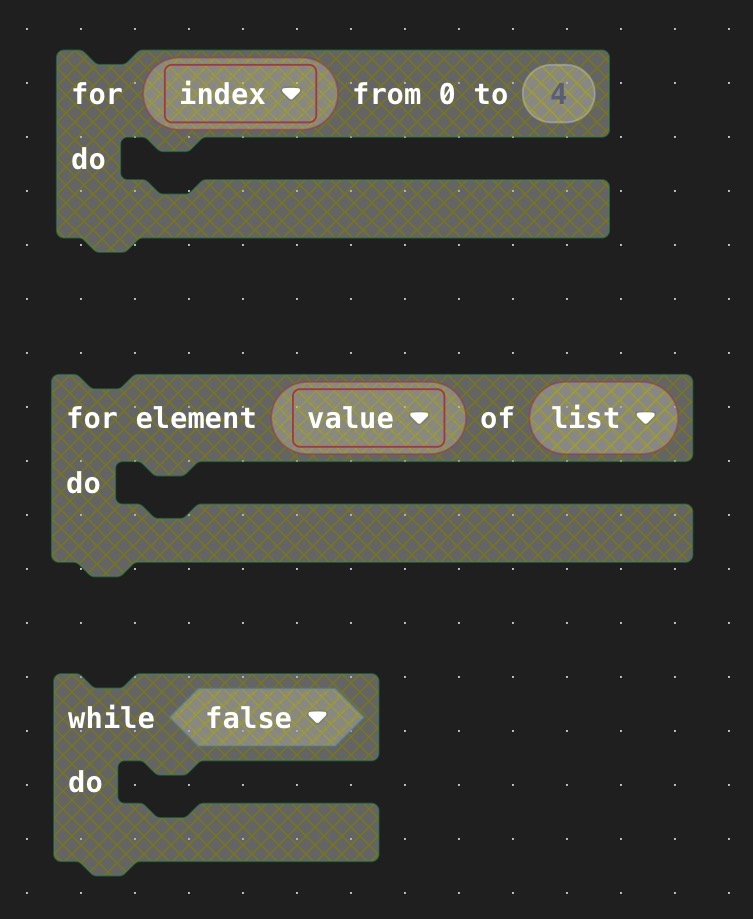
But anyways, to start, how do the first two blocks work?
2 Likes

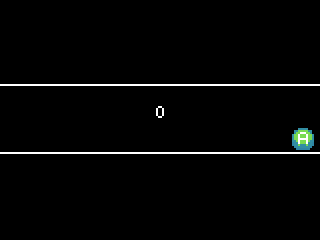
For [index] from 0 to 4 allows you loop a set amount of times while having an “index” value to keep track of the current loop. You can use it for enemy generation and such, but here’s a simple example:

The code in this case will splash numbers 0 to 4 on the simulator:
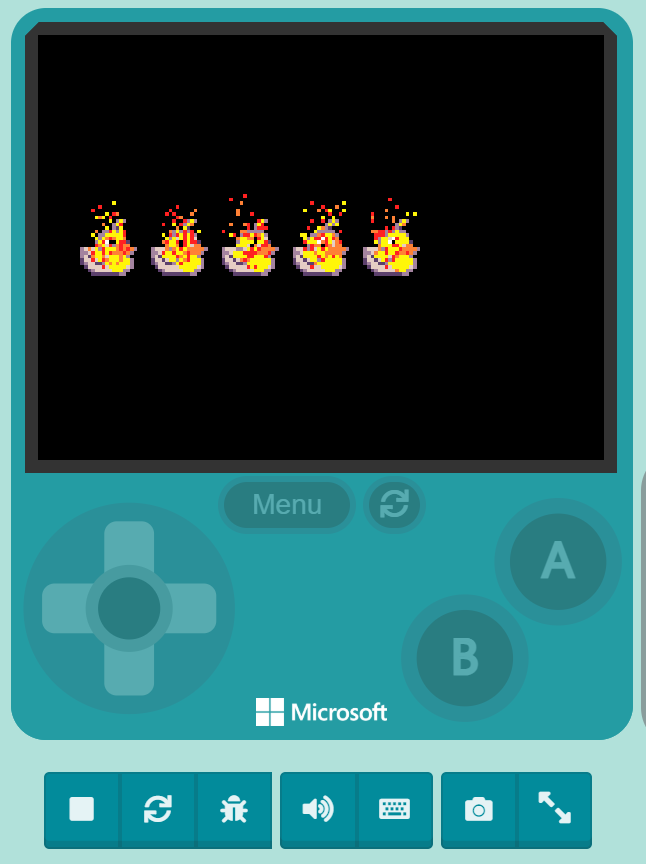
For element [value] of [list] is a block used for looping among a list’s values, with each loop being a different value based on the content of the list, you can use this for AI among multiple sprites. Here is an example similar to the other one:

This code will splash all the values of the list onto the screen, as shown on the GIF:

I hope that explains the blocks well! But one last thing: If you right click on a block then click on the “help” option, you can open up that block’s MD documentation! (However, it is quite broad in some sense.)
2 Likes
The MD documentations:
1 Like

Wait, guys, what Z (depth) value is a tile map at, because I want to make a sprite positioned below the map.
3 Likes
the tilemap has a z value of -1
5 Likes
What does the storyboard extension do?
3 Likes
You can make cutscenes and stuff
its really useful
this is a thingy I made a long time ago explaining what it can do
1 Like
Is there a way to detect the frame an animation is on? If there isn’t, then is there a way to detect if an animation is playing on a sprite?
1 Like
I don’t think there is a way, maybe. Maybe you could put in a block for a time that would count down and show a check, there is an extension I use for time blocks that can be found in the extensions section, it’s really useful.
Also to detect if an animation is playing on a sprite… 
 (use your eyes)
2 Likes
What about the actual blue storyboard extension? I’ve always wondered what it was for…
3 Likes
i meant how to detect if an animation is playing on a Sprite in the editor, like if an animation is playing, then it does something. Is there a block like that?
2 Likes
Honestly I have no idea lol
1 Like
Using the “Character Animation extension” in the default extension menu you can check for that! Here’s a project explaining (It’s not hard!)
2 Likes
i feel like thats just the character talking because the movement key has been clicked, and there isn’t even any movement.
Well obviously, you would fill in whatever animation it needs to be. this is the barebones sketch of what I was talking about. If you move left right up or down the character says he’s moving in that direction.
Guys is there a way to change the rotation of the camera, or is that off limits?
2 Likes