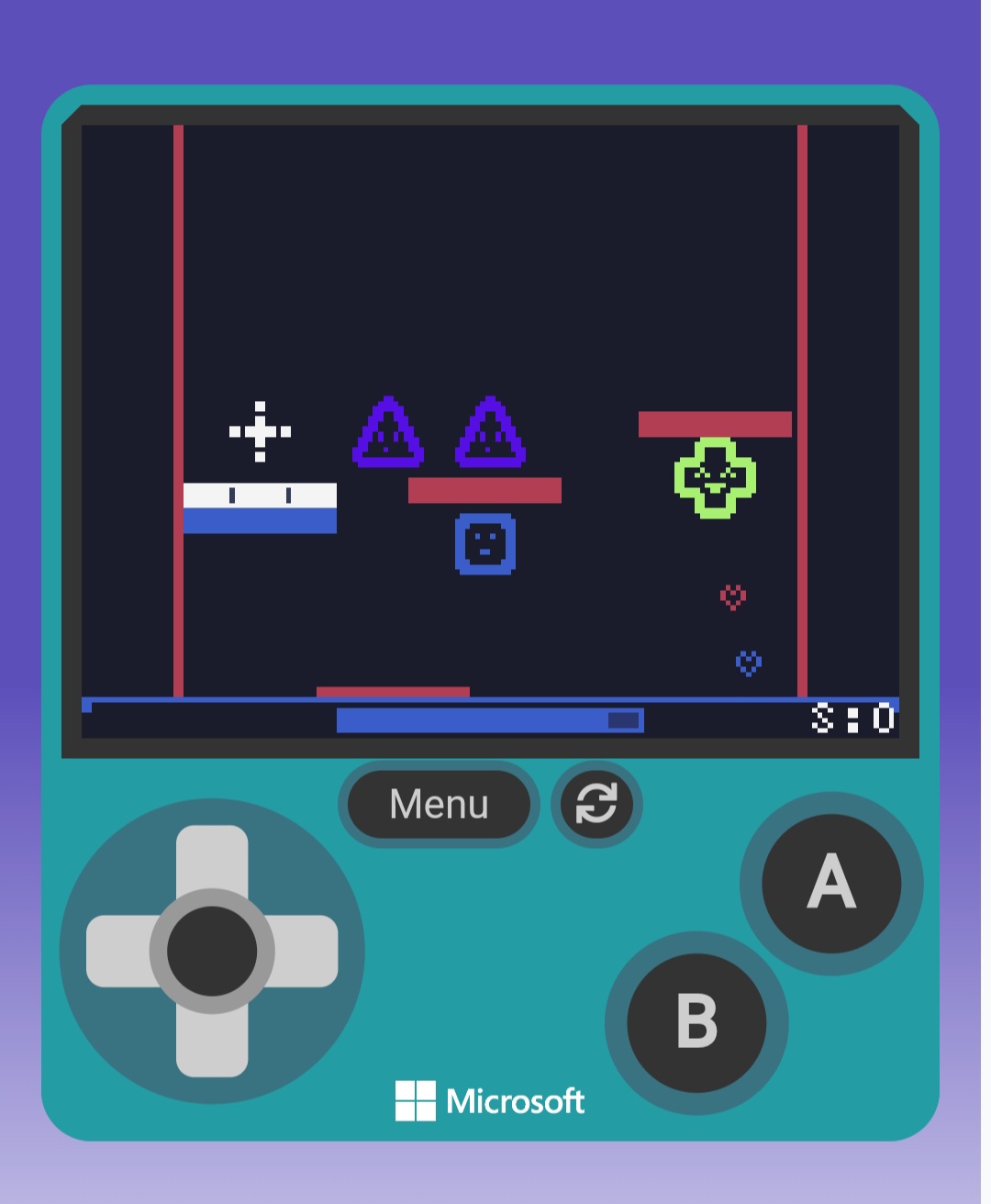
Finally, it’s here! The demo of Silly Brawl! For those who have been following my devlog, you’d probably know what this is.
Silly Brawl is a game where you defeat enemies and score points. There are 4 game modes, to be exact, so be sure to check those out.
There are also lores and what I call “test features.” Learn more about the enemies in the enemy catalog and check out the background selection menu, which still is working on. The lobby songs menu is currently empty, and needs you! I need your songs for the lobby song menu, so you can later choose what songs you want when you’re in the menu.
Here are the guidelines
Must be original
Must be one whole song together in the code, no split-up song parts.
Must be YOUR WORK
I will always credit your work and feature you.
…well, I don’t have much to say except this is just the demo. Reviews are appreciated, and, well, enjoy smashing Silly enemies! I would like to thank all my friends, outside and inside the forums, for helping me throughout this game’s work. I happily credit me, @TeddyB, and @invalidproject for their songs! There’s nothing like it without your work! And most of all, thank YOU for reading this and testing and playing my game! The Arcade has been lagging too much ever since because of the (very) big code, and this forum thriving and diverse has been giving me hope ever since and reach my goals. Could’ve never done it without you guys.
(P.S. @king_bob, this is for you, my friend.)
Ok, enough me, now. You’ve been waiting for it, here it is.
Nice! I’m interestes to see where you can take what once was just “funi repaint mod”. In case you want to make changes to how the characters work, shape smasher’s code is really easy to modify and i can tell you more if you’re interested.
and that pesky ERROR guy had the AUDACITY to crash my game!! Can you believe it!?
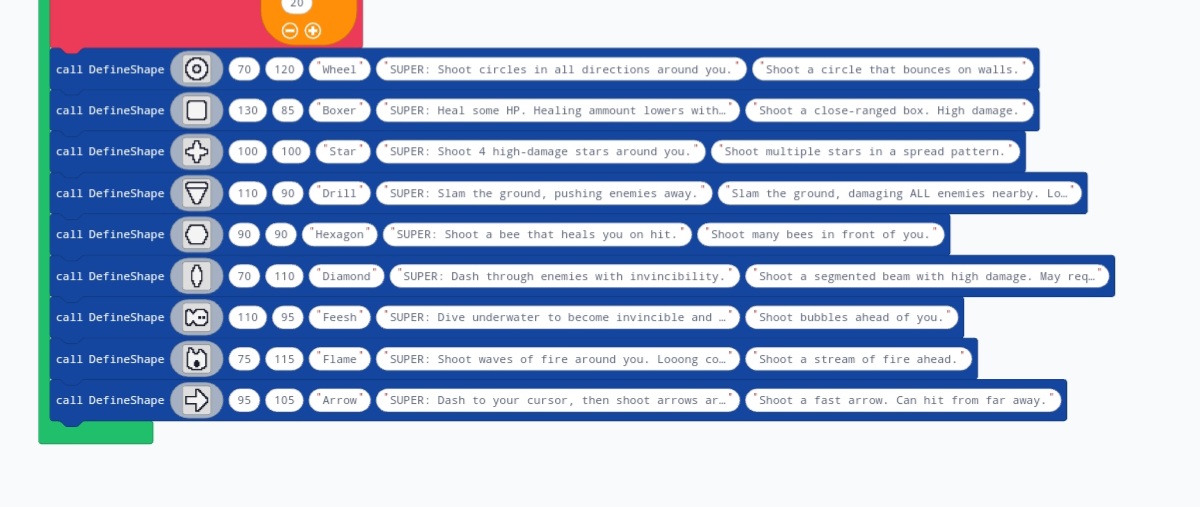
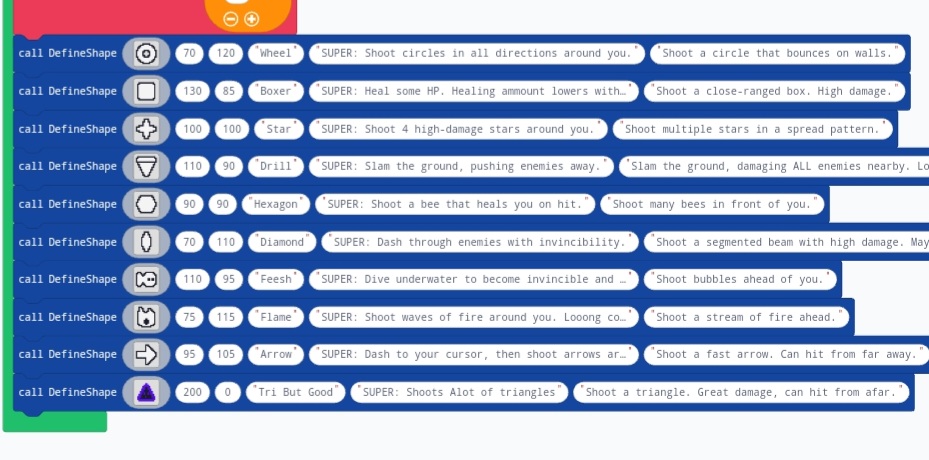
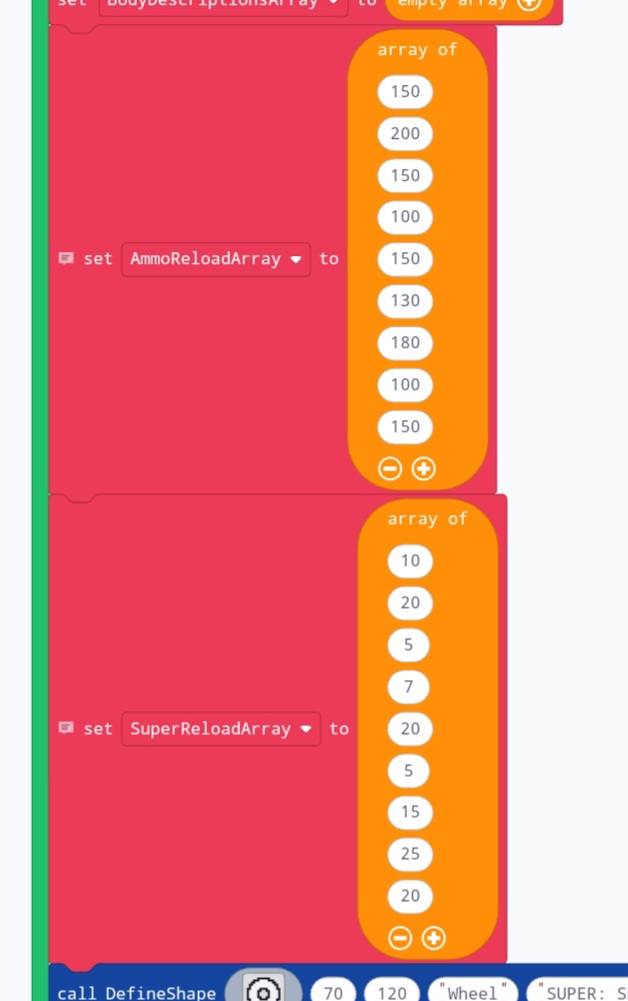
Add a new value to both of these. The index of the value (aka the position in the array) should correspond to the position of the “DefineShape” function.
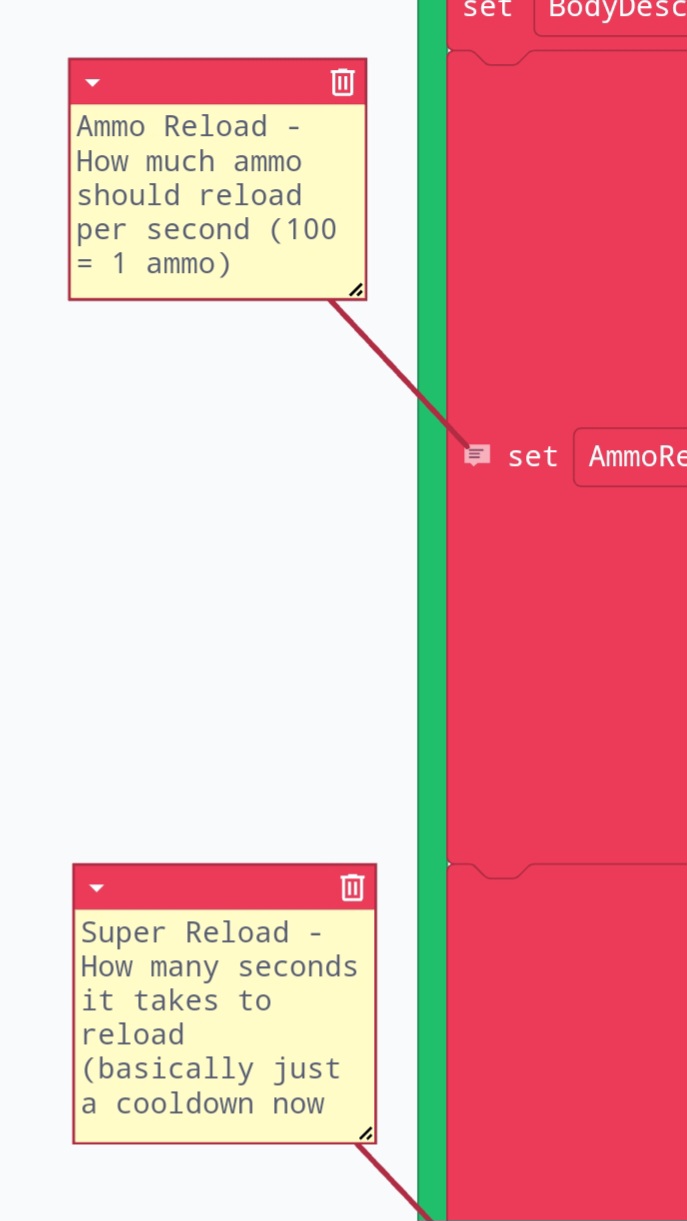
Change this value to your liking. The blocks should have comments to explain how they work:
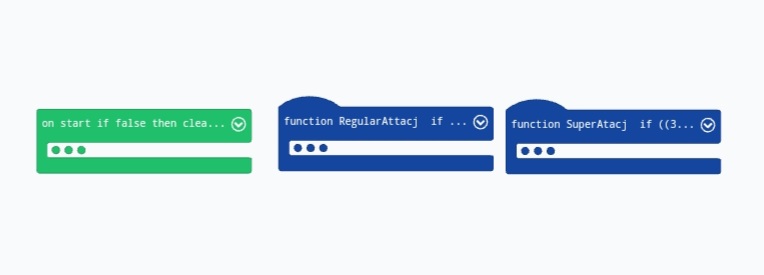
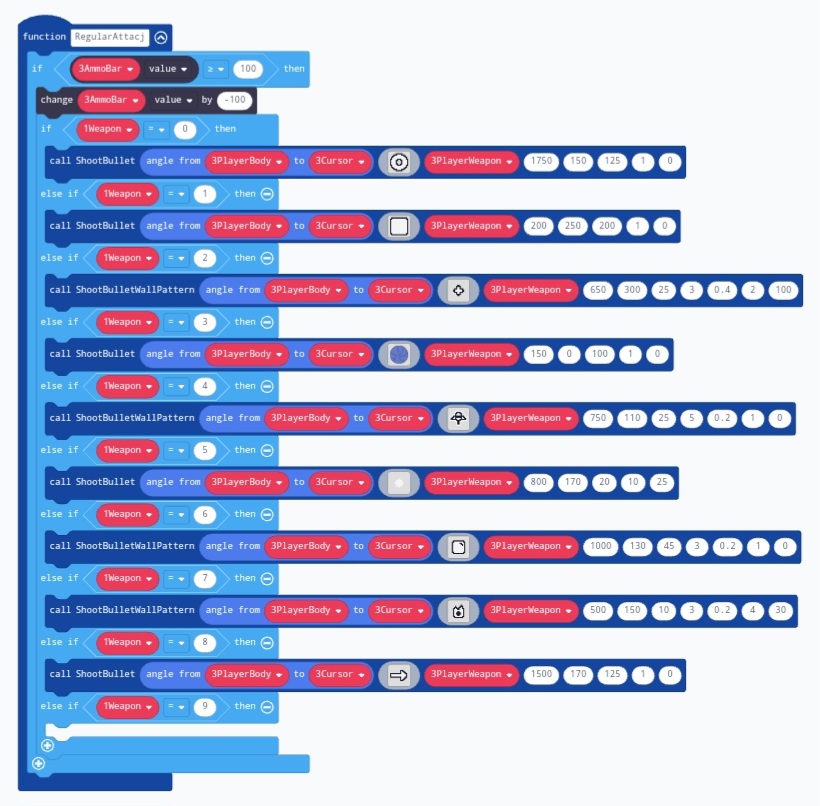
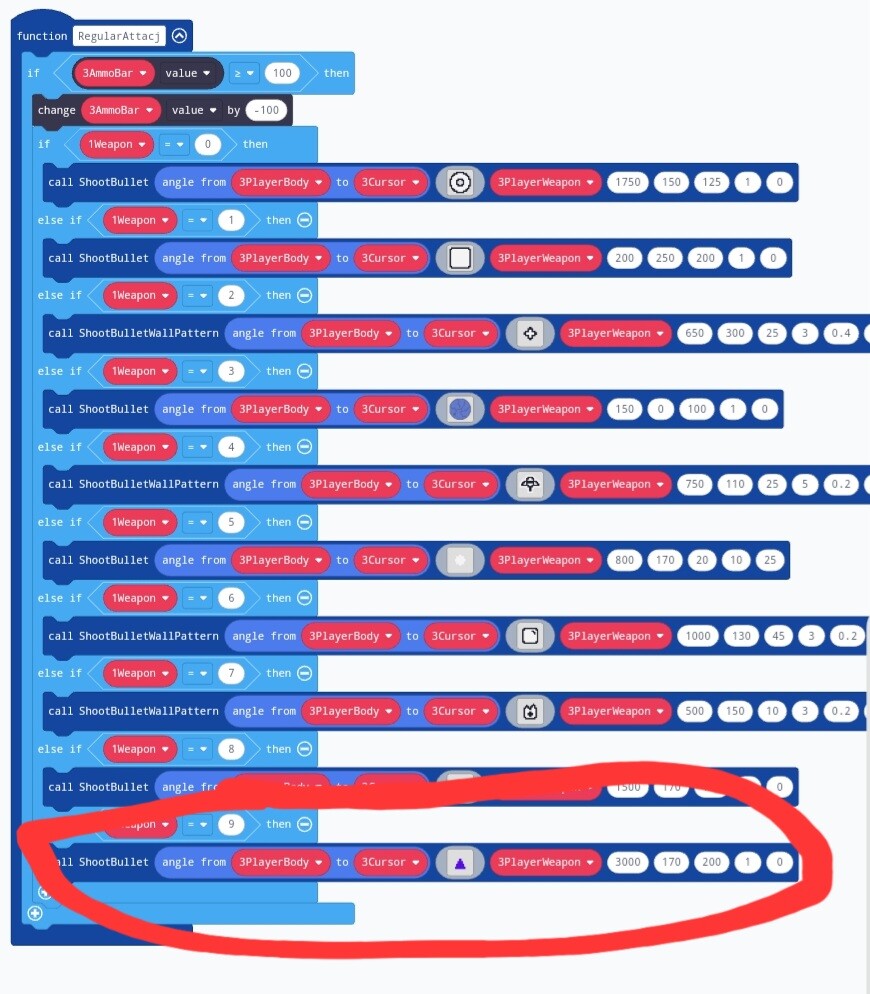
For this one… oh no the explanation is running out of budget. Ok so for this one you change the if statement like with regular attack and you can make it either call another ShootBullet for an attack or custom code a special effect for your super. The variable names are pretty self explanatory so it shouldnt be confusing, look around if you want to replicate something.
With that out of the way heres the example project with the character we made:
Sorry for the late reply. For supers, you find the “SuperAtacj” function, expand the if statement like you do with the regular attack, then you can add another “ShootBullet” function or program something custom.
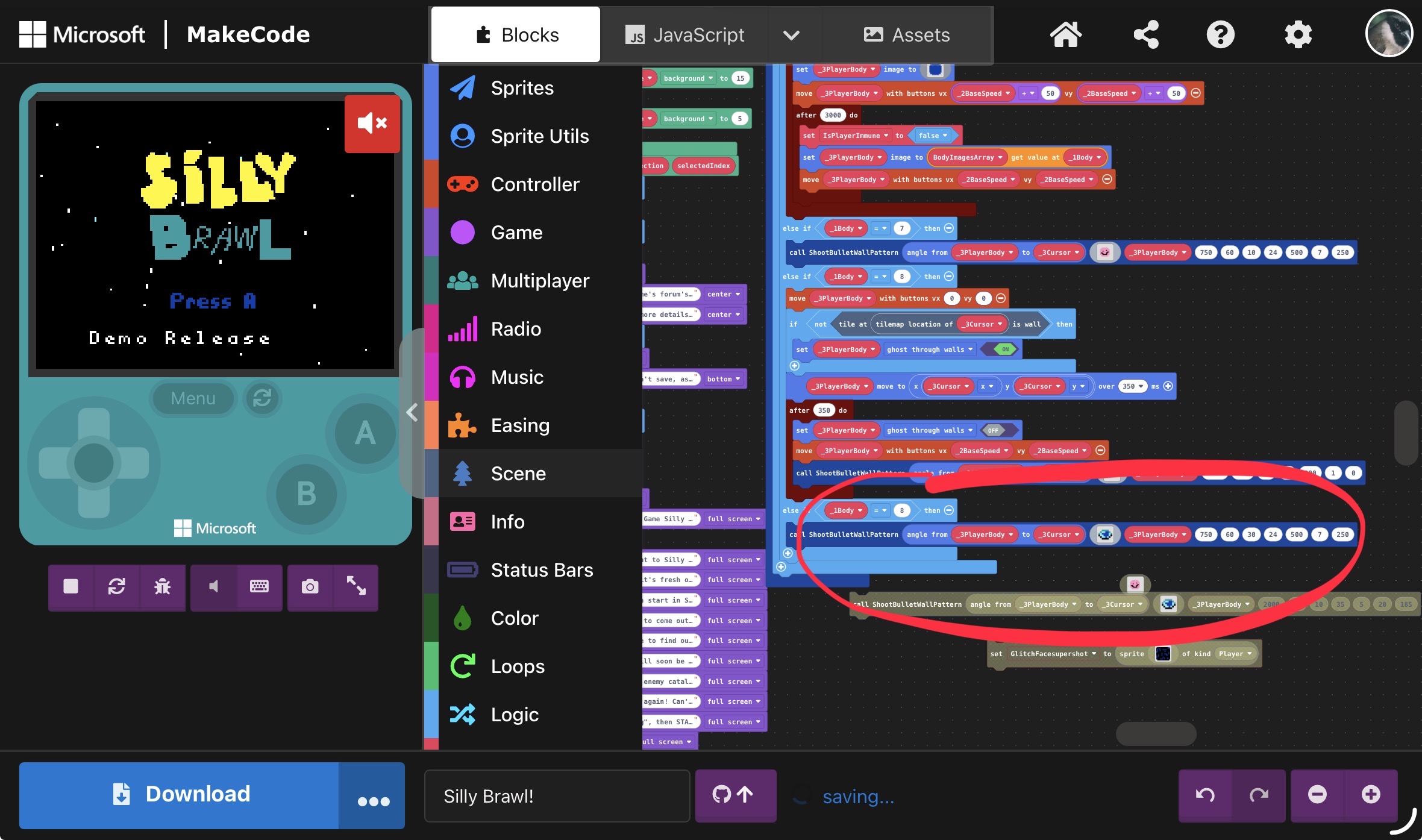
Hey @Bilangus I think I found an unexpected error. When I added the code in the super attacj function, the super function is doing nothing, and I think it’s affecting the other characters in the weapon position. Can you please help? TYSM.