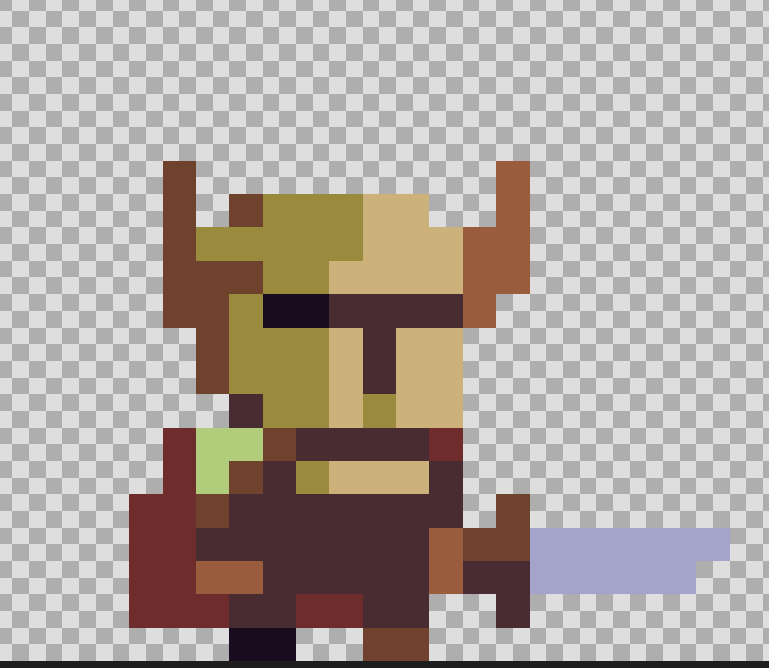
but I’m not going to talk about it yet. In the future I will.
I’ll think of lore later in the future too.
But first I need help, @WoofWoof it’s not a bug, but I can’t figure it out. My animations aren’t exactly smooth. When I click my attack button, and quickly move in the other direction I was facing, it starts glitching the animation from left to right to left to right, over and over again for a whole second. Idk if you could help with this or not but I hope you can! I’m counting on you scientist! and also other people who might be able to help.
The animation problem could be caused by having different sizes of images for the animations. Make sure all the animations have the same size, then it might stop
took most of the character art from it, not all cause I dont think i can see enough. might be blind. and don’t understand because my dimensions aren’t the sam
Don’t ever say “WOW! @Hulahoop is such a good artist!” NO, Not me, these sources are amazing, the first one is from @Luke, so thank him. And try out Lospec!
For games you want to remove any anticipation frames - just make the first frame a big smear (for westward i spawned in a temporary invisible box sprite for the hitbox of the sword to follow the player that would disappear after a few ms)
I made the attacking animation on my character and added another one with just the smear so that even if the enemy overlaps the character it won’t hit, and it will only hit the smear of the second animation that overlaps the character one. Also for anticipation frames, the attacking has 1, it a raise of sword before the swing, I think that’s fine? I’m almost done with the attacking mechanism
another way to stop this is make it into 2 separate sprites one is the ghost sprite where you would put the animation and the other is the invisible hitbox sprite. Anyways if you want me to create a custom class and export it into block for you just ping me alright.

 . Anywayyyyy we all know the saying “If it works don’t touch it!”