So recently I found these block in someone’s projects, can anyone tell me what these blocks are and how do I get them? Thanks


4 Likes
Its from the Javascript extras extension by WoofWoof.
6 Likes
Wow, you answered fast! Yeah, these are from my extension. You can get it yourself by searching WoofWoofCodes/pxt-javascript-extras in the extensions search bar. It’s basically an extension for every javaScript feature I can find that can be turned into a block.
Buffers are sort of like number arrays, but each element is only 8 bits (1s and 0s) so the numbers only go from 0-255, you can only store whole numbers (no 1.5) unless you use a different encoding technique, and you have to create them with a specific length, so you can’t add elements to the end. These are basically arrays but faster, and are usually used for much more advanced programs, which is why they aren’t normally used in blocks.
If I remember correctly, the “Extras” tab has blocks for throwing errors. That’s where I put blocks that I want to add but which don’t really have an existing block tab to add them to. The extension actually adds many many more blocks to other block tabs, so you should look through them too see what’s new!
5 Likes
Thank you very much, @WoofWoof! I appreciate the help. Didn’t know you actually made this lol. 
4 Likes
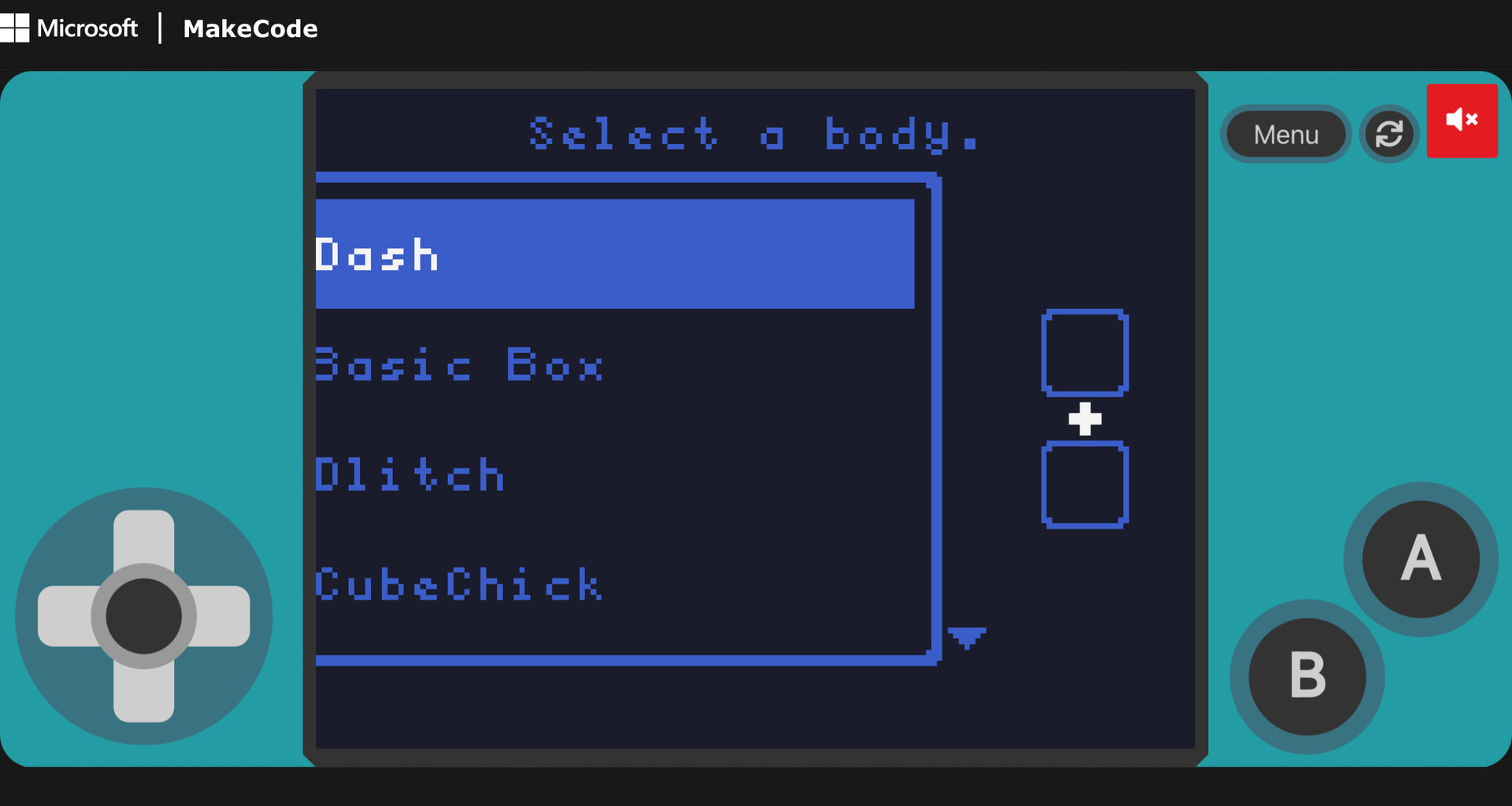
Now I have a new problem. Somehow, my screen shrunk and I can’t find the problem. Can anyone please help? Thanks
1 Like
Im pretty sure thats just an issue with the menu.
Slightly unrelated, but if your going to use the new version of shape smasher for this, i’d like you to do some visual changes to the menus and such.
3 Likes