This isn’t technically an extension but I wasn’t sure how well it fit the other tags. I’m creating a library of resources to help people create MakeCode Arcade assets in Aseprite!
While the built-in image editor for MakeCode Arcade is fantastic as part of an introductory learning tool, it can start to slow you down as your artistic workload increases. Aseprite is an extremely powerful pixel art editor used by many independent game developers. It has pretty much anything you could ask for: plenty of image editing tools, layers, animations, effects, and support for scripting. It’s a paid one time purchase of $20 on Steam, but I got it on sale  . I use it all the time, highly recommend! They didn’t pay me to say this. Please don’t take down my post
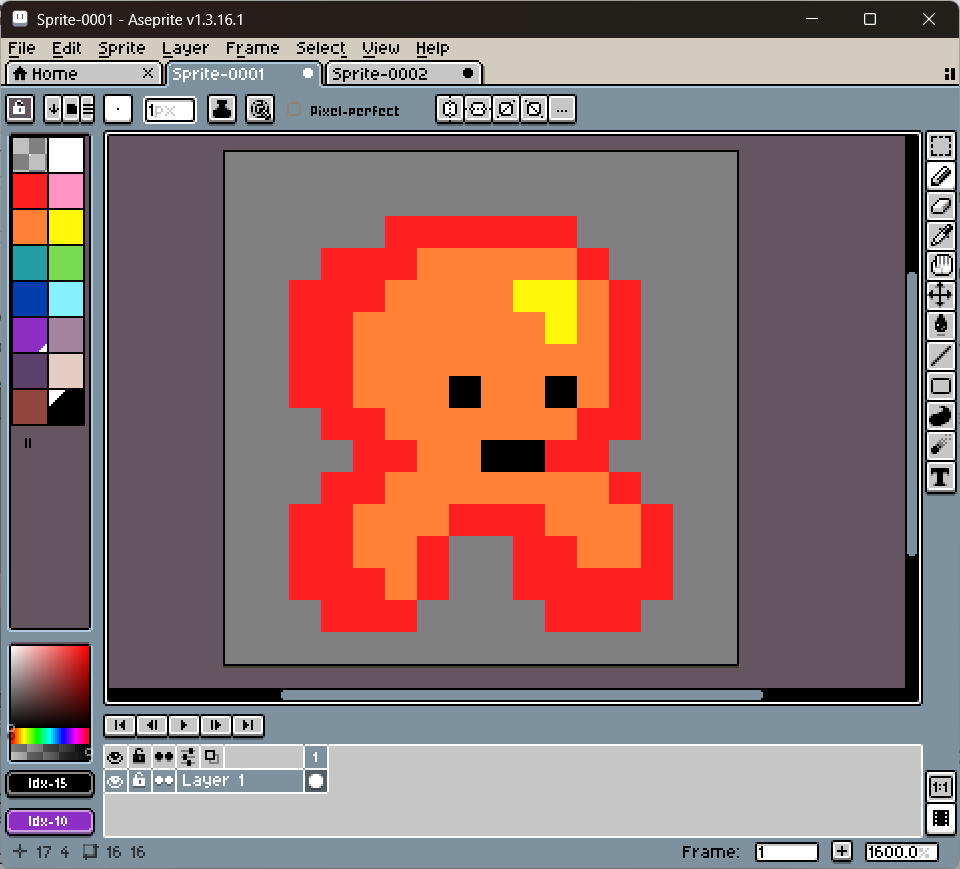
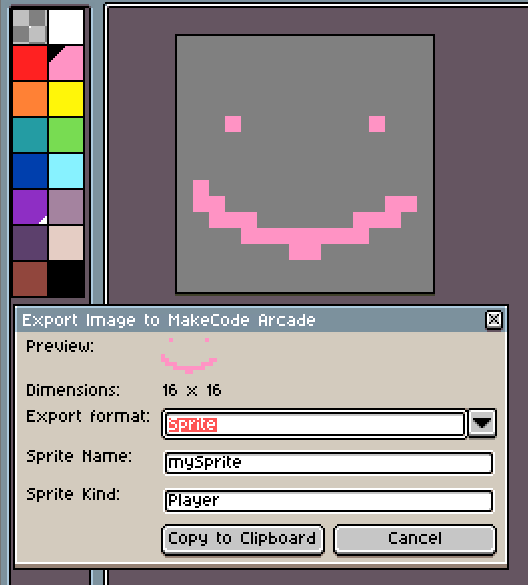
The library includes Aseprite scripts written in Lua and color palettes. At the moment the only script is for exporting sprites and images from Aseprite, but I have several planned features, including support for pasting into Aseprite from Arcade, exporting tiles, and exporting entire animations(!!!)
You can view the GitHub repository here. All feedback, PRs, suggestions, etc are welcomed. Thanks for reading!