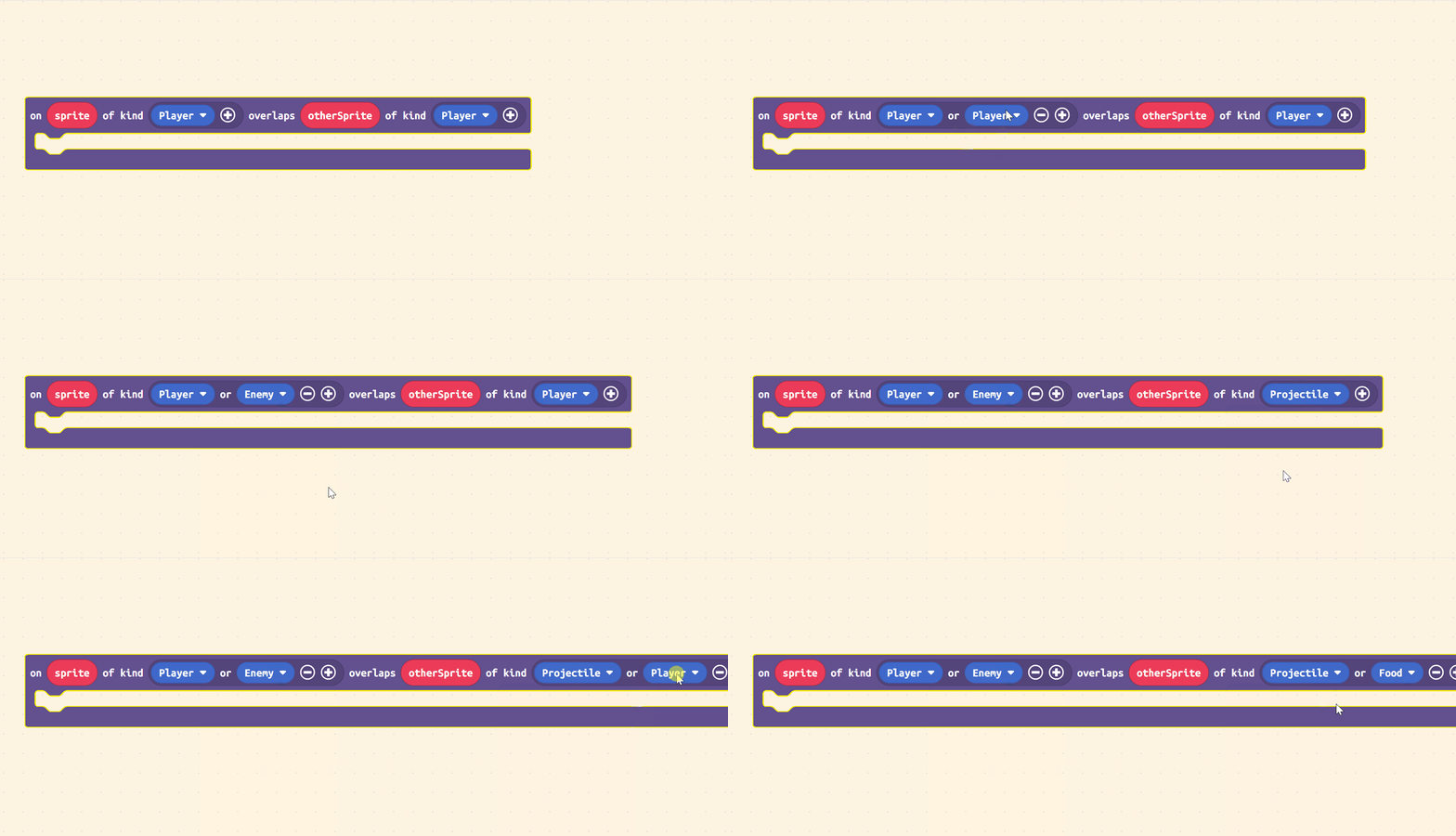
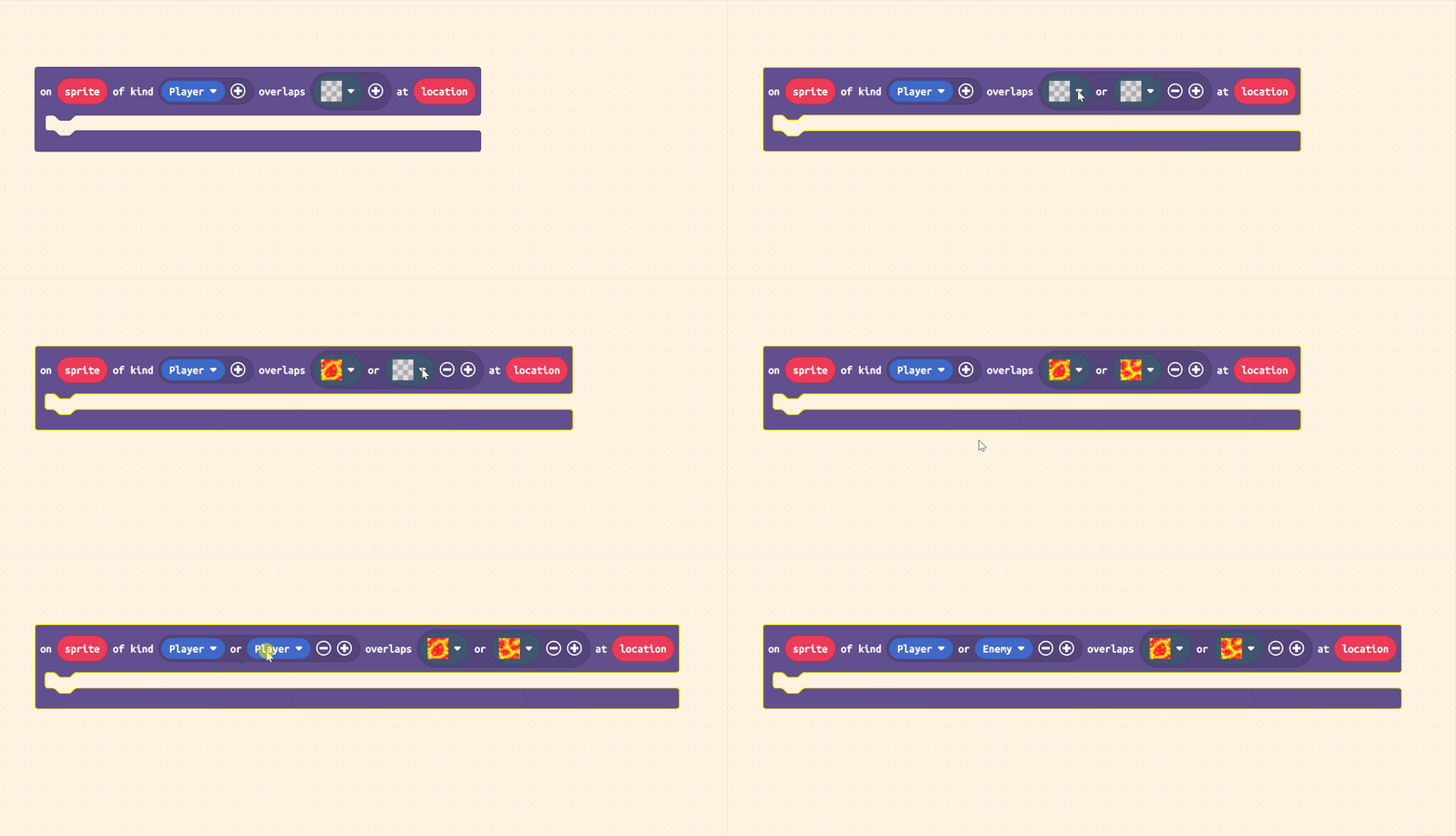
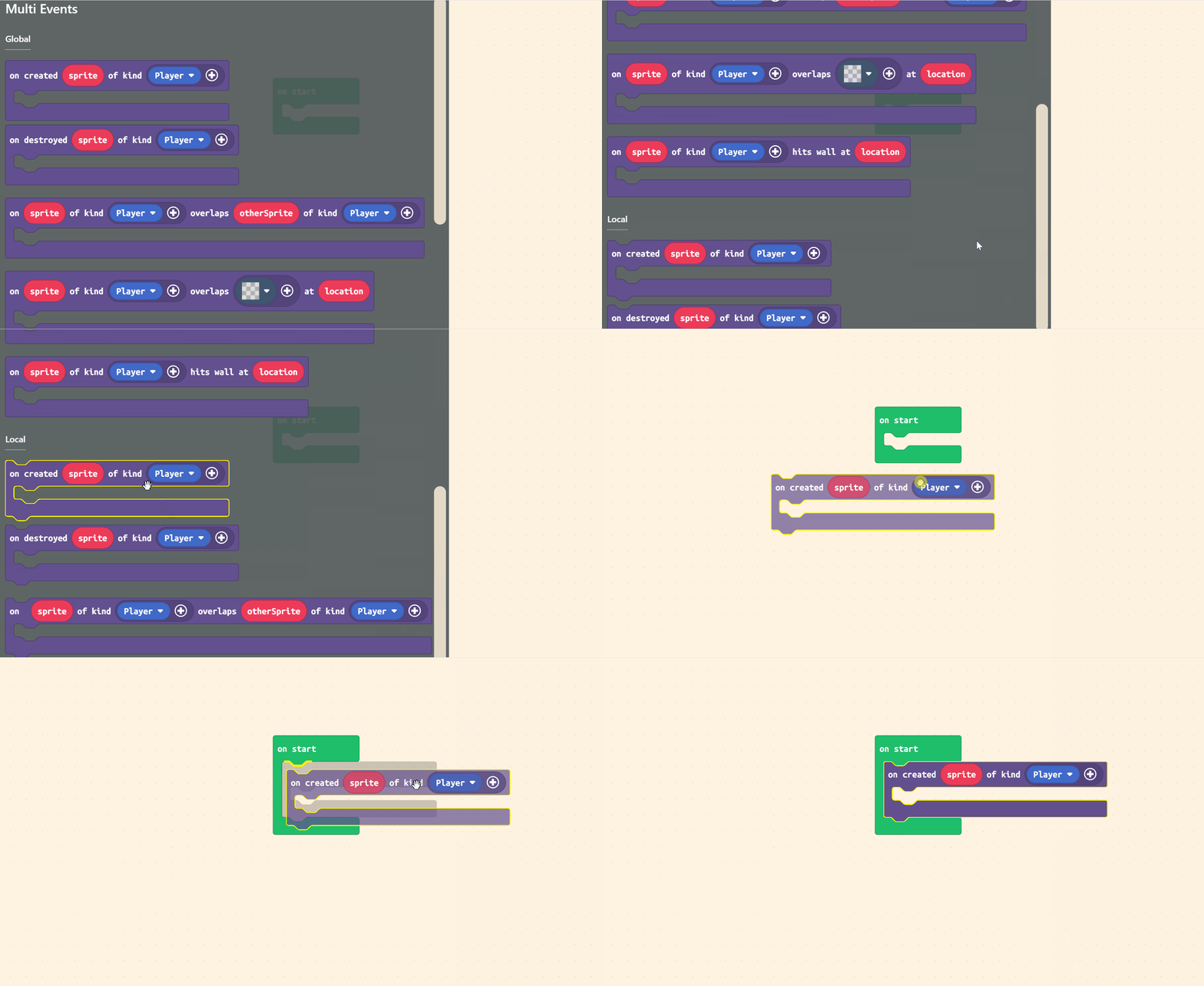
I whipped up a tiny new extension today for a game I’m working on and I thought I’d make a post about it since it’s pretty useful. I present: riknoll/arcade-multi-events
This extension gives you new versions of all of the normal sprite events:
on created
on destroyed
on overlap
on overlap tile
on hit wall
Except now you can pass multiple sprite kinds at once instead of just one!
And, in the case of on overlap tile, more than one tile as well!
But that’s not all! This extension also gives you an extra version of each block which can be used locally. Now you can define your events using a loop!
wasd (or arrow keys) to move. z & x (A & B) do nothing. you play as the gray square. run from the red square, the small red pellets, and the shooter thingy. kill the red square using the small red pellets.
Took me a hot minute to figure out how much optimization I could really do with this.
Question, could I use multi overlaps with jerwundls (I don’t know how to spell it, and I won’t bother.) sprite utils extension and use the on sprite update every 500 milliseconds in the multi overlap? If you need an example I can provide one, I know I’m not great at explaining things.
i think that should work fine, though you won’t be able to reference the outer sprite inside the inner event.
that being said, be careful doing that! overlap events fire every frame so this will keep re-registering the update code unless you change the kind or something
@richard I’m confused as to why this extension (along with most other overlap functions in the code) doesn’t seem to be working in Greenwood War. here’s the game:
(Everybody else: NO THIS IS NOT A FREE SNEAK PEEK. THERE’S NOTHING NEW IN THE GAME.)
you’ve gotta give me more information than that if you want me to help… what code isn’t working? what file is it in? how do i trigger the code in your game?