I’d like to customize how it looks, preferably by making it smaller, changing the colors, etc besides just the basic black and pink that takes up the full screen. an example would be greatly appreciated (˶ᵔ ᵕ ᵔ˶) thank you!
2 Likes
Hey @june ! You could use the extension: https://github.com/riknoll/arcade-fancy-text
It’s a pretty simple extension, but if you need help on it just @ me. Hope this helps!
2 Likes
I think it just uses certain colors from the pallet, so if you change the black and pick colors, it should change (its a good idea to use the colors extension if you do that). I don’t know about it not taking up the whole screen though.
1 Like
It seems I have found another thing to add to my Javascript extras extension
If there is an existing extension for this, I don’t know about it, but it’s a feature in javaScript so I’ll figure out how to turn it into blocks. I think I’ll make this one its own extension though, that just comes with the javaScript extras extension.
Here’s what I can do in javaScript:
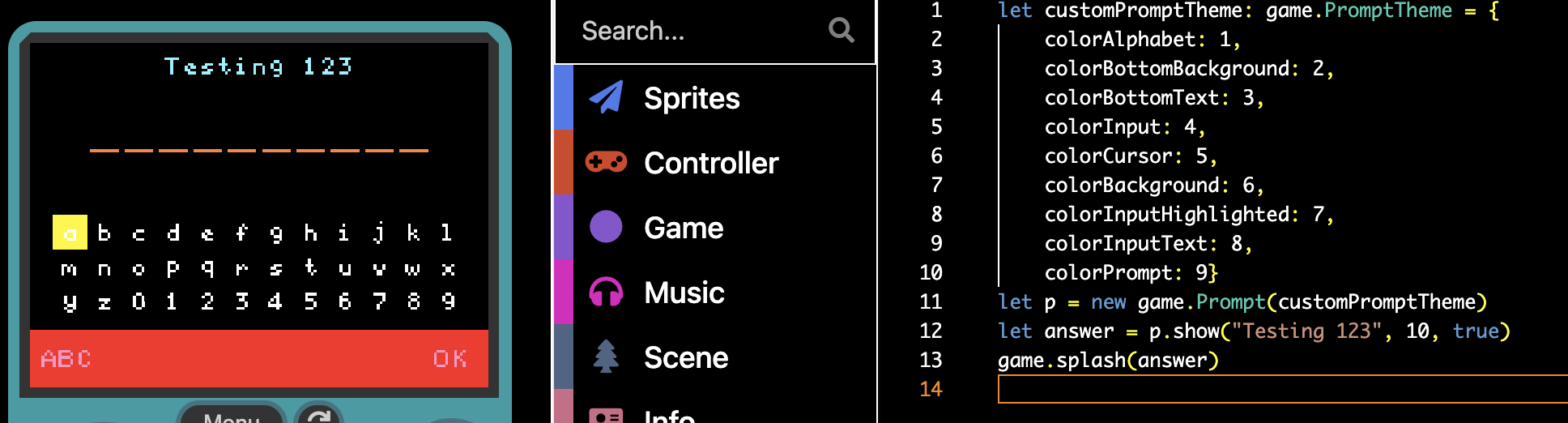
:)
4 Likes
That’s so cool!  if you are able to turn that into blocks I would be so grateful lol
2 Likes
He’s going to add it to his JavaScript extension so you could use that
1 Like
@richard after some messing around, this is only possible if I simply make my own blocks for each prompt type. Is there a way to delete the other blocks from the section and replace them with my own? I was wondering if simply giving my blocks the same block ID might work, but that seems like it could cause a lot of issues potentially. I mean, I would be fine just making my own blocks, it would just be more seamless if I could replace the blocks instead of having two sets.
Also, if there is another way to do this I would love to know. I tried sorting the screen renderables out of allSprites, but obviously I can’t tell which ones are the prompts. If the prompt object itself was added to something I could access then I could grab it, but it’s literally just being created and then destroyed in a single function which I have no way of accessing. If there was some way to grab that prompt instance this would be trivial, but it seems impossible…
2 Likes
Ok, it’s now an extension! Search WoofWoofCodes/pxt-custom-questions in the extensions search bar, or paste this link: https://github.com/WoofWoofCodes/pxt-custom-questions
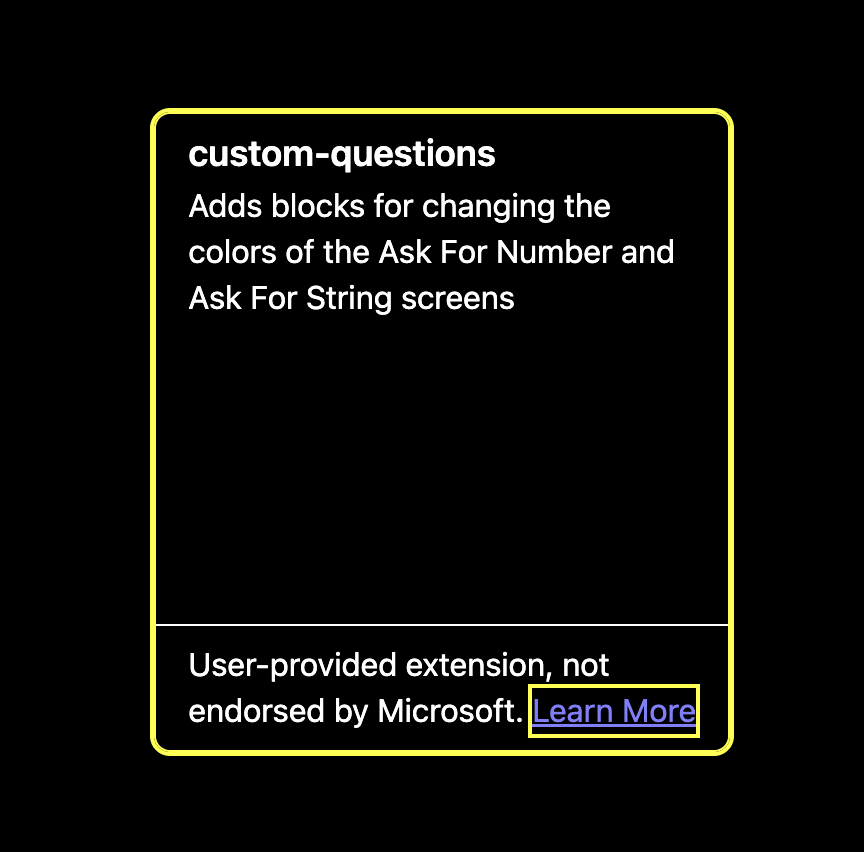
This extension lets you change the colors of certain element of the Ask For Number and Ask For String blocks.
Unfortunately, the “background” option doesn’t actually do anything because the original blocks were programmed to have a black background, so actual changing of the background color was never added. Maybe it’s time for me to learn how to make pull requests. I could always just copy the code for the block to change it instead of using the intended theme interface. I’ll update the extension later if I decide to do that.
3 Likes