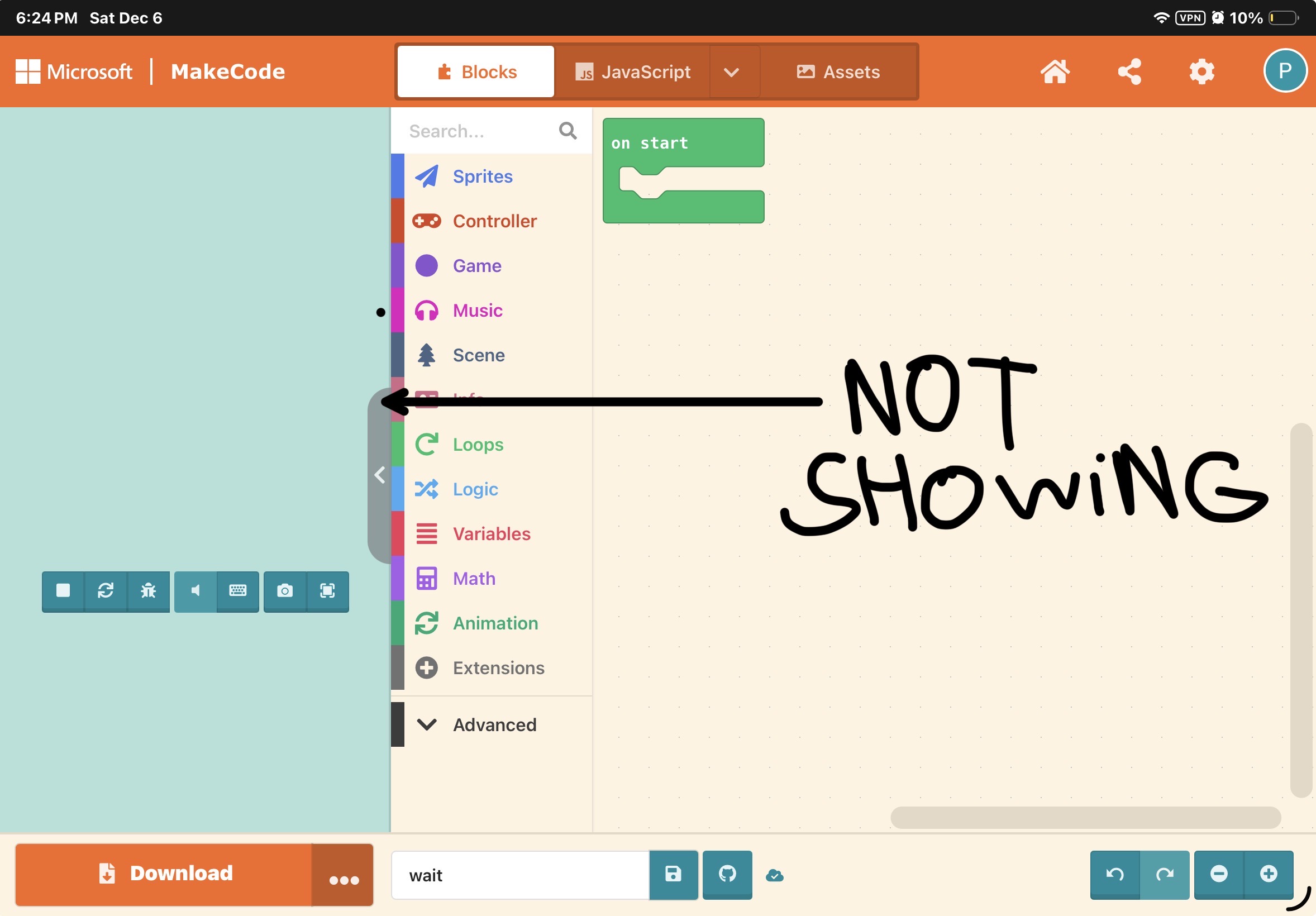
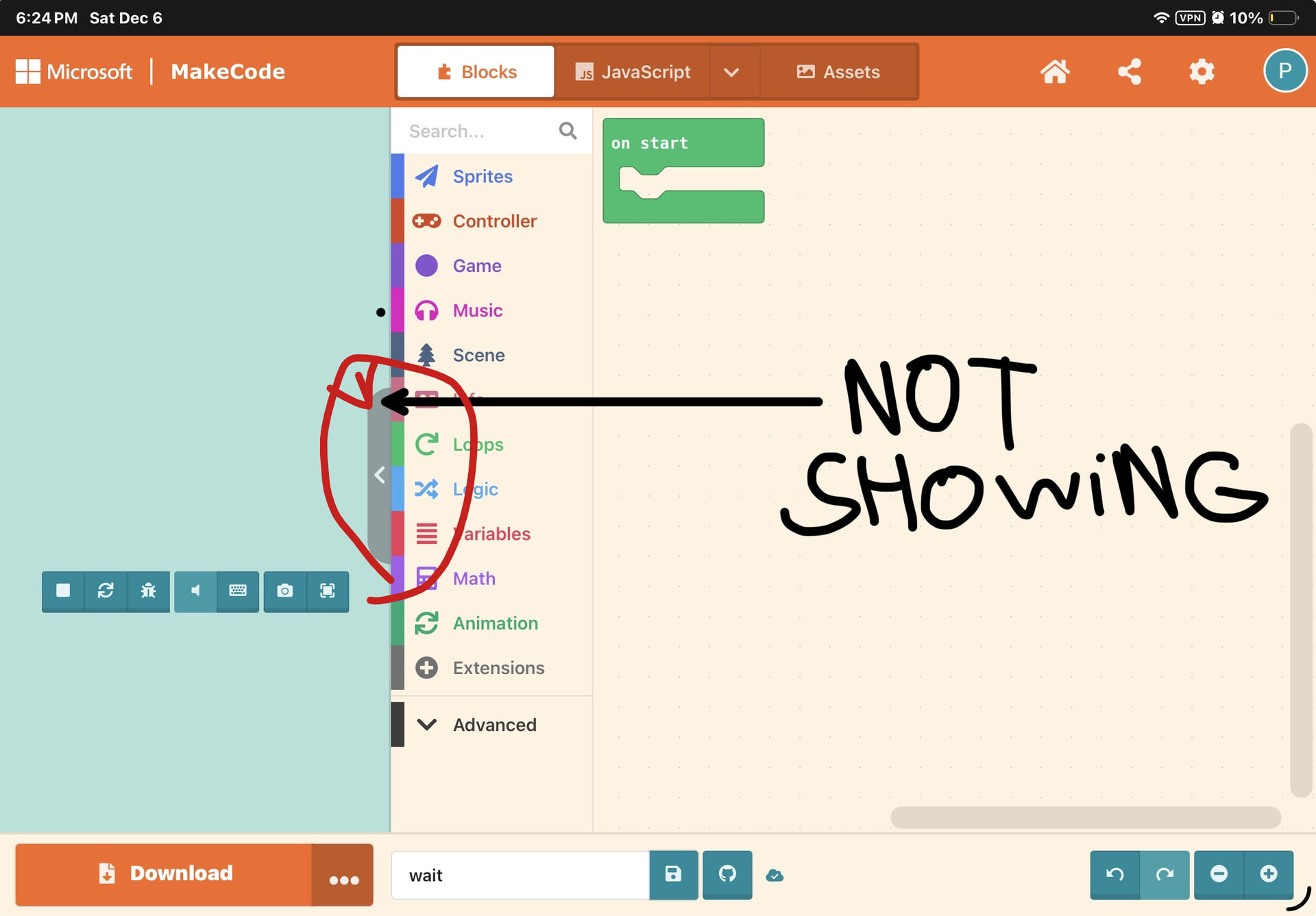
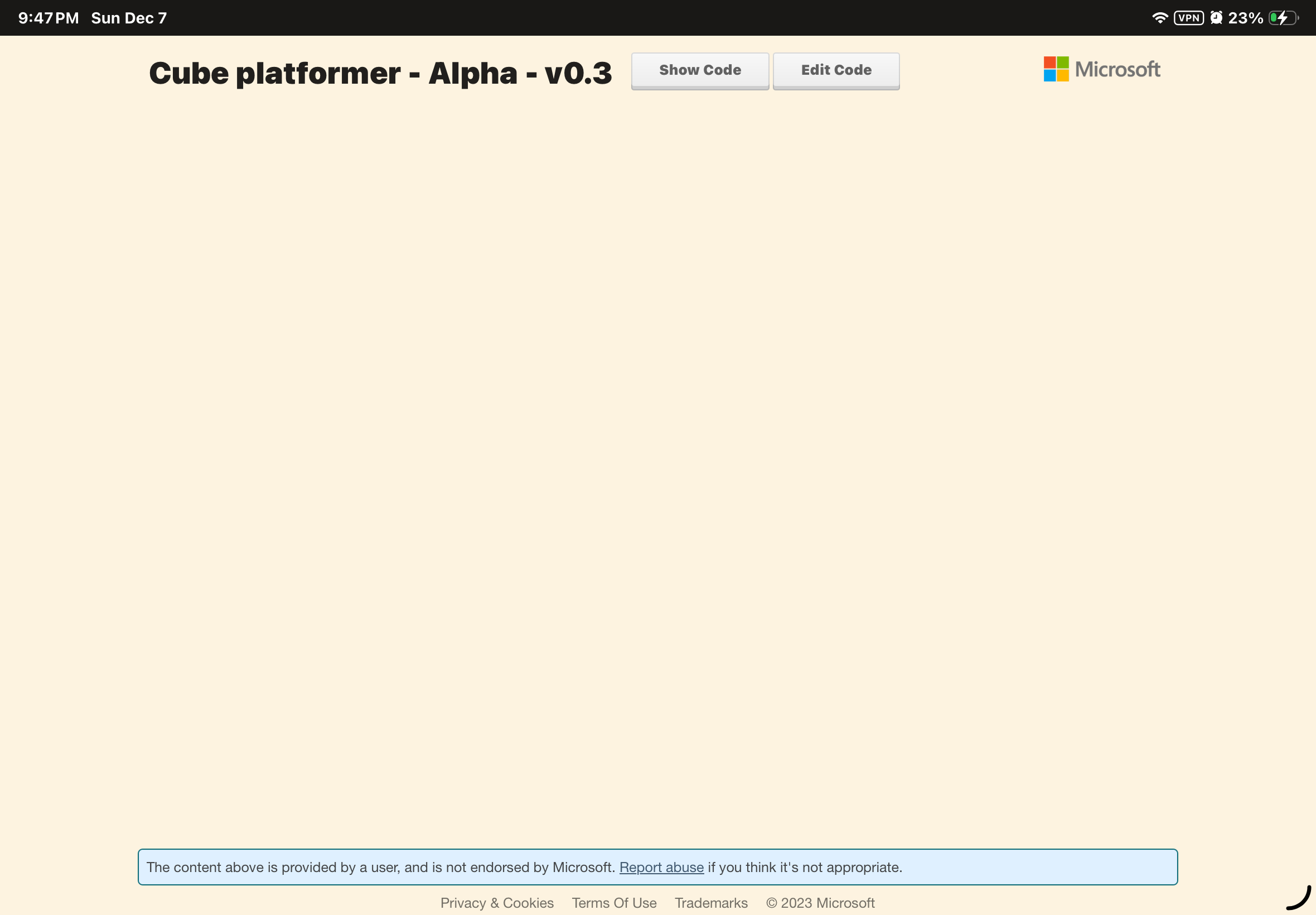
Hmm… Does this happen for every game you open, or just this one? And does it still happen on other devices?
I’d suggest saving an image version of your game to be safe!
Tricky! I’d try what @Iro suggested. If that doesn’t work, I’d suggest creating a share link of the project and saving it somewhere. You could then try these:
log out and opening the project by pressing ‘edit code’ on the share link.
open it on the same device but in another browser
open it on a different device
You can also check out how these other users fixed this issues in more detail:
Wow! That’s puzzling… I have a few more ideas, but from what I can tell there hasn’t been any cases of this bug being that stubborn.
Your browsers (on both devices) could be out of date and need an update (To fix: Update the browser)
Some of your info became associated with a school account that’s blocking your access (To fix: Ask a school admin or play on a new device at a new location)
You have a VPN, router, or firewall in place that’s blocking Makecode (To fix: Ask whoever manages your internet or play on a new device at a new location)
Although these are just theories, I’m sure a moderator would have more specific knowledge of how that bug happens!
This website should tell you if any of the Makecode domains necessary for running Makecode are reachable on your device. If any of these are unreachable, you may want to check your VPN settings, or maybe try turning it off.
Ah, yeah… I probably should’ve specified when I said to ‘try it on another device’, that trying it on a NON-school device is best!
Given that everything else is ruled out, it’s probably due to your school.
Try scanning with antivirus (like Avast or anything, but more trusted like Malwarebytes). If it didn’t work, refresh again. If it still doesn’t work, do this step:
Try on Different Browser
Like Firefox or Opera, or something.
Report to Microsoft
Try reporting the issue if it didn’t work.
Use Other Device Instead
Like a laptop or other device. If it didn’t work, it’s still mysterious. If it works, that means your iPad had a problem.
Try Disable VPN
Sometimes it doesn’t show up because the system prevents the game from showing up, thinking it’s a bot or it’s flagged, or even the connection can easily get jammed if using a VPN.
If none of the above works, I can try to find another one
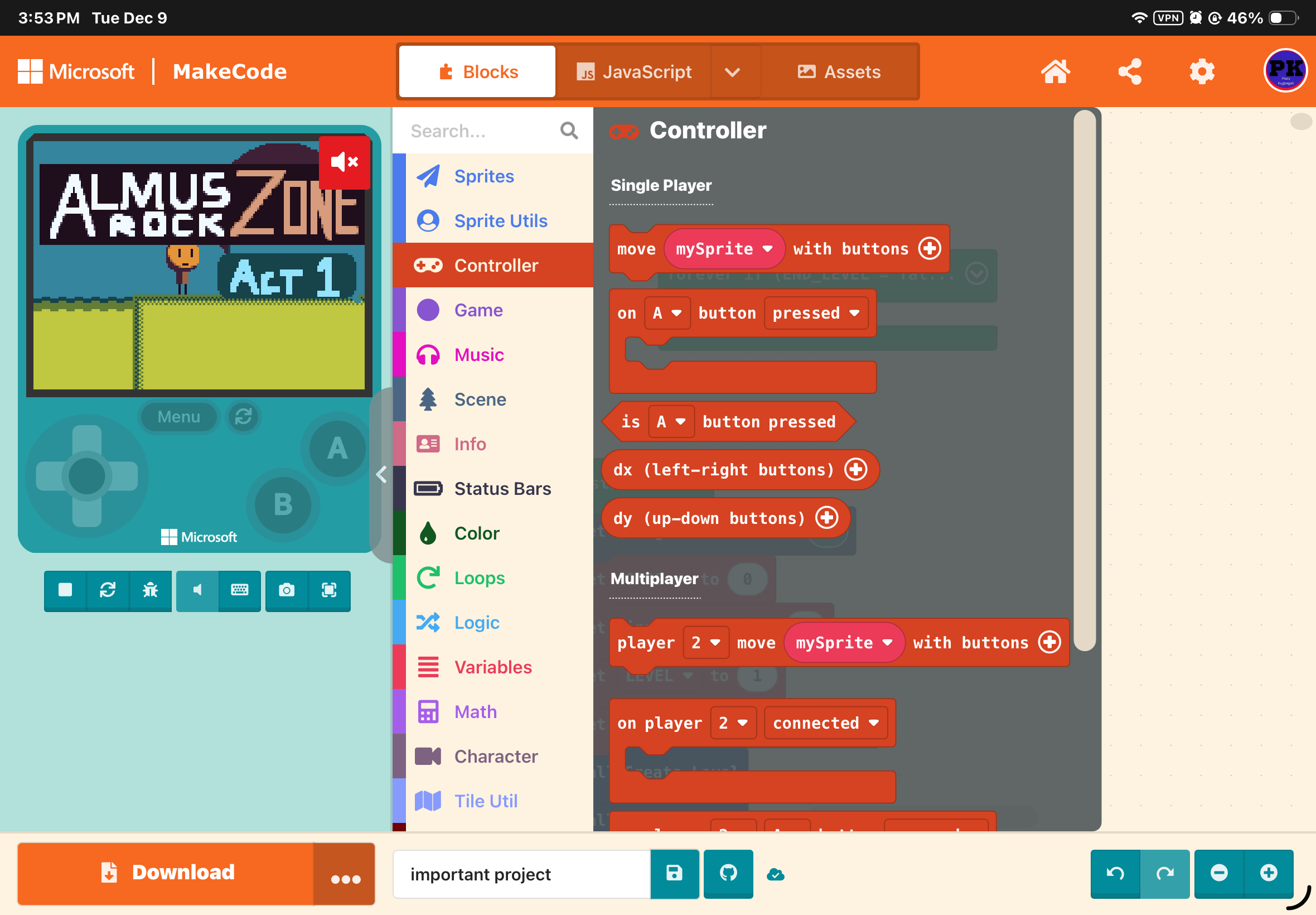
Wooo!
For any future readers, did you change anything at all? Like restarting your iPad, making more room for storage, logging in and out, or connecting to a new Wifi network?