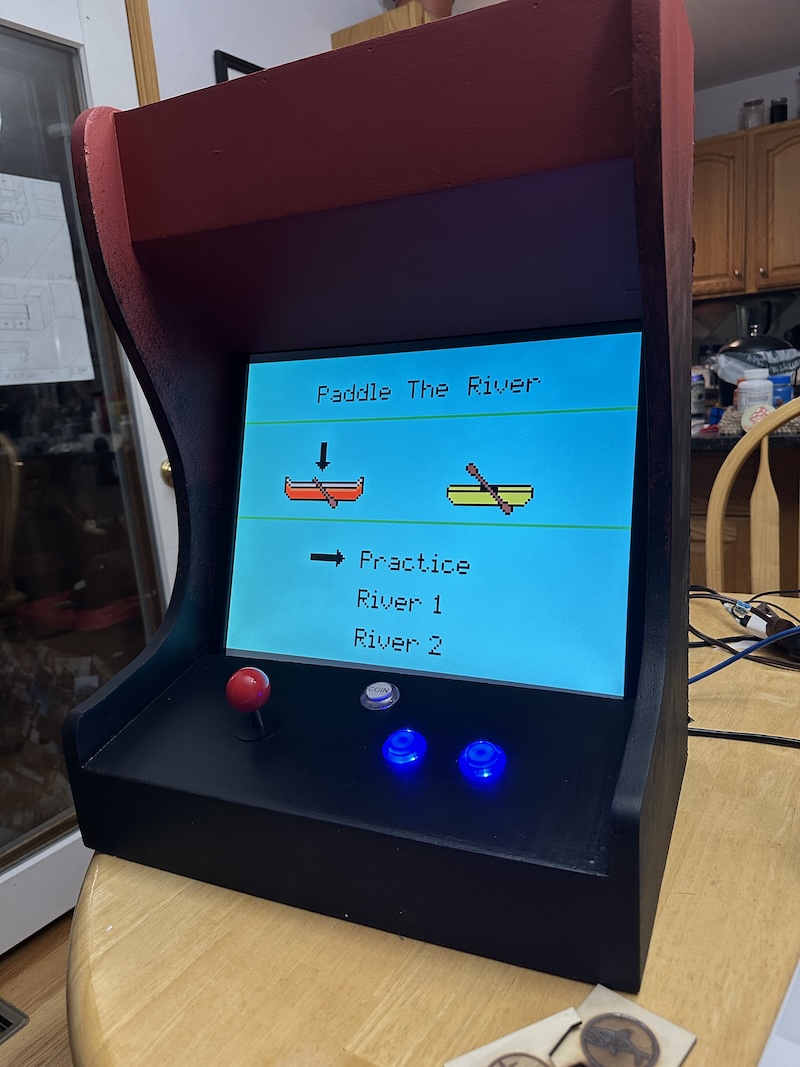
This one has a “spooky” vibe, thinking of either painting or 3D printing vines on it. Think Stranger Things.
The addiction set in after this was built, I now have 5 more monitors. So what I’m thinking is a sort of “genre” style motif for each. I also don’t want to just paint them differently, thinking having the sides of the arcade box be different shapes.
The end game is that these will be brought to my “make video games” classes and students will load their themed game onto the appropriate matching arcade machine as inspiration.
What themes should I make and what would that sort of look like?
So far thinking like “RPG = shield shapes on the sides”, “Platformer = with 3D printed platforms glued to the sides (or something)”. What do you all think?
Loving it!!!
It’s nice to see some physical devices on this forum!
Your (wood?) panels are very, very clean! Decorating them will make them look awesome
I would look at some of the classic cabinets, like Tempest, etc for some inspiration. I have a book that is an anthology of classic arcade cabinets marquees and lightboxes: hit me up if you are looking for a specific one you can’t find online (I’ll happily scan it if it’s in the book!)
As for the themes, I’d go with the classics: RPG, Shoot’em Up, Platformer, Racing/Sports…
Or, you could go with “lore themes” : Spooky, Sci-Fi, Fantasy, etc… it might be easier to support more types of games that way…
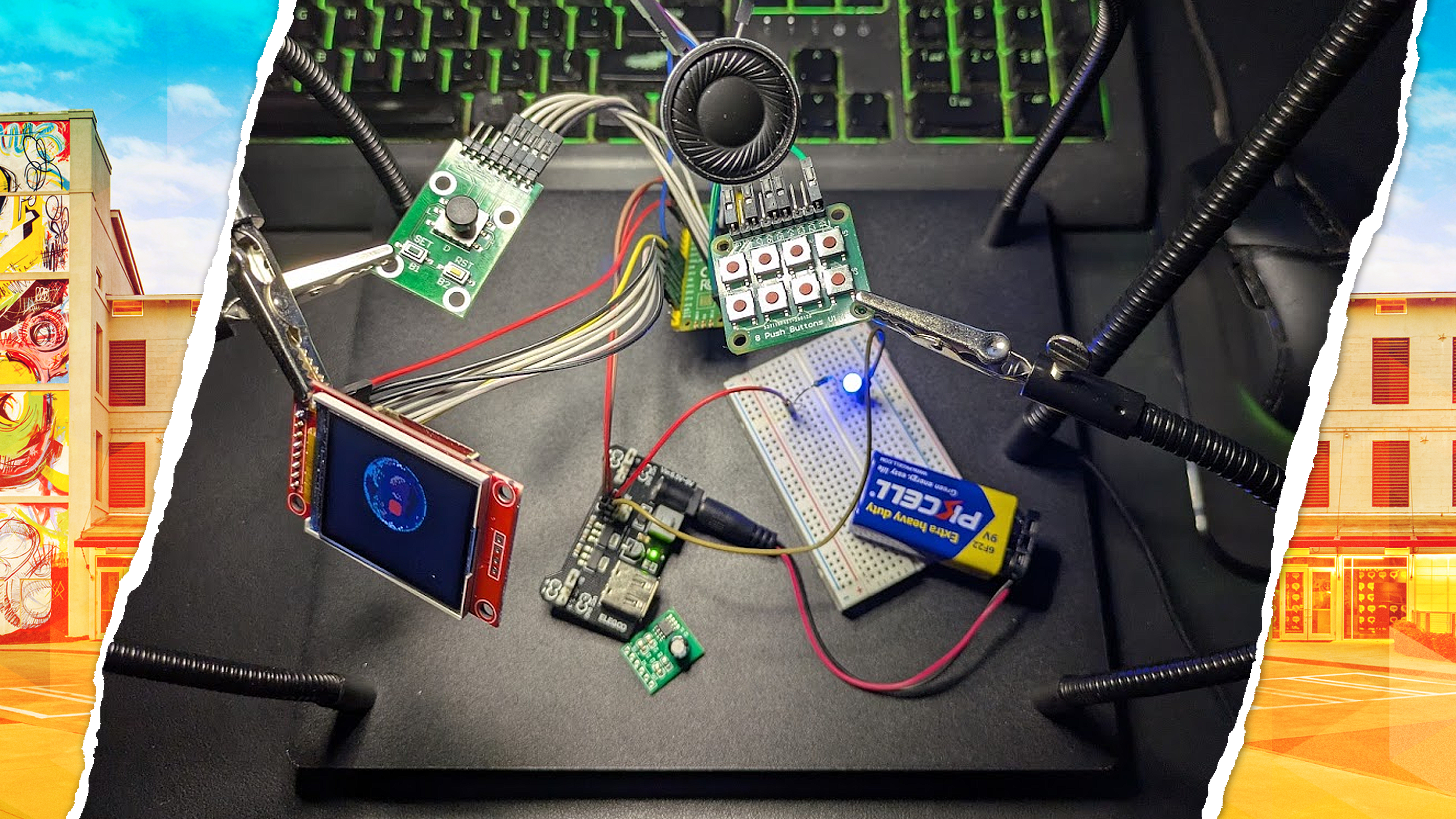
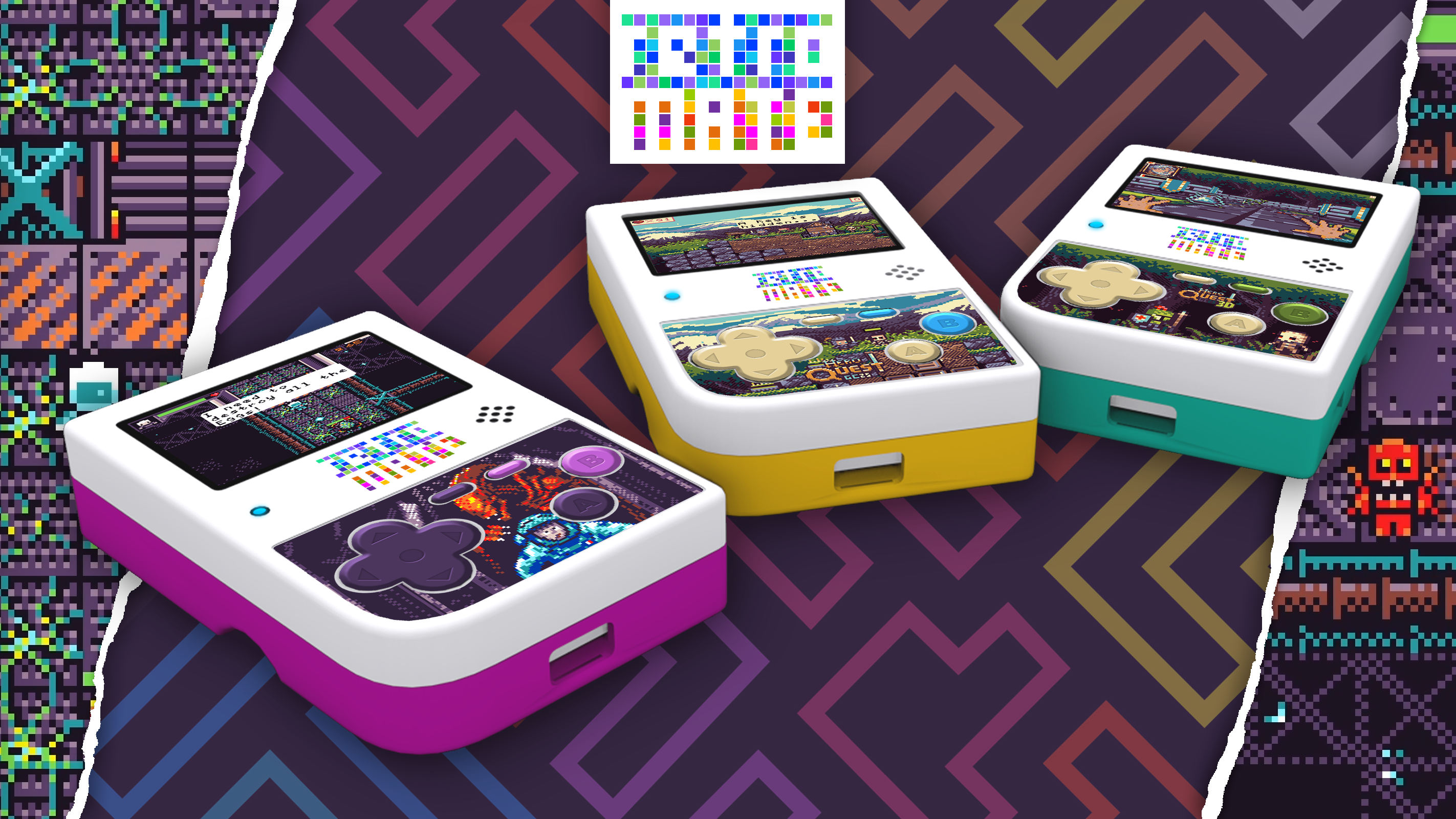
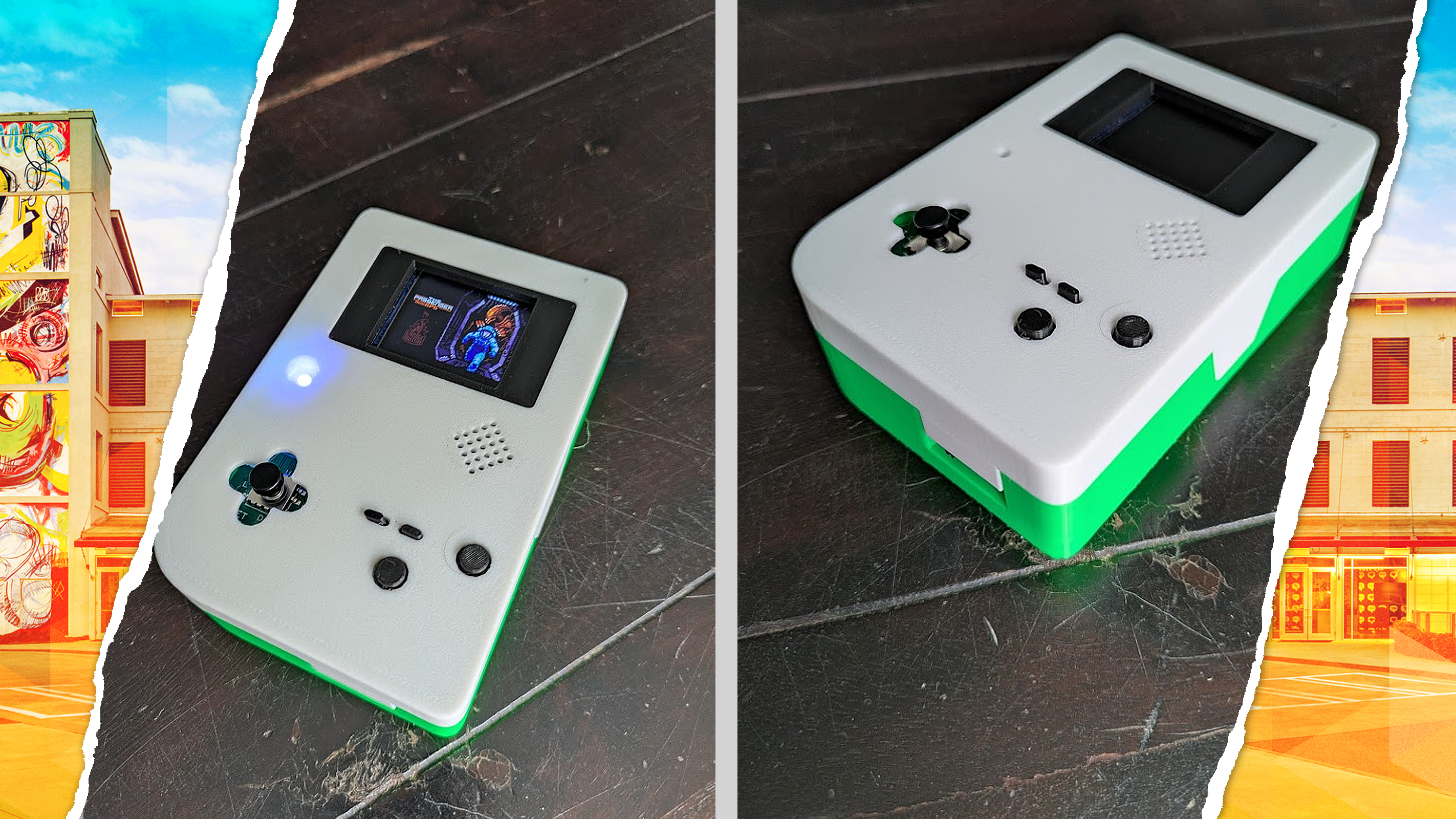
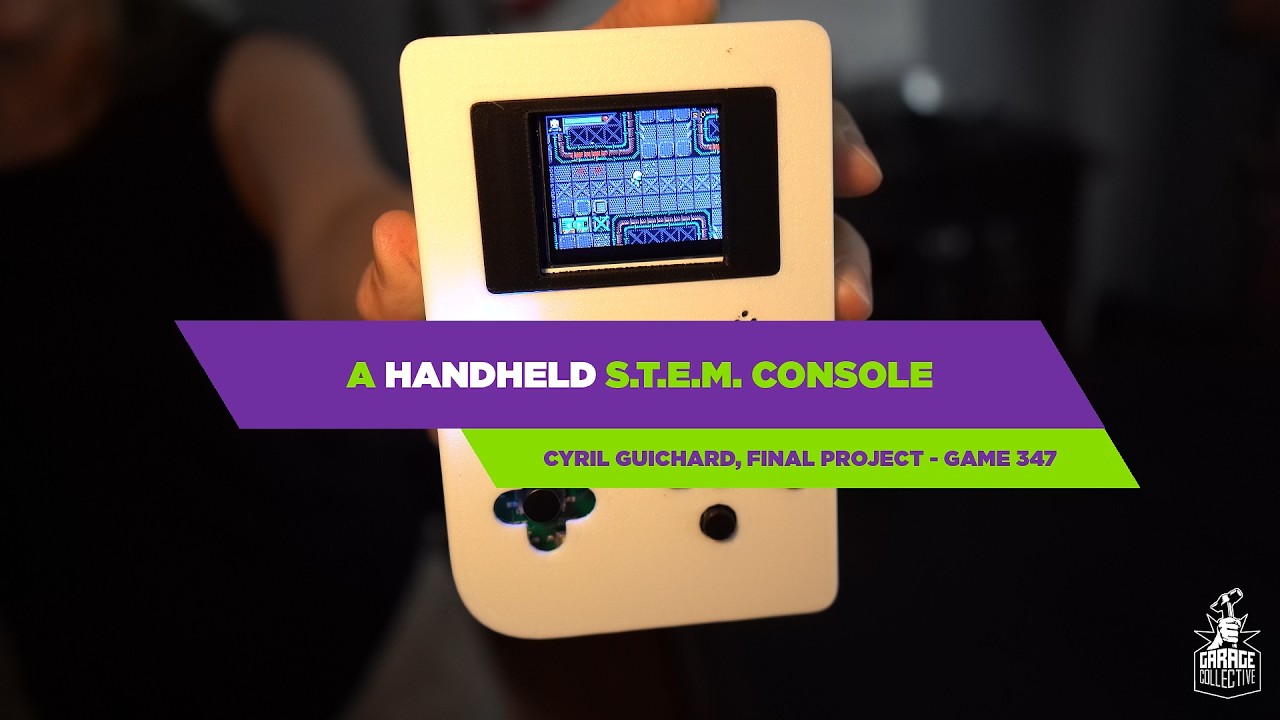
I’m also currently building a handheld device, here are some pics
I love the “gameboy” device you have started here! The fact that Makecode can work on those smaller dedicated devices was one of the reasons I started using it. The buttons on those devices (adafruit, meowbit) are pretty bad, so hard to press. I was always thinking “man it would be awesome to just convert a gameboy” because the buttons are so nice.
MDF and light sanding always makes for a nice smooth surface. This one was kind of slapped together pretty quick as a “can it be done” situation. Lots of corners cut (pun intended?), I still have to seal it. The biggest angle is the inspiration to build the software around it (see: I Present: Native Linux Builds! ), I wanted to be able to use USB and some hardware I had laying around (La Frite board in the most recent case).
Is that an RPI zero? If so the GPIO should work fine and the native “elf” export they mostly support, but if you want you could try the “png-to-elf” converter I’ve built as well https://www.forthelearnofit.com/elf (mostly to keep me honest that it works). My converter also supports 4 player GPIO (not that it matters for your device unless of course it’s a very awkward setup
@Sword_Studios When finished, I will post a complete tutorial with a BOM (Bill of Materials) listing the source and price of everything
@Kikketer On this build, I;m using a Raspberry PICO 1 (RP 2040). but Pi Zero is next !!! I’ve bookmarked a bunch of threads about the Pi Zero, and yours is part of it! I will most likely have questions when I come to it … I’m completely new to electronics, so I’m a big noob with lots of basic questions
I’m mostly a “let’s see how this goes” kind of learning curve on the electronics side too . I’ve found using AI to spitball ideas, answer questions and help me work out things has really amplified my learning.
Let me know how the PICO goes, I’ve been eyeballing that one for these arcade machines. With the native build and the machine pictured, I’ve installed Debian linux with no desktop. Then I have a setup script in the “single-native-arcade” that will just get the thing setup (installs dependencies, installs the whole scripts for auto-login and auto-launch of the game). I’ve only truly tested it on La Frite so the raspberry pi version is a little less tested (likely this week).
I’d like to see what you think of doing for a game selection screen. In my original arcade I had a makecode game actually launch other games, it forced my hand in keeping the menu looking and working exactly like the games themselves which is a fun limitation. I haven’t though about how to do this native version in the multi-game setup yet.
@Kikketer The PICO is… fine. I started with it, so I’ll finish, but on the more demanding games (I’ve developed a few like this one, or this one) performance is lackluster
I’ve made some research, and apparently, it seems MakeCode doesn’t use the second core - so, at the end, the SAMDI51 processor that equips devices like the Kitronic Arcade Max is slightly superior
Thanks! I even tried my hands at a raycasting one (I’ve read you tried on too on your other thread) but cannot make it run on my PICO - it shows an error when I upload it.
In any way, I can absolutely confirm that the RP2040 isn’t the most performant - I stuck with it to finish my class project (I’m a Prof, but I took a summer class with a colleague to learn electronics).
I’ll still do the tutorial, but I really don’t recommand the RP2040 as a future proof solution. It runs simple games fine, but the moment the screen fills up, it starts struggling…
The speed limits are actually a little fun to have sometimes. “what kind of game can I make that still runs well enough on this machine”. I know that’s actually some of the “learning” aspects that MakeCode is trying to teach. Having unlimited power removes some of the creative thinking.
@Kikketer YES! I agree! I made a whole bunch of VR games (on the Quest Mobile processor, so I’m quite used of limitations )
I’ve also made a handful of games for the Arduboy … the first one was this and the next one was quite brilliant: we used the high refresh rate of the screen to artificially create greyscale where it doesn’t exist.
So yeah, I agree with you: limits are great! I originally made that console to get away from them, but I see it as a personal challenge now to make a game that runs well on it…
Oh, and I’ve made a video of my process: about 3 mins and a half explaining my approach on it
Love the blog post, really wish I had time to update mine and just generally keep a tab on what I’ve been up to.
I have a lot of “half finished posts” that maybe I’ll just publish. Thanks for the inspiration.
The handheld is awesome! And I love the idea of just building something because you can and you’ll learn something from it. That’s like 80% of the reason I do anything.