ALRIGHT! The image mapping extension is out!
I worked intensively hard on it over the past week and I’m pretty happy with how it turned out, and I hope you all are too!
Introducing, the Image-Mapping extension:
This was also my first time doing anything with a README.md. I just made it a simple read with some examples on the side. I would suggest looking at those examples to get a feel of what to use this extension for.
But here is a short list of functionalities included in this extension:
Mapping an image to four points. It basically interpolates the pixels from the four corners of the image to the new four points of your choice.
Mapping an image to a color region. I’m really excited that this was actually something possible on Makecode arcade. It finds the shape of a color region on a base image and then maps the source image onto that shape. I was inspired from this video[1].
Outlining. I just wanted to add blocks for Outlining images. I may add more blocks in the future that do the reverse of the outline blocks.
Please check this extension out! I hope this extension is useful to you guys!
I’m really happy with how it turned out, and I want that to be the same for all of you, so please comment what you think! I would love to hear your ideas and improvements.
On a side note, the next thing I will be working on is that Ragdoll extension, because I saw that it still has interest which is good!
Thank you!
If you watch the video, you’ll see that there’s lots of color used in the mapping, but this was a problem because Makecode Arcade only provides 16 types of color. So this took some brainstorming and I think region mapping turned out to be the best answer. ↩︎
Another thing, I noticed that the softbodies (especially when given a low damping rate) started to “drift” towards 0,0. It’s like they would just start floating to the top-left of the screen.
I found out what was causing it so I patched that bug recently!
Please let me know if you guys find bugs in any of my extensions!
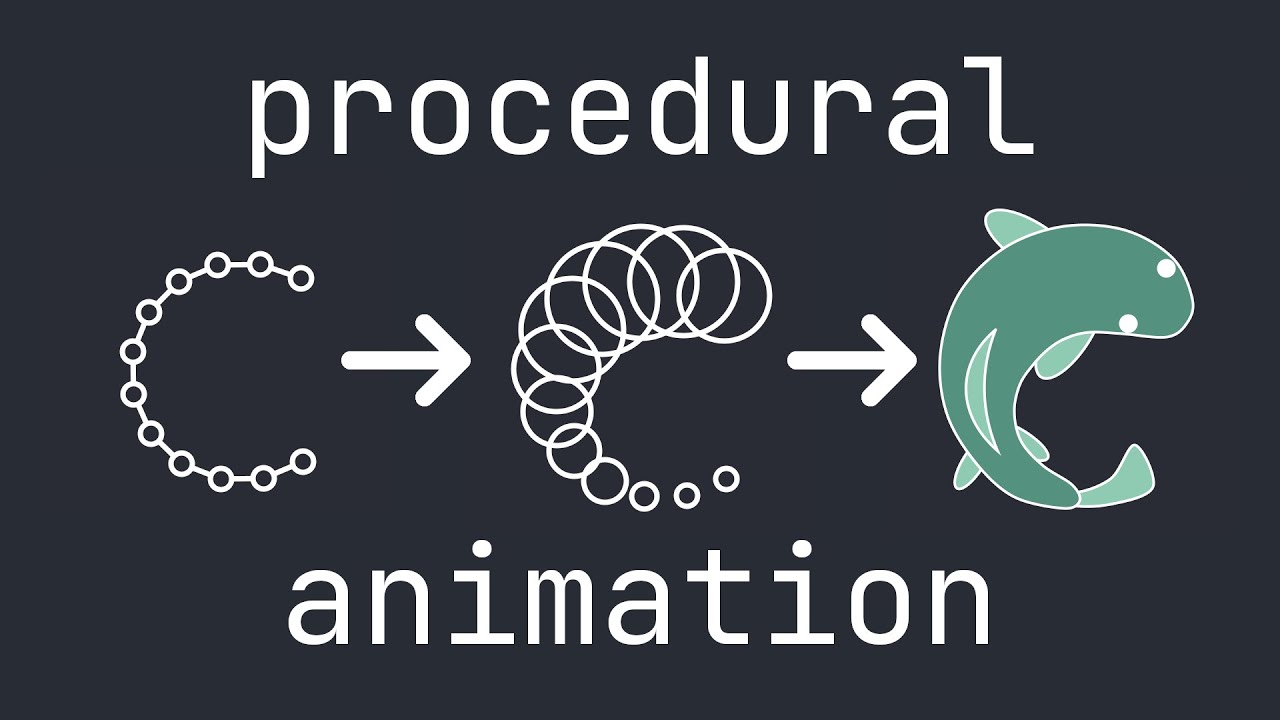
I remember this video! I think it was about a year and a half ago I was just going down the rabbit hole of all the YouTube videos on procedural animation.
I’ve been working really hard on my hair salon game and so I haven’t really been able to touch the ragdoll extension and I’m sorry for the delay. I will work on it sometime next month hopefully.
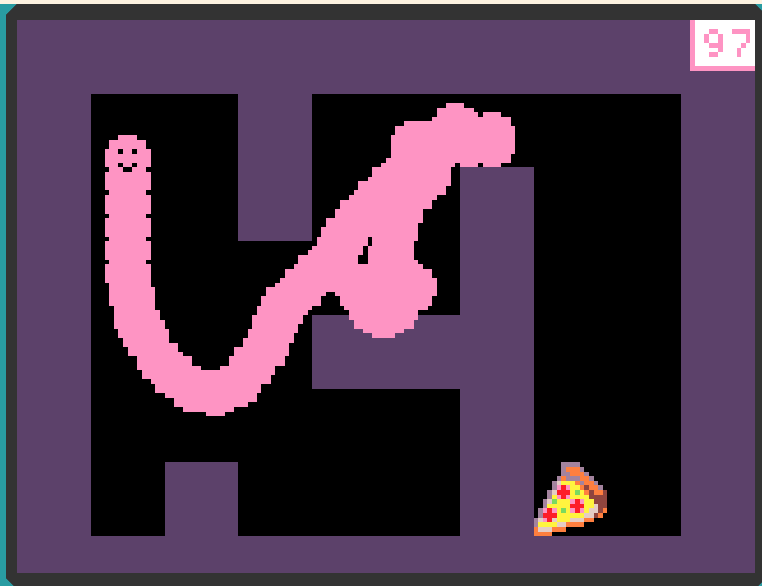
I first started doing procedural animation with blocks! I would set up simple constrain systems using arrays. I either deleted or changed my old games from blocks to Java, but here’s an example of something I made:
And then that turned into this:
I think that was one of the first procedurally animated things I did with blocks.
Creating that little worm led to me creating all these extensions to make better and more complex creatures.
I actually haven’t been able to make anything yet and I am greatly sorry.
I’ve been a little busy this month prioritizing my hair salon game and the outdoors mini game jam.
I’m sorry for putting it off for so long. I hope to work on it starting on the 27th when the game jam ends.
no worry’s but I’m upset that I have not been able to find you your salon game because it sounds so COOOOOOL! and don’t be sorry I’m also in a game jam and I know just how hard it is so I don’t mind but make sure you win the game jam!!! best of luck!
I’ve been making some changes to the IK extension and I’m still trying to finish the ragdoll extension, and I realized that they are still kind of just beta extensions with a lot of areas that need improving.
I plan on making both the IK and ragdoll extensions the same format as my softbody extension, so all rendering will be the same, all the updating will be the same, just the logic for how the segments interact will be different; softbody will stay with its math, IK with its FABRIK math, and ragdoll with its own math.
When I was making all these extensions, they were just quick-wips of ideas.
The reason I’m saying all this is because the IK and Ragdoll extensions are having major updates to them and wanted to warn those who are using them in their games.
Before I make any changes though I need to make sure I can update the changes and have earlier extension access.
@WoofWoof as our new scientist, or @richard, could either of you please shed some light on how I can make changes to an extension without it braking others’ games?
Well, to break a game they have to update the extension, so just make sure to make the new version at least a 0.1.0 update. You also can create new whole new functions for new versions of blocks and mark the other version depreciated (idk what the block syntax is for that, I forgot. Probably something like depreciated=1) and that was those blocks (I think) won’t show up in the block tab anymore but will still exist in older projects.